
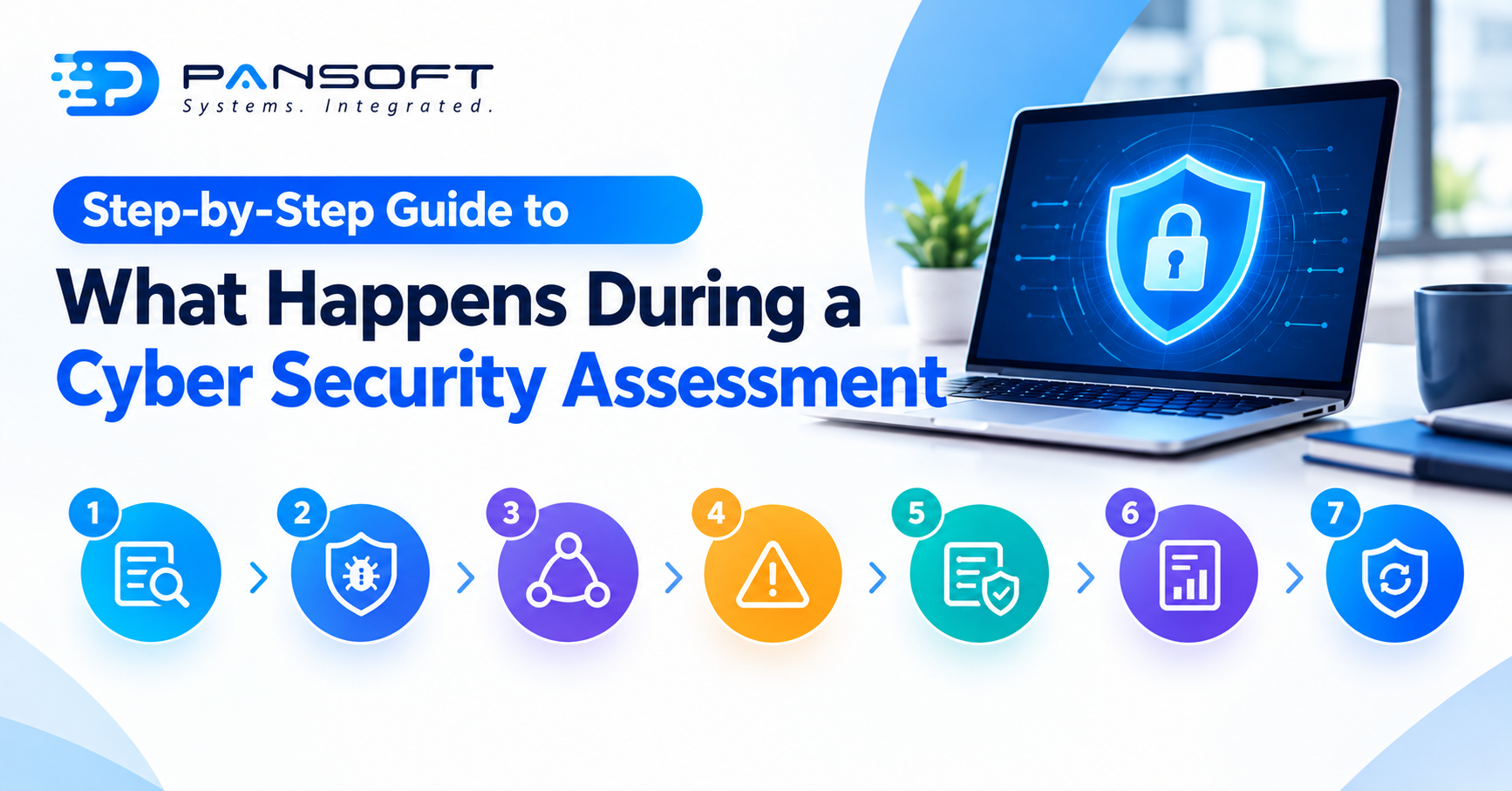
Step-by-Step Guide to What Happens During a Cyber Security Assessment
Cyber Security Assessment Services tend to follow roughly the same shape wherever you go. Someone scopes the environment. Someone tests it properly. The findings get ranked by what’s actually dangerous, and you walk away with something you can act on instead of forty pages of jargon nobody reads. Most of the confusion around what this actually involves comes down to providers explaining it badly, not the process being genuinely complicated.
Here’s what each stage genuinely looks like, and what tends to go wrong when a provider skips one.
Scoping: working out what’s actually in play
Before anyone touches a keyboard, there’s a conversation about what the assessment needs to cover. Everything? Just the customer-facing systems? The network a contractor set up eighteen months ago and nobody’s looked at since? This stage decides it.
Cut corners here and you get a clean-looking report that completely misses whatever ends up getting exploited six months later. Decent providers won’t just take a list of server names and run with it, they’ll push back, ask what talks to what, chase down the stuff that isn’t on anyone’s official list.
Vulnerability assessment: finding the open doors
People picture this part when they hear the phrase “security assessment.” Scanning systems, applications, configurations, looking for known weaknesses, patches that never got applied, default settings sitting untouched since install day, software versions with flaws attackers already have exploits written for.
Mostly automated, and that cuts both ways. Fast and thorough, sure. Scanners just aren’t great at reading context though. A missing patch on a public-facing server matters enormously. The same missing patch on an isolated internal test machine barely matters at all. That distinction is why the next stage exists.
Network security assessment: looking at how everything actually connects
Separate from scanning individual systems, a network security assessment looks at the architecture itself. How traffic moves between segments. Whether a contractor’s remote access from last year ever got switched off. Whether a firewall rule configured in a hurry during an office move actually still makes sense now.
This bit tends to surface the stuff nobody remembers setting up. A switch tucked away that hasn’t been touched since before half the current staff started. Access that should have been revoked but technically never was. None of it shows up on a vulnerability scanner, because it’s not really a “vulnerability” in the technical sense, it’s a gap in how things were set up and never revisited.
Ranking what’s found, because a 400-line spreadsheet helps nobody
Raw findings on their own are nearly useless. A list of forty issues with no sense of which ones matter just gets filed away and ignored, which defeats the point of running the assessment at all.
A decent provider ranks results by what’s actually exploitable and what the damage would be if it were. This one’s exposed to the internet, start here. That one’s internal and low-risk, fine to leave until the next cycle. It’s the difference between a report someone acts on this week and one that sits in an inbox gathering dust.
Lining results up against what you’re actually required to do
This isn’t always a purely technical exercise for Australian businesses either. Cyber security compliance expectations here, Essential Eight alignment especially, give findings somewhere to actually sit, rather than floating around as an unconnected list of problems nobody can prioritise. A properly done assessment says where things currently fall short against those benchmarks instead of making you guess at it yourself.
There’s a direct line from here into incident response planning too. A response plan only works if it’s built around weak points that genuinely exist, not some generic worst-case scenario pulled from a template.
The report, and why it needs to be readable
Everything above funnels into a report, and this is where a lot of assessments quietly fall apart. Pages of charts with no conclusion attached don’t help anyone make a decision. A useful report says, in plain terms, what was found, how serious it is, and what to actually do about it first.
If you’re weighing up providers offering Cyber Security Services Queensland businesses can actually rely on, ask to see a sample report upfront. You’ll learn more from that one document than from any pitch they give you.
What happens after the assessment finishes
An assessment catches things as they stand on the day, it isn’t something running in the background afterward. What happens with the findings afterward counts for more than the findings themselves, honestly. There are several internal enterprises. Others move straight into ongoing cyber security support, so whatever just got found doesn’t quietly creep back open in six months because nobody’s keeping watch.
For threat detection and response specifically, that usually means some form of continuous monitoring sitting on top of whatever the assessment uncovered, rather than treating the report as a one-off box ticked and forgotten. A managed SOC arrangement is often where that ongoing piece actually lives, since a point-in-time assessment can’t watch for anything new that shows up afterward.
A Few Questions Worth Asking
How long does a typical assessment take?
Depends heavily on how much is being covered and how complex the environment is. A smaller, well-scoped environment might wrap in a matter of days. A larger business with multiple sites and systems takes considerably longer, and rushing that timeline tends to produce a shallower result.
Do we need an assessment if nothing’s gone wrong so far?
Yes, arguably more so. Most businesses that get breached had no idea anything was wrong beforehand either. An assessment is what catches the problem before it becomes an incident, not after.
How is this not the same as a penetration test?
An assessment maps out and ranks weaknesses across the whole environment. Penetration testing goes further, actually trying to break through specific weaknesses to prove they’re real and see how far someone could actually get inside. Different exercises, related purpose, plenty of businesses end up running both at different stages.
Where to go from here
If you’re not sure what a proper assessment of your environment would actually turn up, that’s worth finding out rather than guessing. Get in touch with the Pansoft team for a straightforward conversation about what it would involve for your setup.

Related Posts
Top 10 Cyber Security Services in Australia: 2026 Guide
Top 10 Cyber Security Services in Australia: 2026 Guide Australians reported a cybercrime to the government once every six minutes in 2024-25, and the average…
Read More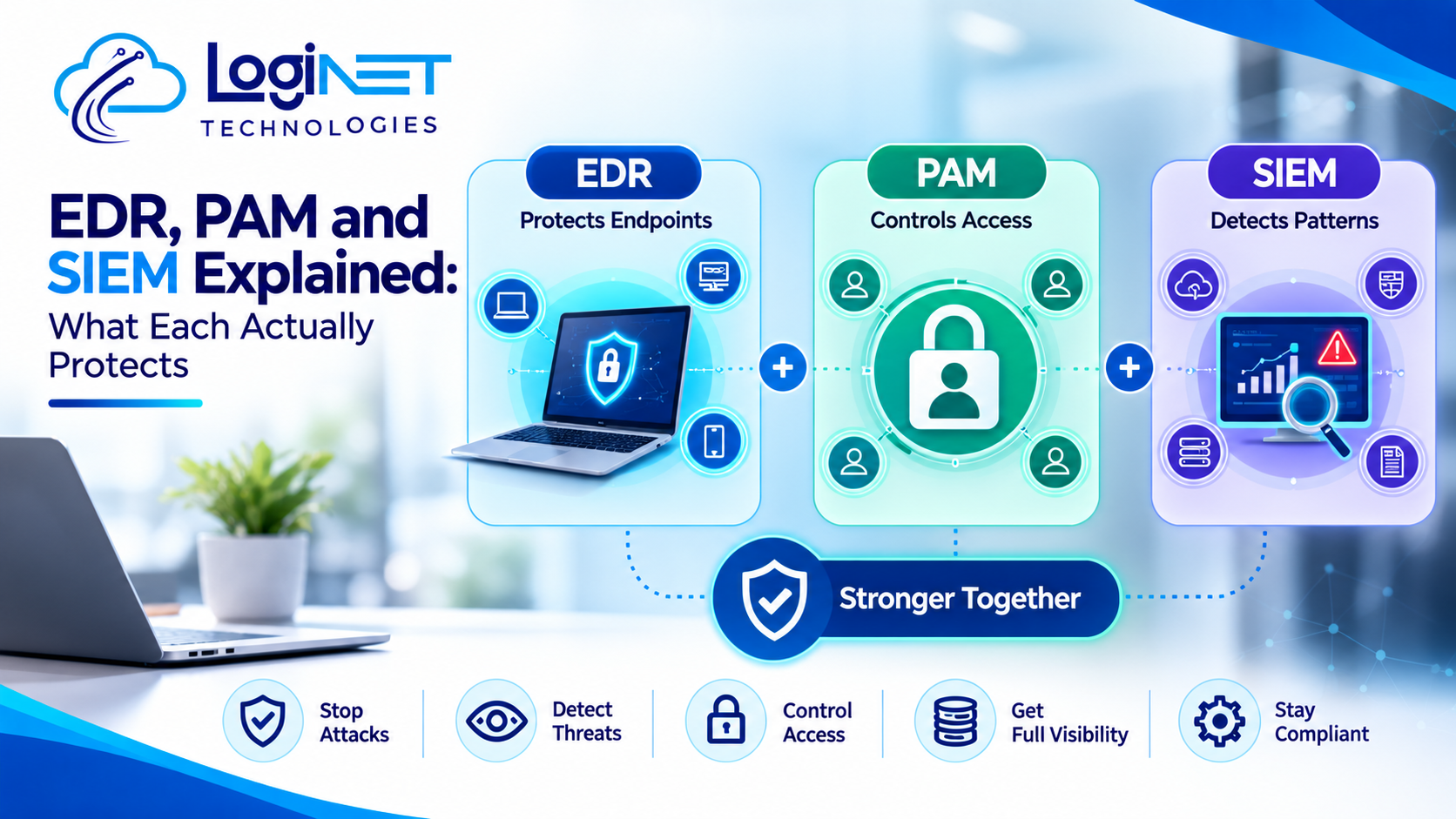
EDR, PAM and SIEM Explained: What Each Actually Protects
EDR, PAM and SIEM Explained: What Each Actually Protects What is EDR solution in cyber security? It’s the question most vendors lead with, and someone…
Read More