
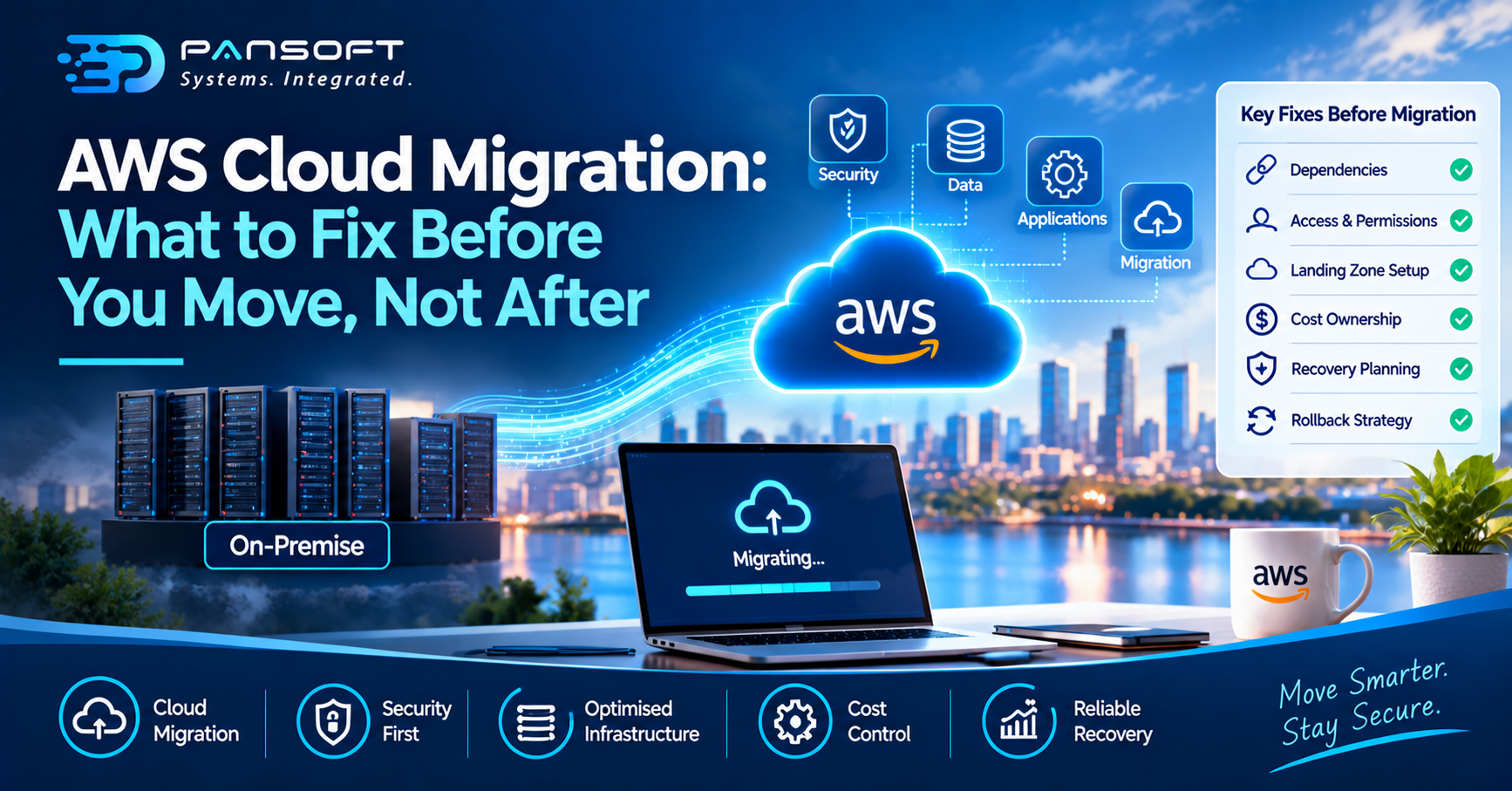
AWS Cloud Migration: What to Fix Before You Move, Not After
AWS Cloud Migration goes well when you fix the slow, expensive problems before cutover: hidden application dependencies, unclear access rights, no cost owner and untested recovery. Sort those first and the move is largely mechanical. Skip them and you carry every weakness into an environment that bills by the hour.
Most teams don’t plan to skip this groundwork. They run out of runway. A migration has a date, a budget and a vendor waiting, and the unglamorous preparation is the first thing squeezed. This article covers what is worth protecting time for. Pansoft’s AWS consulting and migration services cover the whole path, but the thinking below applies whoever does the work.
Why AWS migrations go wrong after cutover
On-premises, an oversized server or a forgotten test system costs you nothing extra, because the hardware is already paid for. On AWS the same habits show up on the monthly bill. The fragile parts of your setup tend to surface at the worst moment too: the batch job that only runs at month end, the application with a hard-coded IP address, the shared drive nobody admits to using.
AWS’s own migration guidance describes three sequential phases: assess, mobilise, then migrate and modernise, and treats the first two as the foundation for everything after. It also recommends moving first and modernising afterwards. That second point matters here. “Fix before you move” does not mean rebuilding every application. It means fixing the specific things that make the move risky or the first month painful, and leaving the deeper redesign until you are stable on the platform.
Fix the foundations first: AWS infrastructure design and modernisation
Before any workload moves, the place it lands has to exist and be sound. In the mobilise phase, AWS describes building a landing zone along with the security and operating model around it. In plain terms, that means how your accounts are structured, how networks connect back to your existing sites, who can do what, and how activity is logged. Changing any of it later means touching running systems, which is the kind of rework nobody budgets for.
These decisions should follow how your organisation actually runs, not a generic template. A business that keeps finance and operations data strictly apart needs a different account structure from one with a single product team. If part of your estate will stay in your own data centre, the hybrid cloud architecture needs settling now, including how the two sides authenticate and exchange data, rather than being discovered during cutover. And if some workloads already sit on Microsoft, work out early how the two will coexist. Our Azure services page covers that side, and the wider cloud solutions overview shows how multi-cloud management fits when more than one platform stays in play.
Identity deserves its own mention. Access rules copied across unchanged from an old directory can leave an environment far more open than anyone intended. A short cyber security review of who can reach what is much easier before people and applications depend on the new setup.
Modernisation belongs in this conversation, but sequenced honestly. Apply only what is needed to land safely, such as an unsupported operating system or a database that cannot run in the target design, and put the wider redesign on a later list. Infrastructure is easier to improve once it is running somewhere you can observe it.
Give the bill an owner before the first server moves
AWS cost optimisation is usually treated as a job for a few months after go-live, once the first real invoice arrives. That order is backwards. The Well-Architected cost pillar begins with building cloud financial management as a capability and attributing spend to the workloads and owners responsible for it. If nobody owns a workload’s cost on day one, nobody feels the bill, and the environment drifts.
In practice, that means agreeing a tagging standard before migration so every resource can be tied to a system and an owner, deciding who reviews spend and how often, and identifying which environments do not need to run around the clock. Development and test systems are the usual candidates. The same guidance’s consumption principle is simply to pay for what you use and scale down when you do not. Right-sizing is also far easier with real usage data from your current environment than with guesses, so capture that data during assessment, not after.
Decide how you will recover before you need to
AWS backup and disaster recovery planning starts with two targets that the business, not the IT team, has to choose. The first is how long a system can be unavailable, and how much recent data you can afford to lose. AWS calls these the recovery time objective and the recovery point objective.
The AWS guidance is refreshingly practical about it. Targets should come from a business impact analysis, the cost of a recovery strategy should not exceed the cost of the failure it protects against, and for less critical workloads, having no recovery plan at all can be a legitimate, informed decision. So sort your workloads into tiers. Payroll and customer-facing systems get tight targets; an internal reporting tool may not. Then test the restore. An unrestored backup is an assumption rather than a control.
Doing this before migration matters because the answers shape the design, from how a workload is spread across availability zones to whether it is replicated at all. If you would like a second opinion on your landing zone or recovery tiers before you commit to a cutover date, you can talk it through with our team.
A short list to confirm before cutover
Whatever the size of your project, these are worth a plain yes or no:
- Dependencies mapped: every application’s connections, schedules and shared resources are documented, including the awkward ones.
- Access reviewed: permissions have been checked, not just copied across.
- Landing zone signed off: accounts, networks and logging are in place before the first workload arrives.
- Cost owners named: each workload has a person accountable for its spend.
- Recovery tiers agreed: targets are set per workload, and at least one restore has been tested.
- Rollback defined: you know what triggers a rollback and who makes the call.
Common questions
Should we modernise our applications before migrating to AWS?
Usually not. AWS guidance generally favours migrating first and modernising afterwards. Fix only what blocks a safe move, such as unsupported software or hard-coded dependencies, and schedule the wider redesign once the workload is stable and you can measure its behaviour on AWS.
Do we have to move everything at once?
No. Large migrations are normally run in batches, which AWS calls waves, using repeatable runbooks. Moving lower-risk workloads first lets your team learn the platform and refine the process before the systems that matter most are touched, with less risk to the business.
Does every workload need disaster recovery?
Not at the same level. AWS guidance ties recovery targets to business impact and cost, and accepts that some lower-priority workloads may reasonably have none. Rank your systems by what an outage would cost you, then match the recovery approach to that ranking.

Related Posts
Microsoft Azure Consulting Partner vs DIY Migration: What Actually Goes Wrong
Microsoft Azure Consulting Partner vs DIY Migration: What Actually Goes Wrong Here’s the plain version: a DIY migration tends to run fine right up until…
Read More
What Is a Common Azure Customer Cloud Migration Strategy?
What Is a Common Azure Customer Cloud Migration Strategy? Most Azure customers end up following some version of Microsoft’s own Cloud Adoption Framework, even if…
Read More