
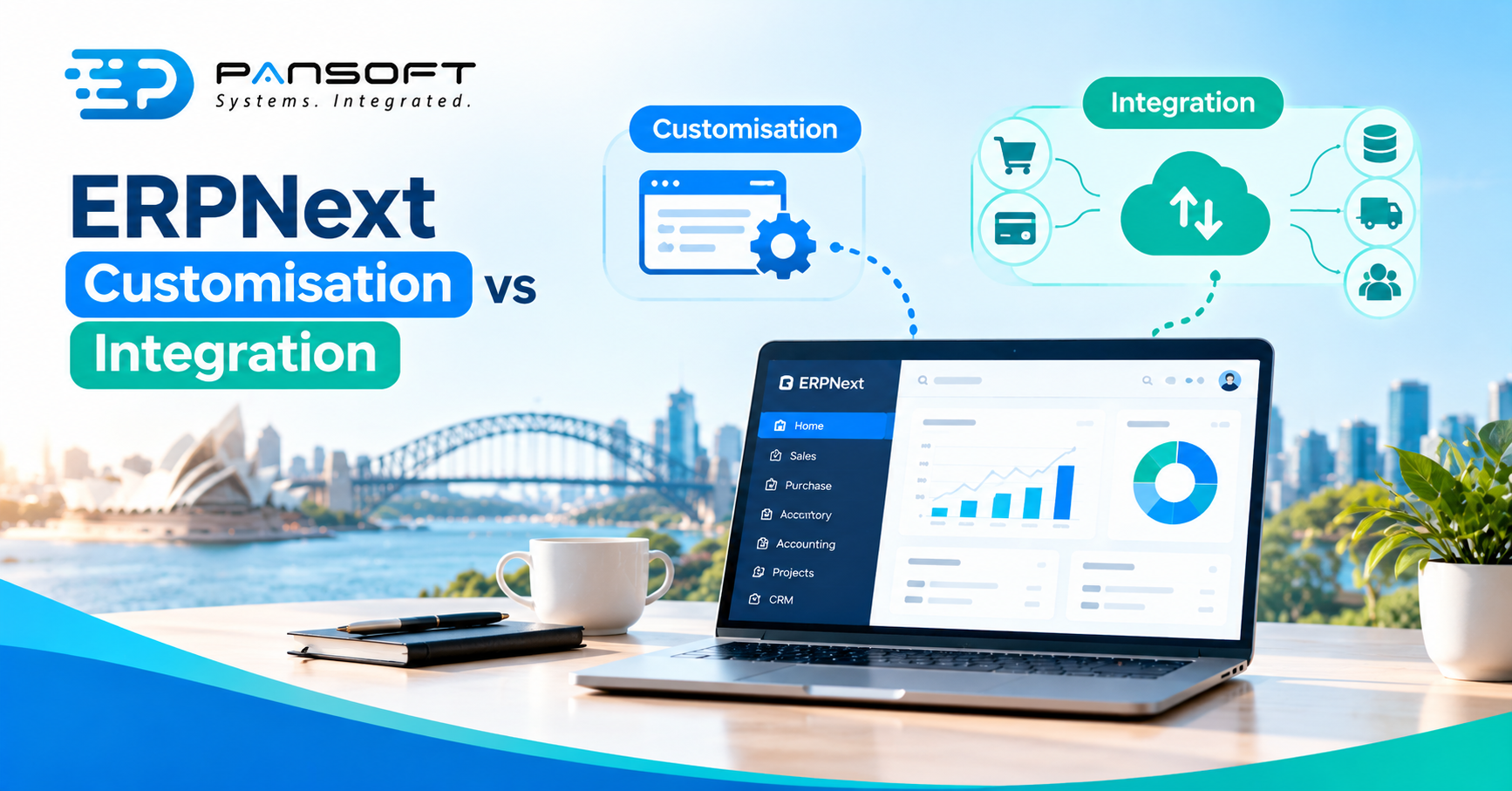
ERPNext Customisation vs Integration: What Each One Actually Changes
ERPNext customisation changes how ERPNext itself behaves: its fields, forms, workflows and rules. Integration leaves ERPNext as it is and connects it to other systems. Use customisation when the process is yours alone. Use integration when the data already lives somewhere else.
This is for owners and IT managers planning an ERPNext project who want to know which job they’re actually paying for. Pansoft’s ERPNext solutions page covers the wider service.
What’s the difference between customising ERPNext and integrating it?
Customisation alters ERPNext’s own forms, fields, logic and screens. Integration moves data between ERPNext and another system without changing how ERPNext works. One changes the tool, the other changes what the tool talks to.
| Customisation | Integration | |
|---|---|---|
| What it changes | ERPNext’s own forms, fields, scripts and logic | How data moves between ERPNext and other systems |
| Typical example | An extra field, a validation rule, a tailored screen | Online orders arriving in ERPNext, stock levels going back out |
| Who notices | People using ERPNext | People using the other system, and whoever reconciles the two |
| Main risk | More to test and maintain inside ERPNext | Connections fail, duplicate or drift out of step |
| Frappe tools involved | Customize Form, scripts, custom apps | REST API, webhooks |
Choose customisation when the difference is in how your team works. Choose integration when the information already exists in a system you’re keeping. Plenty of projects need a bit of both, and some need neither.
What does ERPNext customisation actually cover?
Three layers, from light to heavy. ERPNext is built on the Frappe framework, and Frappe’s documentation describes each one.
The lightest is the Customize Form tool. It lets you add custom fields, rename labels, set defaults and change some form behaviour from the front end. Frappe says these changes don’t alter the underlying DocType, its term for a record type. They’re stored as separate records that override the base definition.
Next come scripts. Client Scripts run in the browser and Server Scripts run behind it. Mind the limit: Frappe notes that validation added through a Client Script applies only in the standard browser form view, so a rule that must hold for API access belongs in a Server Script.
The heaviest layer is a custom app. Frappe states that custom scripts alone can’t manage hooks or override DocType classes and methods, and apps are how you do that. An app is a Python package, and its hooks file is the main way to extend or override standard behaviour. That’s real development work, and it needs real maintenance.
Some costs hide in the lighter layers too. Frappe warns that Customize Form’s Trim Table option permanently deletes unused database columns, and calls Reset All Customizations a drastic measure. Every layer also adds something to test, document and teach. Microsoft’s Dynamics 365 guidance, written for a different product, makes the same argument: use the standard wherever possible, and customise only where it’s justified.
What does ERPNext integration involve?
Mostly the API. Frappe provides REST API access for DocTypes automatically, so an outside system with an API key and secret can create, read, update or delete the records its permissions allow. Webhooks work the other way, notifying other applications when documents are created, updated, submitted or cancelled.
Frappe’s own integration guidance is practical:
- Use a dedicated integration user, not an administrator account, with roles limited to what the connection needs.
- Store external IDs in custom fields. Reconciling later is far easier.
- Design for retries. Operations should be idempotent, so a repeated call doesn’t create a duplicate record.
- For high volume, use webhooks or queues rather than fully synchronous calls.
- Log request IDs, external references and error messages.
Notice the overlap. Custom fields become available through the same API straight away, so a small customisation, like an external ID field, often makes an integration workable. Pansoft’s ERPNext page lists Microsoft 365, Shopify, WooCommerce, payment gateways, banking, CRM and payroll among the systems it connects.
How do the two work together?
Picture a 35-person landscape supplies business with an online shop and ERPNext handling stock and invoicing. This is a hypothetical, not a client story. Customers can choose trailer delivery, and orders above a certain size need a manager’s approval. That approval rule is customisation. Orders flowing from the shop into ERPNext, with stock levels flowing back, is integration.
They’re different jobs with different testers and different ways of failing on a busy Friday afternoon. Settle the approval rule first. Otherwise the integration pushes orders into a process nobody has decided.
When is neither the right answer?
When the process is the problem. Business process re-engineering, changing how the work gets done, is often cheaper than building software to match the old way. The same goes for ERP data migration. Which history comes across, and who cleans it, are business decisions. Make them before you connect anything.
What should you ask a provider?
Ask who decides which layer each change belongs in. Good ERPNext consulting services settle the customise-or-connect question before anyone writes code, and Pansoft’s wider ERP work follows the same order. If you’re still weighing ERPNext against a larger platform, such as Oracle, the same questions apply.
Searching for ERPNext customisation Australia wide, or open source ERP Australia options, returns plenty of names. Even a business that began by talking to an SAP implementation partner Gold Coast way might land on ERPNext after a process review. Whoever you shortlist, and however much ERP consulting Australia wide you compare, ask:
- What stays standard?
- Which layer is each change? A field, a script or a custom app, and why.
- Who maintains it after go-live? Customisations and connections both need an owner.
- How will each connection fail, and who finds out first?
- What will we see after a few weeks? A working screen on your own data beats slides.
Quick questions
Can we customise ERPNext without writing code?
Partly. Frappe’s Customize Form tool lets you add fields, rename labels and change form behaviour from the front end. Validation logic usually needs scripts, and anything touching hooks or class overrides needs a custom app. Ask which of your needs fall in which group.
Is integration safer than customisation?
Not automatically. Integration leaves ERPNext’s own behaviour alone, but it adds connections that need credentials, permissions, error handling and monitoring. Frappe’s guidance suggests a dedicated integration user with limited roles. Both options carry upkeep, so weigh what each one will cost to maintain.
Which one should we do first?
Usually neither. Settle the process first, then use standard ERPNext wherever it fits. Customise only for what’s genuinely specific, and integrate only the systems that must stay outside. A short discovery stage usually costs less than rebuilding work that nobody needed.
Want to talk it through?
If you’re unsure whether your project needs customisation, integration or a rethink of the process, there’s no pressure. Pansoft can look at what you run today and what has to change. You can get in touch whenever suits you.

Related Posts

Enterprise SD-WAN Platform Australia Buyers, Essential Multi-WAN Checks
Enterprise SD-WAN Platform Australia Buyers, Essential Multi-WAN Checks By the Pansoft Technologies team | Published 6 November 2026 | Last reviewed: November 2026 An enterprise…
Read More
What Is Zero-Touch Deployment? Essential Facts for Multi-Site Rollouts
What Is Zero-Touch Deployment? Essential Facts for Multi-Site Rollouts By the Pansoft Technologies team | Published 6 November 2026 | Last reviewed: November 2026 Zero-touch…
Read More