

What Is Zero-Touch Deployment? Essential Facts for Multi-Site Rollouts
By the Pansoft Technologies team | Published 6 November 2026 | Last reviewed: November 2026
Zero-touch deployment lets a new network device configure itself once someone plugs it in, with no engineer on site. It only works if the groundwork is finished first: device registered, site mapped and configuration ready. Done well, a multi-site rollout becomes a logistics job.
This is for IT managers planning to open, refresh or connect many sites at once. Our hardware products page covers the equipment, and our C-WAN and C-WAN Express pages show the service options.
What is zero-touch deployment, and how does it work?
Teldat, a networking vendor, describes it as automation that lets a device configure itself automatically the moment it is powered on and connected, with no engineer on site. That’s a vendor’s definition, but it matches how other vendors describe it.
Teldat sets out six steps. The device’s identity is registered centrally and tied to a site and template before shipping. On power-up it gets basic connectivity, finds the provisioning system and the two authenticate each other. It then receives its firmware and a configuration built from a template, and builds its tunnels.
With zero-touch deployment, the person at the site only plugs in cables. Everything clever happens before the box leaves the warehouse.
Why does it matter for multi-site rollouts?
Because it moves the work from the field to the desk. Teldat says it turns large deployments from a field engineering project into a logistics exercise. Treat that as a vendor’s self-reported benefit, though the logic is sound.
Three practical gains follow. One template can configure many sites, so branches match by design. A failed unit can be swapped for a spare that provisions itself on arrival, according to the same page. And you don’t need to book specialists to visit every site, which matters when sites are spread out.
The gains from zero-touch deployment depend on one thing. Someone has to build the templates and register the devices properly. That’s work, just done earlier and in one place.
What has to be true before the box ships?
The device must be known, mapped to a site and paired with a ready configuration. Skip any of these and the plug-and-play promise falls over at the branch, where fixing it is slowest and dearest.
| Stage | What happens | What can go wrong |
|---|---|---|
| Before shipping | Identity registered, site and template assigned | Wrong device mapped to the wrong site |
| At the site | Someone powers the unit on and connects it to the internet | No working internet service at the branch |
| On power-up | Device finds the provisioning system and authenticates | Blocked or misconfigured upstream connection |
| After connection | Firmware and configuration arrive, tunnels form | A faulty template spreads to every site |
| Replacement | A spare is shipped and provisions itself | The spare isn’t registered in advance |
The verdict: zero-touch deployment suits repeatable branches with a standard design. It suits one-off sites with unusual requirements poorly, because the template does the thinking.
Is zero-touch deployment the same on every platform?
No, and that’s easy to miss. Teldat itself warns that “not all ZTP implementations are equal”. VMware’s SD-WAN documentation lists two ways to activate edges: zero touch provisioning, where a central operations centre activates the units once they’re powered on and online, and email activation, where an administrator sends instructions to the person installing the unit.
That documentation is for version 4.4, so check current behaviour. The principle holds, though. VMware notes the zero touch method requires knowing which device goes to which site, while the email method needs device tracking. Either way, somebody has to keep the paperwork straight.
For buyers weighing SD-WAN hardware solutions Australia suppliers offer, ask which activation method each device supports. An enterprise SD-WAN platform sets the rules, and the edge SD-WAN platform you choose decides how much of this you get.
What are the limits and risks?
The main risks are security, tracking and dependence on a central service. Teldat is blunt about the first: “whoever controls that channel controls the device configuration.” The provisioning path is a high-value target, so ask how it’s protected.
It also says sites must never depend on the management cloud to stay online. If a site stops working when the central service is unreachable, that’s a design flaw. Test it before rollout, not after.
Here’s a hypothetical, not a client story, about a zero-touch deployment gone wrong. Picture a business opening twelve branches in three months. The units ship straight from the warehouse, but nobody tracked which serial number belongs to which branch. Two branches get each other’s configuration, and nobody notices until a printer on the wrong network starts working oddly. The fix wasn’t technical. It was a simple tracking sheet, agreed before shipping.
What should you ask a provider?
- Who builds and owns the templates? Someone must keep them current as designs change.
- How are devices registered and tracked? Ask to see the process, not just hear about it.
- What does the installer need to do? If it’s more than plug in and power on, plan for it.
- How is the provisioning channel secured? Ask for specifics, not reassurance.
- What happens if the central service is down? Sites should keep running.
What are your next steps?
- Standardise your branch design as far as sensible, because zero-touch deployment rewards repeatable sites.
- Build and test one template on a pilot site.
- Register devices and map each to a named site.
- Confirm internet service is live at every branch before shipping.
- Run the pilot, fix what breaks, then roll out in waves.
FAQ
Is zero-touch deployment the same as zero-touch provisioning?
In practice, yes. The terms are used interchangeably for the same idea: a device configures itself when powered on and connected. Vendors may use their own names, so check what a specific product means. VMware, for example, lists zero touch provisioning alongside an email activation method.
Do I still need technical staff on site?
Usually not for the installation itself, as vendors describe it. Someone still needs to power on the device and connect it to the internet. You also need people at the centre who build templates, register devices and watch the rollout, so the effort moves rather than vanishes.
Is zero-touch deployment secure?
It can be, but it depends on the design. Teldat warns that whoever controls the provisioning channel controls the device configuration, so that path needs protecting. Ask any provider how devices are authenticated and how the central service is secured before you commit to a rollout.
Want to talk it through?
If you’re planning a multi-site rollout and want to check your preparation, get in touch. We’re happy to talk through your sites, with no pressure to commit.

Related Posts

Enterprise SD-WAN Platform Australia Buyers, Essential Multi-WAN Checks
Enterprise SD-WAN Platform Australia Buyers, Essential Multi-WAN Checks By the Pansoft Technologies team | Published 6 November 2026 | Last reviewed: November 2026 An enterprise…
Read More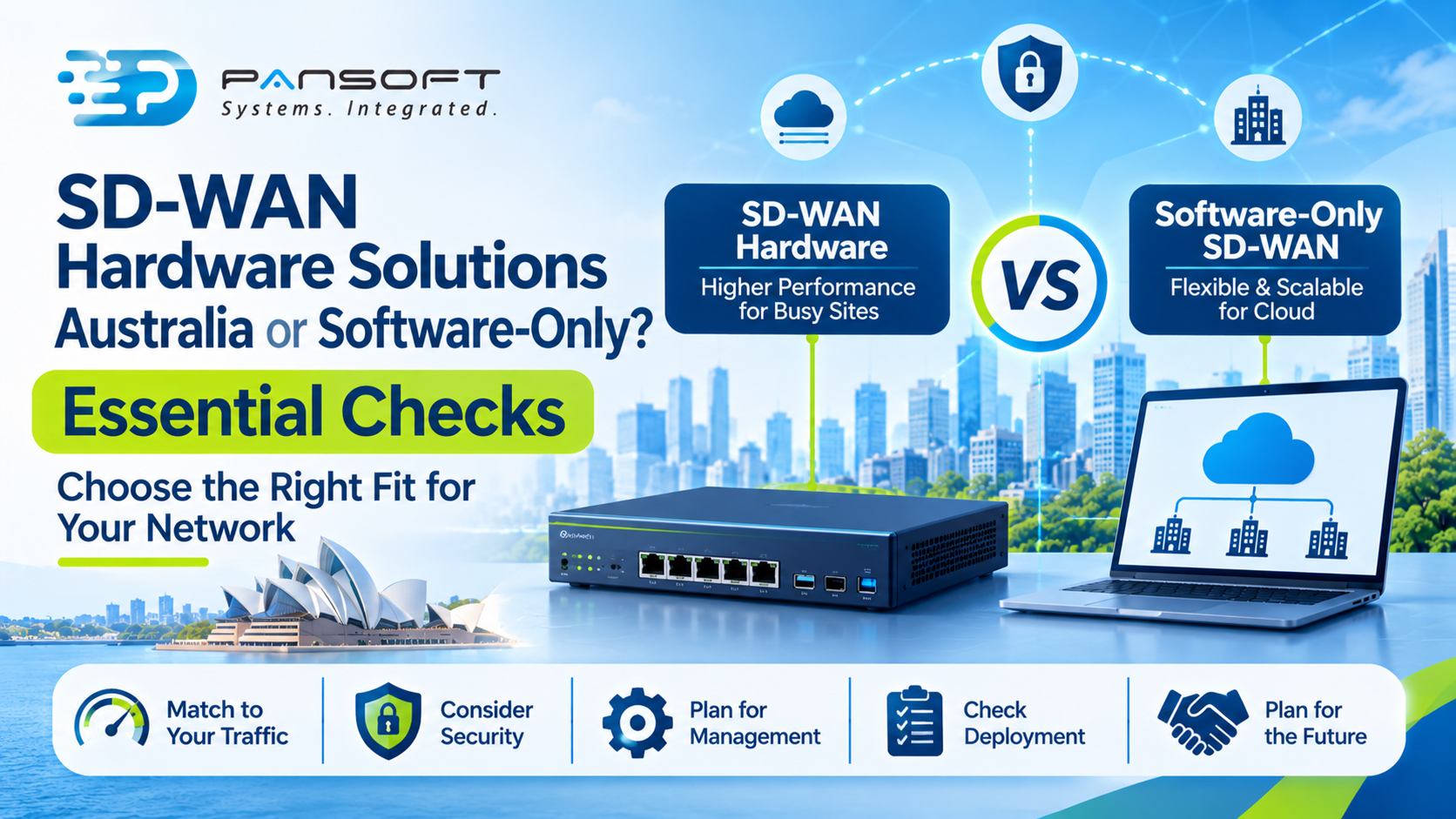
SD-WAN Hardware Solutions Australia or Software-Only? Essential Checks
SD-WAN Hardware Solutions Australia or Software-Only? Essential Checks By the Pansoft Technologies team | Published 6 November 2026 | Last reviewed: November 2026 Most sites…
Read More