
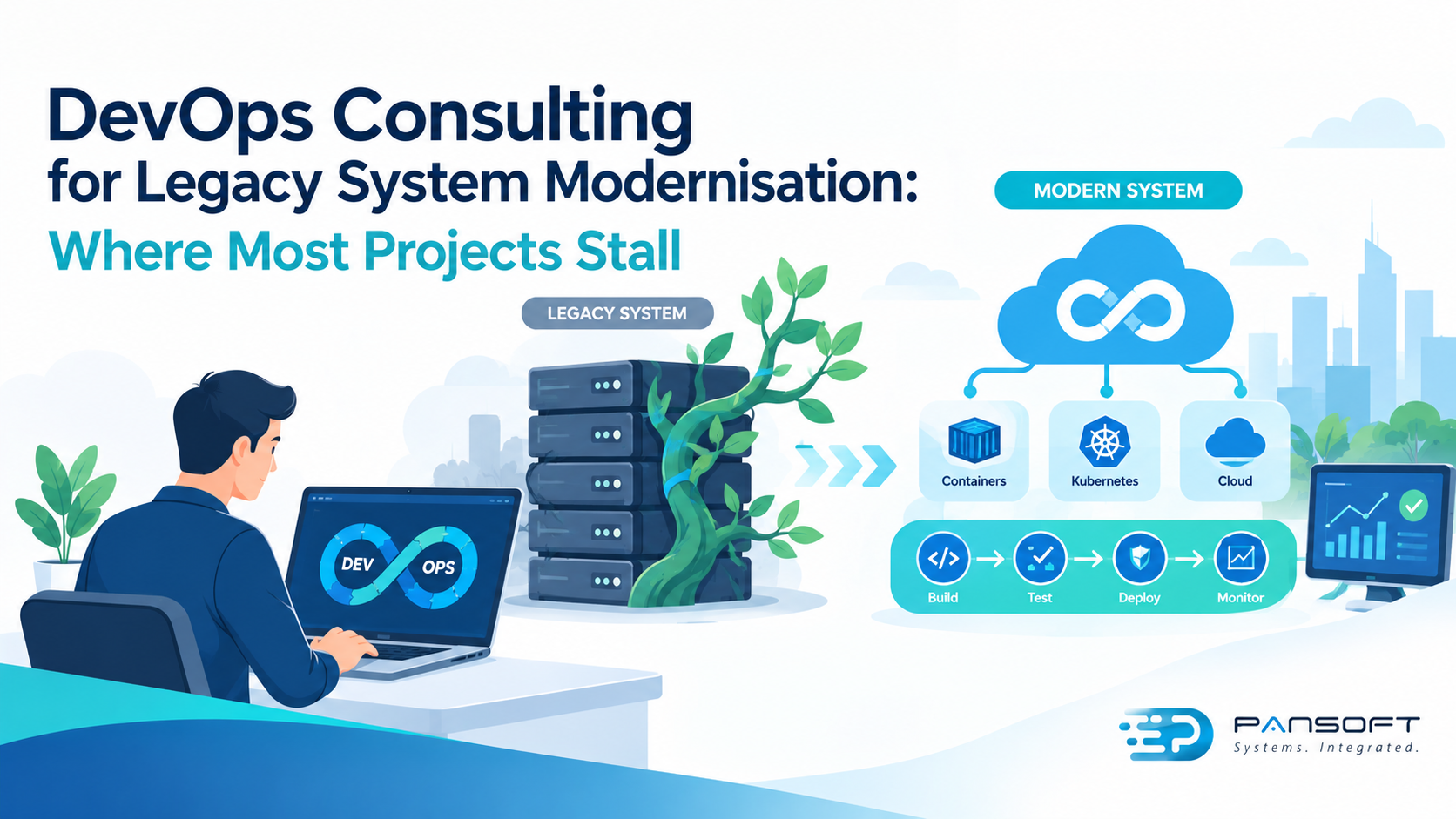
DevOps Consulting for Legacy System Modernisation: Where Most Projects Stall
DevOps consulting for legacy system modernisation works when it stops you trying to replace everything at once. Projects stall when the scope is too big, releases are still manual and nobody can prove a change is safe. A good consultant breaks the job into small, automated, measurable steps, so the old system keeps earning its keep while the new one grows beside it.
Fittingly, the best-known way to do this was named after a Queensland tree. Martin Fowler saw strangler figs in the rainforests here and used them as a picture of gradual modernisation, where new software slowly takes over from the old. This guide covers why legacy projects get stuck, what DevOps changes, and how to start without betting the business.
Why do legacy modernisation projects stall?
Legacy modernisation projects stall when the scope is too big, nothing automated catches breakages, releases stay manual and security is checked last. DevOps consulting for legacy system modernisation tackles those problems first, so every change becomes small, tested and reversible.
The big-bang rewrite is the usual culprit. Replacing a whole system in one hit means a long wait before anyone sees value, then a nervy cutover at the end. Microsoft’s guidance on the Strangler Fig pattern describes the calmer option: replace one piece of functionality at a time while the existing system carries on working.
The second culprit is fear. Old systems often have few automated tests, so every change feels like a gamble, and teams quietly stop changing things. Add hand-built servers and a release process that needs a long checklist, and each release gets bigger and riskier than the last.
What does DevOps consulting put in place?
Here is how the common sticking points map to fixes.
| Where projects stall | What gets put in place | Sign it is working |
|---|---|---|
| Big-bang scope | A roadmap that slices the system into small pieces | Each slice goes live on its own |
| No safety net | Automated build and testing in the pipeline | Faulty changes are caught before production |
| Manual releases | Repeatable CI/CD pipelines with rollback | Releases get smaller and more frequent |
| Hand-built servers | Infrastructure as code | A new environment can be rebuilt from code |
| Security left to the end | DevSecOps checks inside the pipeline | Issues are found before release |
At Pansoft, a DevOps consulting engagement starts with an assessment of eight areas, including your development lifecycle, infrastructure architecture, release management, security controls and cloud readiness. From there we build a tailored roadmap, which is the core of our DevOps Transformation Services, and we hand over documentation and runbooks so your own team can run it.
Security matters more with older software, because vendor patches can dry up. Our DevSecOps consulting adds static code analysis, dependency scanning, secret detection and automated security gates to the pipeline. The ACSC’s Essential Eight lists patching applications and operating systems among its baseline strategies, and software the vendor no longer supports makes that hard. Our cyber security team can help if you are not sure where you stand.
How do you modernise a legacy system step by step?
- Map what you have. List the applications, databases, integrations and the people who understand them. You need a clear starting point before you plan anything.
- Pick one slice. Choose a small, low-risk function with clear edges, such as a reporting feature or a single integration. An early win builds confidence for the harder parts.
- Build the pipeline first. Before moving any code, automate build, testing, security scanning, deployment and rollback. This is the heart of our CI/CD pipeline consulting in Australia, and it makes every later step safer.
- Put infrastructure into code. Tools like Terraform let you rebuild environments on demand instead of nursing hand-built servers. Our Terraform page shows how that works.
- Switch traffic gradually. Put a facade in front, send a little traffic to the new component, check it, then send more. Once the new slice is proven, retire the old one and start on the next.
Where do containers and cloud fit in?
Containers help when you want consistent environments, but they are not compulsory. Some legacy workloads are better left on virtual machines while you modernise around them. Where containers do make sense, container orchestration with Kubernetes gives you repeatable deployments. Our Cloud DevOps work for Australian businesses spans AWS, Azure and Google Cloud, and we give vendor-neutral advice, so the platform follows your needs rather than the other way round. If cloud is on your roadmap, our cloud solutions team can plan the move alongside the pipeline work.
How do you know it is working?
Measure it. DORA’s software delivery metrics track things like change lead time, deployment frequency and change fail rate. Take a baseline before you change anything, then check again after each slice. If lead time drops and failures do not climb, you are heading the right way. You can read more about our wider DevOps services on the site.
Frequently asked questions
What is DevOps consulting for legacy system modernisation?
It is expert help to modernise older systems safely using DevOps practices such as automated pipelines, infrastructure as code and built-in security. Instead of one risky rewrite, the system is updated in small steps while it keeps running for your users.
Should we rewrite a legacy system or modernise it step by step?
For large, business-critical systems, step by step is usually safer because the old system keeps running and each change can be tested. A full rewrite can suit small systems that are easy to replace. An assessment will show which approach fits yours.
Can legacy applications use CI/CD pipelines?
In most cases, yes. Even older applications can have automated builds, tests and deployments wrapped around them, and that is often the first step. Some systems need refactoring or a facade first, which a proper assessment will identify before any work begins.
How long does legacy modernisation take?
It depends on the size of the system, the number of integrations and how much automated testing already exists. Small slices can go live early, while larger ones take longer. A discovery workshop and assessment give you a realistic roadmap before you commit to anything.
Start small, and start with the pipeline
Nobody modernises a legacy system in a weekend, and nobody should try. Start with a clear picture of what you have, automate the path to production, and move one slice at a time. If you are sitting on a system nobody wants to touch, talk to our team. We will start with a conversation and an assessment, not a sales pitch.
What is the one legacy system in your business that nobody dares touch? Tell us in the comments.

Related Posts

Enterprise SD-WAN Platform Australia Buyers, Essential Multi-WAN Checks
Enterprise SD-WAN Platform Australia Buyers, Essential Multi-WAN Checks By the Pansoft Technologies team | Published 6 November 2026 | Last reviewed: November 2026 An enterprise…
Read More
What Is Zero-Touch Deployment? Essential Facts for Multi-Site Rollouts
What Is Zero-Touch Deployment? Essential Facts for Multi-Site Rollouts By the Pansoft Technologies team | Published 6 November 2026 | Last reviewed: November 2026 Zero-touch…
Read More