
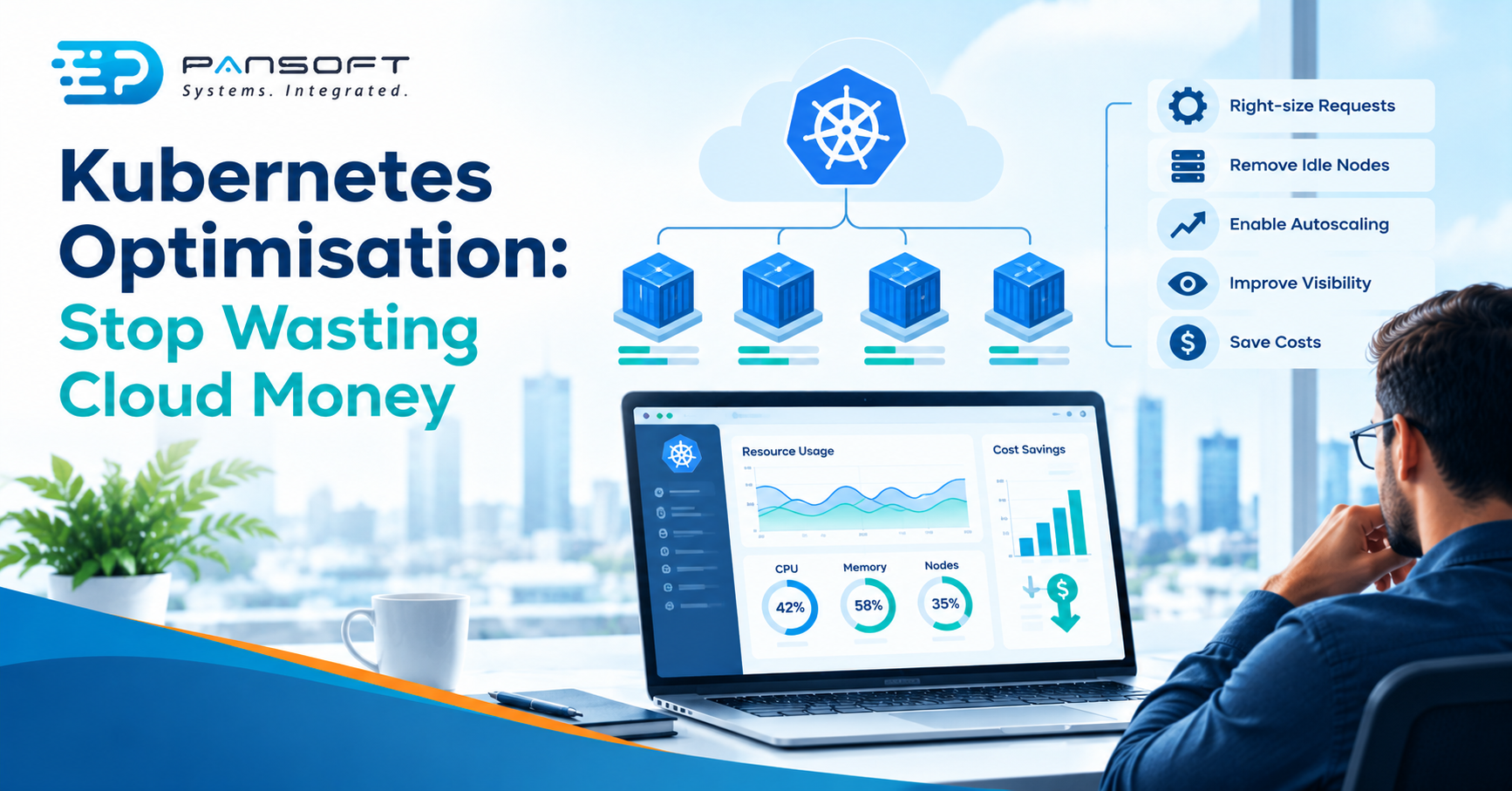
Kubernetes Optimisation: Where Most Clusters Are Quietly Wasting Money
Kubernetes optimisation mostly means matching what you reserve to what you actually use. Inflated resource requests make nodes look full when they’re half idle, and you pay for those nodes either way. Fix the requests first, then autoscaling, then who sees the bill.
This is for IT managers and owners whose Kubernetes bill has crept up and who want to know where to look first. Pansoft’s Kubernetes page covers the service itself.
Where does a Kubernetes cluster waste money?
In a few predictable places, and the biggest is usually the gap between what applications ask for and what they use. Respondents to a CNCF survey named overprovisioning as the most common cause of overspend.
| Where it hides | What to look for | How to check |
|---|---|---|
| Oversized requests | Requests set well above measured usage | Compare requests with real CPU and memory use over a few weeks |
| Idle nodes | Nodes that are booked full but run light | Look at actual use per node, not reserved capacity |
| Always-on extras | Test environments and forgotten workloads still running | List what’s running that nobody owns |
| Unowned spend | No one accountable for a team’s share of the bill | Can you see cost by team or application? |
| Purchase options | Steady workloads paid for at on-demand rates | On AWS, ask whether predictable workloads use Savings Plans |
Start with requests, because everything else builds on them. Then switch off what nobody owns. Purchase options come last, because a discount on an oversized workload is still a discount on waste.
Why do oversized requests cost so much?
Because requests are what both the scheduler and your invoice see. Kubernetes is container orchestration, and it places workloads by what they ask for, not what they use. The kubelet reserves at least the requested amount for a container, used or not.
Node autoscaling follows the same numbers. Kubernetes’ documentation says autoscalers make sure new nodes can satisfy Pod requests, and that they don’t directly consider actual runtime usage. A request set too high can therefore pull in a node that then sits underused. To scale on real usage, Kubernetes says to combine horizontal workload autoscaling with node autoscaling.
That’s the hidden cost. The cluster isn’t broken. It’s doing exactly what it was told.
What does autoscaling fix, and what doesn’t it?
It fixes mismatched replica and node counts, not wrong requests. Kubernetes describes horizontal scaling as changing the number of replicas, and vertical scaling as adjusting the CPU and memory each replica gets. Node autoscalers add nodes for Pods that can’t be scheduled, and can consolidate nodes to provide capacity while optimising cost.
There are limits. Provisioning can fail because of configured limits, incompatible configuration or a lack of cloud capacity. And autoscaling a badly sized workload just scales the mistake faster. Size first, automate second.
Who can see the bill?
Often nobody can, at the level that matters. The 2023 CNCF cloud native FinOps microsurvey, designed with help from the OpenCost team, found that 19 per cent of respondents had accurate Kubernetes cost information. Another 40 per cent relied on estimates and 38 per cent had no monitoring.
The same survey asked about causes. Overprovisioning was named by 70 per cent, a lack of individual or team accountability by 45 per cent, and failing to deactivate unused resources by 43 per cent. In the survey, 49 per cent said Kubernetes had driven cloud spend up and 28 per cent said it hadn’t changed.
Treat it as a snapshot, not a verdict. It had just over 100 responses, collected between June and November 2023. It doesn’t show that every cluster wastes money, and we wouldn’t claim that. It does show how often nobody could say where the money went.
A practical first goal: be able to answer “what does each application cost to run?” Amazon’s EKS guidance points to AWS Cost Explorer for usage and CloudWatch Container Insights for resource use, and the CNCF survey lists OpenCost among the tools in use.
Does a managed service fix this?
Not by itself. Managed Kubernetes services take over control plane work and, depending on the model, node upkeep. Kubernetes’ production guidance lists a range from serverless, to a managed control plane, to managed worker nodes. It adds that with serverless you pay for CPU, memory and disk requests, so an oversized request is billed directly.
Amazon’s EKS cost guidance says to profile and monitor CPU and memory to allocate the right amount and avoid wastage. It also suggests keeping workloads independent of specific infrastructure, so they can run on the cheapest option, with exceptions such as GPU workloads. That’s a kubernetes architecture decision, and it’s easier to make early. The page shows no date, so check it’s still current.
What does it look like in practice?
Picture a 45-person online retailer with development, staging and production clusters. This is a hypothetical, not a client story. Requests were set generously at launch and never revisited. Staging runs all weekend. Nobody can say what the checkout service costs to run.
The order of work is the same each time. Measure real use against requests for a few weeks, trim the worst offenders, switch off staging out of hours, then let autoscaling work from honest numbers. Infrastructure as code makes the switching off repeatable, because environments can be recreated from files.
What should you ask a provider?
Ask how they’ll measure before they change anything. Searching for a Kubernetes service Australia wide, or CI/CD pipeline consulting Australia wide, returns plenty of names. For the wider picture, see Pansoft’s DevOps page, and if you’d like a second opinion first, DevOps consulting is a sensible place to start.
- What will you measure first, and for how long?
- Who owns the cost data afterwards?
- How will each change be rolled back?
- What won’t you cut? Keep the checks from your DevSecOps practices, and the headroom a workload genuinely needs.
- Can you show the result on one application first?
Quick questions
How do we find over-provisioned workloads?
Compare each workload’s requests with its measured CPU and memory use over a representative period. EKS guidance suggests profiling and monitoring usage, for example with CloudWatch Container Insights. Workloads whose usage sits far below their requests are the candidates. Change them gradually, and watch for problems afterwards.
Will cutting resource requests cause outages?
It can, if you cut too hard. Requests guide scheduling, and the kubelet enforces limits, so setting either too low can hurt under load. Trim in small steps using real usage data, and keep an easy way to roll back each change.
Is Kubernetes more expensive than what we ran before?
Not necessarily. In the CNCF survey, 49 per cent said Kubernetes had driven spend up, 28 per cent saw no change and 24 per cent saved money. Sizing, accountability and visibility drive the result. It’s a small 2023 sample, so treat it as a hint, not a rule.
Want to talk it through?
If your cluster bill has crept up, there’s no pressure. Pansoft can look at what you run, what it uses and where the gaps are. You can get in touch whenever suits you.

Related Posts

Enterprise SD-WAN Platform Australia Buyers, Essential Multi-WAN Checks
Enterprise SD-WAN Platform Australia Buyers, Essential Multi-WAN Checks By the Pansoft Technologies team | Published 6 November 2026 | Last reviewed: November 2026 An enterprise…
Read More
What Is Zero-Touch Deployment? Essential Facts for Multi-Site Rollouts
What Is Zero-Touch Deployment? Essential Facts for Multi-Site Rollouts By the Pansoft Technologies team | Published 6 November 2026 | Last reviewed: November 2026 Zero-touch…
Read More