
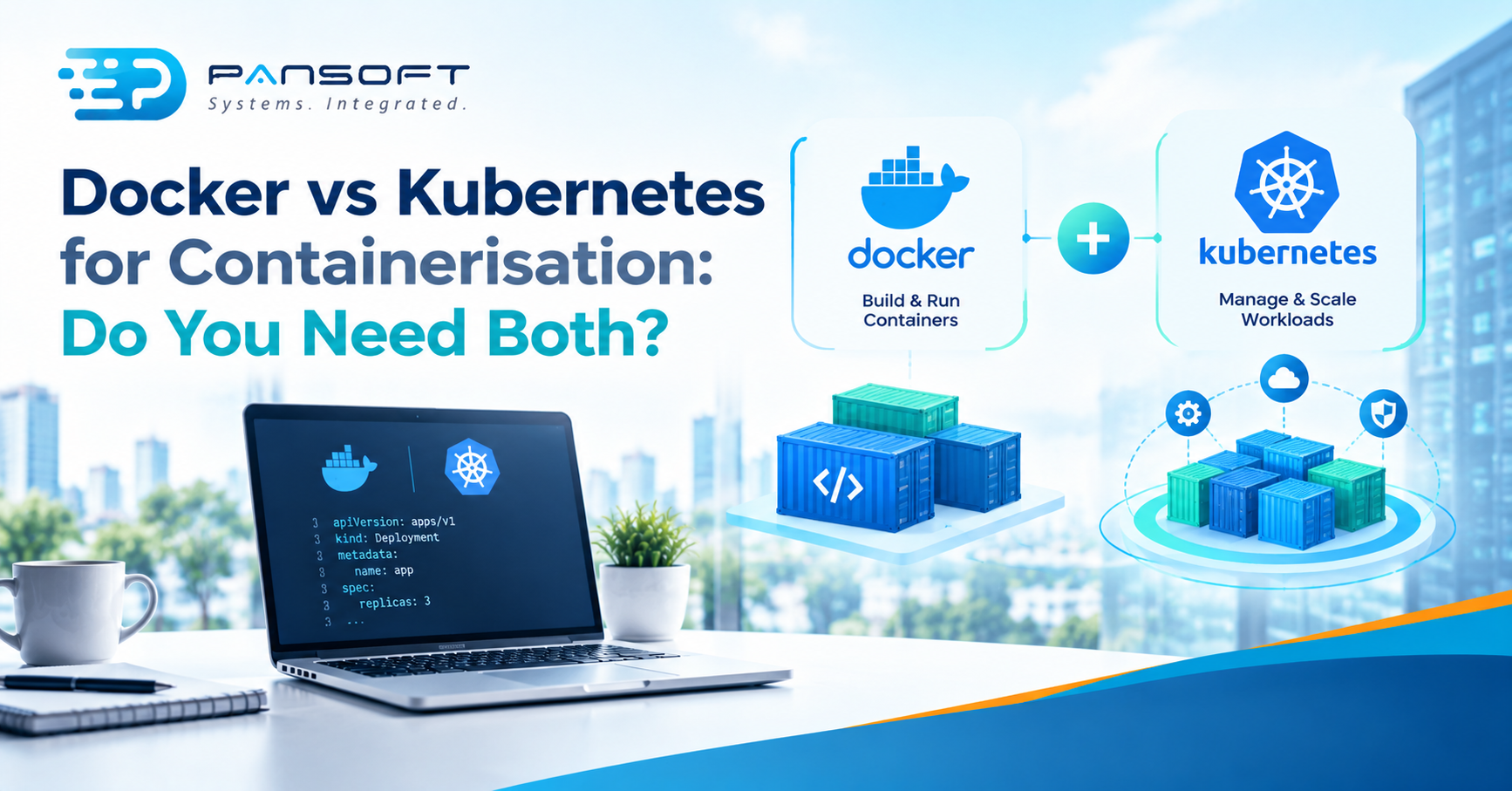
Docker vs Kubernetes for Containerisation: Do You Need Both?
Docker vs Kubernetes for containerisation isn’t an either-or. Docker packages and runs your application in containers. Kubernetes manages many containers across many machines. Most teams need Docker first, and only add Kubernetes when a simpler setup stops coping with their uptime or scale.
This is for business owners and IT leads deciding how to run containerised applications without paying for a cluster they don’t need yet. It sits alongside our wider DevOps guides.
How do Docker and Kubernetes differ for containerisation?
Docker builds container images and runs them as containers. Kubernetes decides where many containers run, keeps them running and replaces them when they fail. One packages the work. The other manages a crowd.
Docker describes a container as an isolated, self-contained, independent and portable process. It shares the host’s kernel, which is why it’s lighter than a virtual machine. Kubernetes calls itself a portable, extensible, open source platform for managing containerised workloads. Its listed features include service discovery and load balancing, automated rollouts and rollbacks, self-healing, storage orchestration, and secret and configuration management.
So they aren’t rivals. Kubernetes runs containerised workloads, and the images still have to be built somewhere. The real question is whether you need something managing a fleet yet, or whether you’re still running three or four services.
Is Docker with Compose enough on its own?
For many teams, yes. Docker Compose lets you define a multi-container application in one YAML file, covering services, networks and volumes, then start it with a single command. Docker says it works in every environment from development to production.
That covers a lot of ordinary business software: a web app, an API, a background worker and a database. The file lives in version control, a new developer can run the whole thing from it, and deployments are repeatable. Moving an existing application into containers (a Docker Migration) is usually the first real job, and our Docker Containerisation Services page is the place to start.
Once images build cleanly, they need a home in your release process. That’s the work behind CI/CD pipeline consulting Australia businesses go looking for, and our DevOps consulting page covers that side.
Where does Docker Swarm fit?
Swarm mode is built into Docker Engine. Docker lists cluster management, desired-state reconciliation, scaling, overlay networking, mutual TLS, and rolling updates with rollback. It’s a middle option for teams already comfortable with Docker who want a small cluster.
Docker calls it an advanced feature. Its guidance is to use Swarm if you intend to run it as a production runtime environment, and otherwise stick with Compose. Docker’s page doesn’t compare Swarm with Kubernetes, so we won’t rank them here. Weigh what your team already knows and what tooling you’d want around it.
When does container orchestration earn its place?
When keeping containers healthy by hand costs more than learning a cluster. In our view the signs are practical. You’re running many services across several machines. A failed container has to be replaced without someone being paged. You want updates rolled out gradually, with a way back. Several teams deploy into the same environment and need shared rules.
That’s the job container orchestration exists for, and it’s what Kubernetes’ self-healing, rollouts and load balancing address.
It isn’t free, though. Kubernetes says it isn’t an all-inclusive platform as a service, so there are choices to make around the cluster. And someone has to own upgrades, access and capacity, even on a managed service. That’s our view from watching teams adopt it, not a figure from a study.
| Docker with Compose | Docker Swarm mode | Kubernetes | |
|---|---|---|---|
| What it does | Defines services, networks and volumes in one YAML file | Clusters Docker Engines, with scaling and rolling updates | Orchestrates containerised workloads with self-healing and automated rollouts |
| Where it comes from | Docker | Built into Docker Engine | Open source platform |
| What its own docs say | Works in every environment | Described as an advanced feature | Not an all-inclusive PaaS |
| Our view of the usual fit | A modest set of services | A small Docker-native cluster | Many services, several machines, real uptime targets |
Start with Compose. Move to Swarm or Kubernetes when an outage costs real money, not because a job ad mentions Kubernetes. If your application is a single service on one server, none of the three is needed yet.
What do both options leave for you to handle?
Two things catch teams out: licensing and image upkeep.
As at October 2026, Docker says Docker Desktop is free for organisations with fewer than 250 employees and less than $10 million in annual revenue. Larger organisations and government need a paid subscription. Docker also says Docker Engine’s open-source licensing isn’t changing. The page doesn’t state a currency, so re-check it before you roll Desktop out to a team.
Images are snapshots, so patches don’t arrive by themselves. Docker’s build guidance recommends rebuilding regularly with --pull and --no-cache, using multi-stage builds, starting from minimal trusted base images, keeping a .dockerignore file, and dropping unneeded packages to shrink the attack surface. Kubernetes won’t do any of that for you. Building those checks into the pipeline is what DevSecOps practices look like day to day, and writing your servers and clusters as infrastructure as code means either setup can be rebuilt rather than rescued.
What might this look like in practice?
This is a hypothetical, not a client story. Picture a 35-person firm with a web app, an API, a worker and a database on two servers. A Compose file describes the lot, and images are rebuilt weekly with --pull. It runs happily for two years.
Then the firm adds a customer portal and a dozen more services, spread over six machines, and wants updates during business hours. That’s when pricing a cluster makes sense. They’d already have clean images, a pipeline and files to carry across.
Had they started on Kubernetes at day one, they’d have taken on cluster upkeep before they had the problem. Same tools, wrong order.
What should you ask a provider?
Good Docker Consulting Services should answer these plainly, and say so when you don’t need Kubernetes yet.
- The workload first. What would they run it on, and why, before any tool name comes up?
- Who owns the cluster. Who patches, upgrades and watches it after go-live? Get the answer in writing.
- Image rebuilds. How will base images be refreshed and checked after launch? A one-off build isn’t a plan.
- Exit path. If you outgrow the first choice, what carries over and what gets redone? A provider who can’t answer that is guessing.
Quick questions
Can Docker run production workloads without Kubernetes?
Yes, for many workloads. A modest set of services on machines you manage can run happily under Compose. The case for orchestration appears when you need failed containers replaced across several machines automatically, or updates rolled out gradually with a way back.
Do I need Kubernetes to use Docker in a CI/CD pipeline?
No. A pipeline can build, test and publish container images without a cluster, and Kubernetes is just one place to run them afterwards. Get the build and image process dependable first, then choose where containers run based on what the application actually needs.
Is Docker Swarm a good alternative to Kubernetes?
It can be. Swarm mode is built into Docker Engine and offers clustering, scaling and rolling updates. Docker calls it an advanced feature and suggests Compose unless you intend to run Swarm in production. Check your team’s skills and the ecosystem you need before choosing it.
Want to talk it through?
If you’re weighing up Compose, Swarm or Kubernetes, get in touch and tell us what you run today. We’ll give you an honest view on whether you need a cluster yet, and no pressure either way.

Related Posts

Enterprise SD-WAN Platform Australia Buyers, Essential Multi-WAN Checks
Enterprise SD-WAN Platform Australia Buyers, Essential Multi-WAN Checks By the Pansoft Technologies team | Published 6 November 2026 | Last reviewed: November 2026 An enterprise…
Read More
What Is Zero-Touch Deployment? Essential Facts for Multi-Site Rollouts
What Is Zero-Touch Deployment? Essential Facts for Multi-Site Rollouts By the Pansoft Technologies team | Published 6 November 2026 | Last reviewed: November 2026 Zero-touch…
Read More