
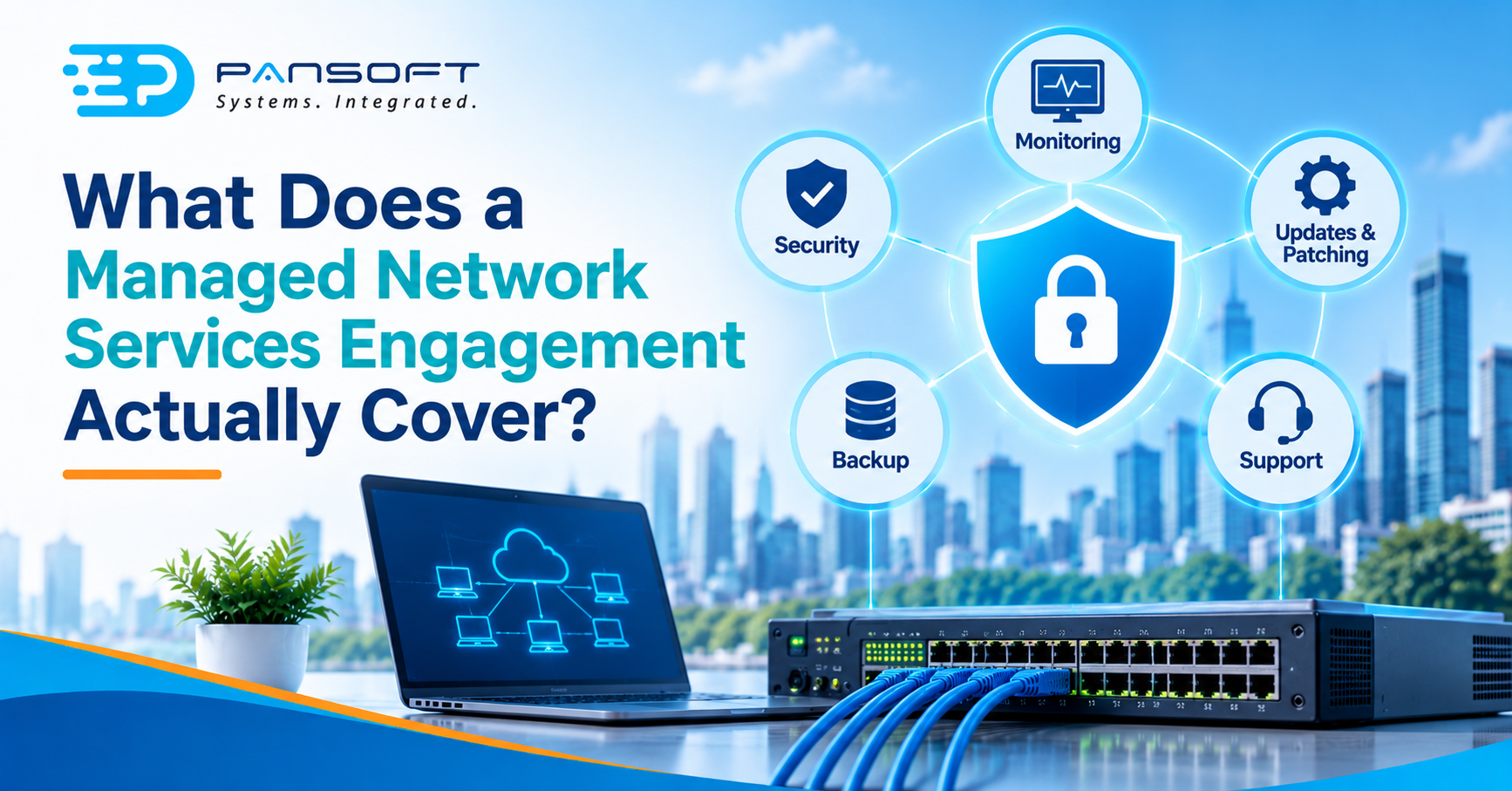
What Does a Managed Network Services Engagement Actually Cover?
Managed network services usually mean a provider monitors your network, handles changes and patching, hardens security and responds to faults under a written contract. What’s actually included varies a lot, so the scope in writing matters more than the label. Ask what you still own.
This is for business owners and IT leads comparing providers or reviewing a contract they already have. It builds on our enterprise networking guides.
What do managed network services usually include?
Most engagements bundle a handful of jobs: watching the network, making approved changes, keeping devices patched, hardening security, and fixing faults. The labels sound alike across providers. The detail underneath doesn’t.
| Area | What it usually covers | What to pin down in writing |
|---|---|---|
| Monitoring | Watching devices and links, raising alerts | Who responds, and when |
| Changes | Approved updates to switches, firewalls and wireless | Who approves, and how it’s recorded |
| Patching | Keeping device software current | The provider’s patching policy |
| Security | Hardening, segmentation, admin access | Who owns hardening and detection |
| Backups | Saving device configurations | Where they’re stored, and how they’re isolated |
| Reporting | Logs, reviews, health summaries | Who can see what the provider does |
The rows aren’t a promise from any one provider. They’re the questions to ask each one. A contract that can’t fill in the right-hand column isn’t a scope yet, it’s a hope.
What do the security agencies say should be in the contract?
A joint advisory from the Australian Cyber Security Centre, the UK’s NCSC, CISA, the NSA, the FBI and the Canadian and New Zealand agencies, dated 11 May 2022, is blunt about it. Customers should make sure contracts say the provider implements the security measures, and say who owns hardening, detection and incident response. They should also set out how and when the provider tells you about an incident.
On access, the advisory says contracts should require multi-factor authentication on all provider accounts that touch your environment. Provider accounts shouldn’t sit in your internal administrator groups. Use a dedicated secure connection such as a VPN for provider access, and prohibit reusing admin credentials across customers.
It also asks for backups of critical data and configurations that are stored separately, a patching policy you understand, and incident response and recovery plans that are tested at regular intervals.
That’s a useful checklist even if your provider is excellent. Good providers won’t mind answering it.
What should the network itself get?
The devices that carry your traffic get less attention than they deserve. CISA calls network infrastructure devices “ideal targets for malicious cyber actors”, because most or all traffic passes through them and many are less maintained than general-purpose computers.
Its advice is practical. Change default passwords. Keep devices patched, and watch for kit that’s never replaced after the manufacturer stops supporting it. Segment and segregate networks and functions, so an intruder can’t spread far. Manage administration from a dedicated, patched host over a secure channel, with multi-factor authentication, and manage devices out-of-band where you can. Monitor the network, review logs and check configurations on a regular schedule.
Put those together and you have the working core of network security architecture. A provider who treats this as extra, billed separately and never discussed, hasn’t really taken the network on.
Where do wireless and WAN fit?
Wireless and WAN links are the two places scope gets fuzziest, so ask about them by name.
On enterprise wireless networks, the Wi-Fi Alliance says Wi-Fi 6 delivers higher data rates, greater capacity and stronger performance in dense environments. Its OFDMA feature shares channels to lift efficiency and lower latency, and multi-user MIMO lets access points handle more devices at once. The Alliance gives no numbers, so don’t expect a particular result from a particular building. The scope question is who surveys, who tunes, and who replaces a failed access point.
For branch connectivity, SD-WAN deployment Australia projects raise a similar question: is the provider managing the overlay, the carrier circuits, or both? Our SD-WAN page covers the technology. For the contract, the boundary between those two is what counts.
What stays with you?
More than people assume. Ask where the provider’s responsibility ends and yours begins. For enterprise network infrastructure with several sites, that boundary often sits at the cabling, the carrier, or the server room door. Servers in a data centre may fall under separate data centre infrastructure services, with a different contract and a different owner.
Nothing here is wrong in itself. The danger is two parties each assuming the other has it covered.
What might this look like in practice?
This is a hypothetical, not a client story. Picture a 60-person firm across three offices that signs a managed network contract. A core switch fails late on a Friday. Nobody answers until Monday, because monitoring was only ever scoped for business hours.
Worse, the switch’s firmware hadn’t been updated in a long time, and nobody could say whose job that was. The contract never named it. The fix wasn’t expensive technology. It was a clearer scope, with named responsibilities, response times and a patching policy in writing.
What should you ask a provider?
Our network infrastructure services page is a good place to start. Whoever you talk to, these are worth asking:
- What’s monitored, and when? Business hours or round the clock, and who acts on an alert?
- Who patches, and how often? Get the policy in writing.
- Who approves a change? A named person on your side.
- What’s out of scope? Ask for the list, and check it against your sites, wireless and WAN.
- What do we see? Reports and logs you can read without calling them.
Quick questions
How long should network logs be kept?
The joint advisory recommends keeping the most important logs for at least six months. That helps when you’re investigating something that started weeks ago. Check who stores them, who can read them and whether your provider’s own activity is visible to you as well.
Do we need Wi-Fi 6E to get the benefits of Wi-Fi 6?
No. Cisco says Wi-Fi 6 is backward-compatible with earlier standards, while 6E extends it into the 6 GHz band. Only 6E devices can use that band, and adopting it may mean assessing routers, switches and access points. Existing Wi-Fi 6 devices keep working on 2.4 and 5 GHz.
What happens to the provider’s access when the contract ends?
The advisory says provider accounts should be disabled once the provider no longer manages your infrastructure, and notes this is often overlooked. Build it into the exit terms: a named person removes the accounts and VPN access, and confirms in writing that it’s done.
Want to talk it through?
If you’re weighing up a managed network engagement, get in touch and tell us what you run today. We’ll give you an honest view on what the scope should include, and no pressure either way.
Learn more about Cisco network solutions.

Related Posts

Enterprise SD-WAN Platform Australia Buyers, Essential Multi-WAN Checks
Enterprise SD-WAN Platform Australia Buyers, Essential Multi-WAN Checks By the Pansoft Technologies team | Published 6 November 2026 | Last reviewed: November 2026 An enterprise…
Read More
What Is Zero-Touch Deployment? Essential Facts for Multi-Site Rollouts
What Is Zero-Touch Deployment? Essential Facts for Multi-Site Rollouts By the Pansoft Technologies team | Published 6 November 2026 | Last reviewed: November 2026 Zero-touch…
Read More