
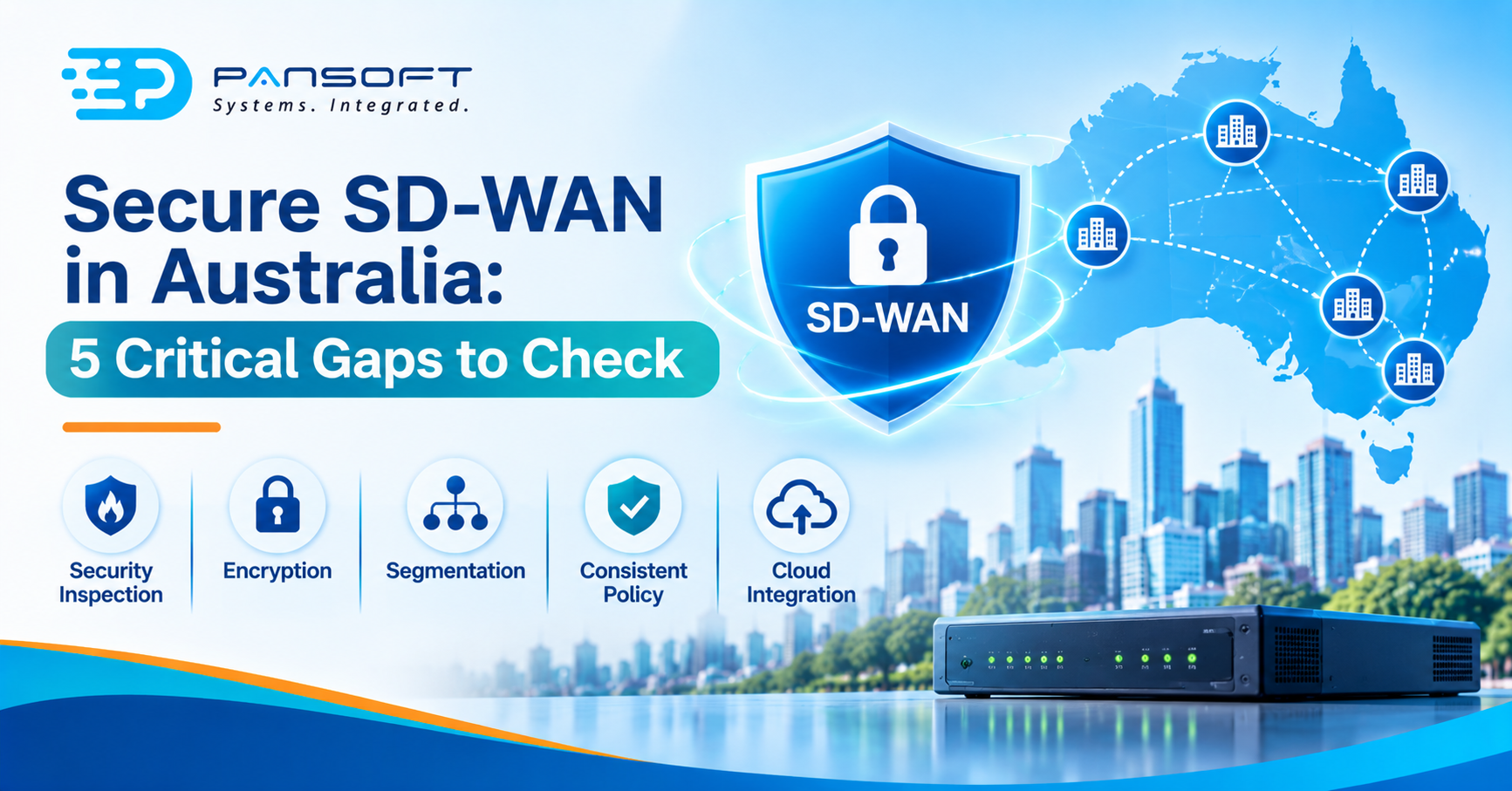
Secure SD-WAN in Australia: 5 Critical Gaps to Check
Secure SD-WAN in Australia means an SD-WAN with security built into the branch device, not bolted on later: firewalling, intrusion prevention, segmentation and central policy. Standard SD-WAN isn’t automatically unsafe, but what it includes varies by vendor, so you have to check.
This is for IT managers weighing up a WAN refresh, or already running SD-WAN and wondering what it doesn’t cover. Pansoft’s SD-WAN page covers the services behind it.
What is the difference between secure SD-WAN and standard SD-WAN?
Standard SD-WAN is about performance: picking the best path across broadband, MPLS or cellular links and managing sites from one place. Secure SD-WAN adds integrated security, and Palo Alto Networks notes that what counts as “standard” depends on the vendor.
| Capability | Standard SD-WAN | Secure SD-WAN | Worth asking |
|---|---|---|---|
| Path selection, central management | Core feature | Core feature | Little to separate products here |
| Firewall and intrusion prevention | Limited, vendor-dependent | Integrated next-generation firewall, IDS/IPS | What’s included, in writing |
| Looking inside encrypted traffic | Varies | SSL inspection often included | Which traffic gets decrypted, and where |
| Segmentation | Varies | Role-based, across LAN and WAN in some products | Where the zones start and stop |
| Policy | Central for WAN settings | Central for WAN and security policy | Who owns it |
Ignore the label and compare the rows. “Secure” on a datasheet isn’t a standard, it’s a claim to test.
Picture a 20-site retail group that swaps MPLS for broadband. Every store now breaks out to the internet locally, which is the point, but nobody has asked who inspects that traffic any more.
Is standard SD-WAN not enough?
Sometimes it’s enough, when all branch traffic still passes through a central firewall or a cloud security service that does the inspection. It stops being enough once branches go straight to the internet and nothing at the branch looks at what goes out.
Palo Alto Networks separates the two ideas. Secure SD-WAN is built with security from the outset, while “SD-WAN security” usually means adding third-party or cloud security services alongside a basic SD-WAN. Both can work. The catch with the second is keeping them consistent across every site.
Which five gaps should you check in any SD-WAN?
1. Who inspects the branch’s internet traffic?
HPE points out that in router-centric WANs, traffic is sent to the data centre for inspection, which hurts application speed. Its answer is to send trusted SaaS, such as Microsoft 365, straight out and pass unknown or untrusted traffic to cloud security services.
So ask what decides “trusted” and where everything else goes. Pansoft’s design work covers secure internet breakout alongside firewall and network security.
2. Is the traffic encrypted, and can anything look inside it?
SD-WAN isn’t inherently private, because it can run over public internet links. Palo Alto Networks says privacy comes from configuring encryption, and HPE describes IPsec tunnels with AES 256-bit encryption in its own product.
Encryption also hides threats from inspection, which is why SSL inspection shows up on secure SD-WAN feature lists.
3. Is the network flat or segmented?
ASD describes network segmentation as partitioning a network into smaller networks, and segregation as enforcing rules on which hosts and services can talk to each other. It calls them highly effective for limiting the impact of an intrusion. Its September 2026 overview adds that segmentation is foundational to its modern defensible architecture, including zero trust.
HPE says its secure SD-WAN extends segmentation across the LAN and WAN, using VRF for separate routing domains. Segmentation that stops at the WAN edge leaves the LAN flat, so the enterprise networking design matters as much as the SD-WAN box.
4. Is one security policy applied at every site?
HPE says manually configured branch firewalls lead to inconsistent policy, and claims central configuration can push changes to thousands of locations in minutes. Treat the speed as a vendor claim. The consistency is the useful part.
Also ask who reads the logs. HPE lists security event logging as part of the feature set, but a log nobody watches protects nothing.
5. Is there a route to cloud-delivered security later?
Palo Alto Networks calls secure SD-WAN a stepping stone to SASE. HPE explains the difference: secure SD-WAN protects branches and WAN traffic, while SASE adds services such as ZTNA, secure web gateways and CASB for users, applications and the cloud.
You don’t need SASE on day one. You do want a platform that can integrate with those services later.
How should an SD-WAN deployment start?
Small, and measured. Pansoft’s own migration approach starts with a current WAN assessment and an application review, then a pilot at a small number of sites before wider rollout. That fits neatly with the rest of your network infrastructure work, because the pilot shows what breaks while the blast radius is small.
What should you do first?
- List the branches that break out locally and what inspects that traffic today.
- Ask each vendor for a written list of firewall, IPS, SSL inspection, segmentation and logging features.
- Map which systems should be segmented from each other.
- Run a pilot at a few sites before committing to all of them.
- Decide who watches the logs and applies updates.
Common questions
Is SD-WAN encrypted?
Not by default in every product. SD-WAN can run over public internet links, so privacy depends on configuration. Palo Alto Networks says encryption can be configured, and HPE describes IPsec tunnels using AES 256-bit encryption in its product. Confirm what your vendor enables out of the box.
Is secure SD-WAN the same as SASE?
No. Secure SD-WAN protects branches and WAN traffic with integrated security. SASE extends that to users, applications and the cloud by adding services such as ZTNA, secure web gateways and CASB, as HPE explains. Some secure SD-WAN products grow into SASE later, so one can be a stepping stone.
Do we need a managed service?
Not necessarily, but someone has to own the policy, the logs and the updates. If your team can’t watch alerts around the clock, a managed arrangement fills the gap. Decide who owns monitoring before you choose the platform, because it shapes which products suit you.
Where to go from here
“Secure” is a claim to test, not a feature to assume. If you’d like a second opinion on a quote or your current setup, get in touch with the Pansoft team. Pansoft can review a design through SD-WAN consulting, and offers Managed SD-WAN Services if you’d rather not run it yourself, with no obligation either way.

Related Posts

Enterprise SD-WAN Platform Australia Buyers, Essential Multi-WAN Checks
Enterprise SD-WAN Platform Australia Buyers, Essential Multi-WAN Checks By the Pansoft Technologies team | Published 6 November 2026 | Last reviewed: November 2026 An enterprise…
Read More
What Is Zero-Touch Deployment? Essential Facts for Multi-Site Rollouts
What Is Zero-Touch Deployment? Essential Facts for Multi-Site Rollouts By the Pansoft Technologies team | Published 6 November 2026 | Last reviewed: November 2026 Zero-touch…
Read More