
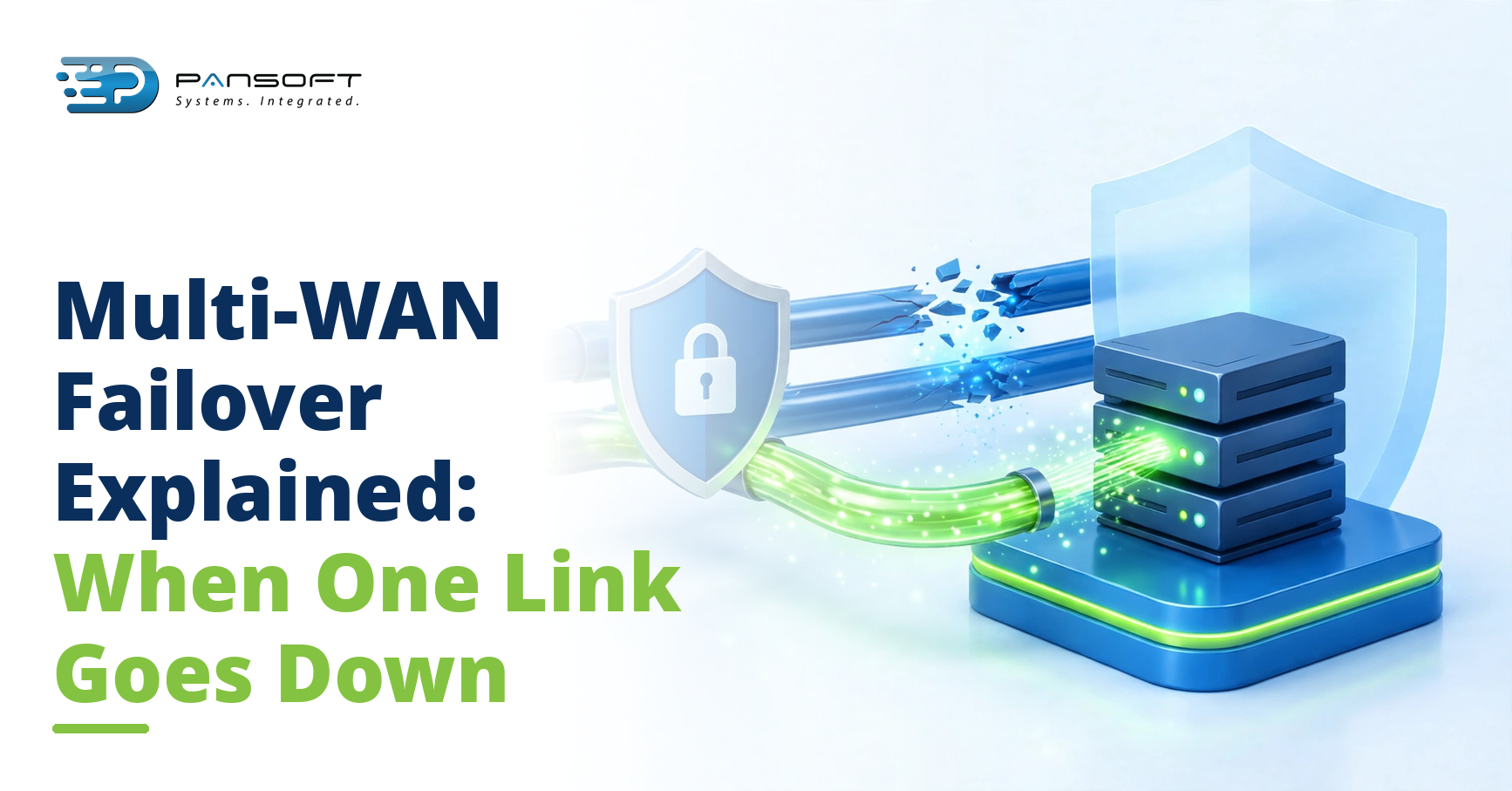
Multi-WAN Failover Explained: What Happens When One Link Goes Down
By the Pansoft Technologies team | Published 16 November 2026 | Last reviewed: November 2026
When one internet link goes down, traffic moves to the surviving link automatically, usually within seconds. Most staff notice nothing at all. A voice call in progress might clip for a moment, but nobody needs to unplug anything, restart anything, or call IT.
This is for business owners and IT leads who cannot afford a dead link to stop the day: clinics, retailers, professional services, and any operation spread across more than one site.
How does the network know a link is down?
It does not wait for someone to complain. The device at the site sends small health checks down each link, many times a minute, and watches for replies. A link that stops answering, or answers too slowly, or loses too many packets, is treated as failed, even if the carrier says the service is up. That distinction matters, because a link can be technically connected and practically useless at the same time.
P-WAN Express provides multi-WAN failover Australia-wide, and the detection thresholds are part of the template: how many missed checks count as a failure, and how quickly the network reacts. The SD-WAN appliance at the site makes the call locally, so detection does not depend on reaching head office first.
The whole exchange, from missed checks to a decision, usually takes seconds.
What happens in the seconds after a failure?
Three things, in order. First, the device stops sending new sessions down the failed link. Second, existing sessions that can move are moved to the surviving link. Third, the central team gets an alert, with the site name, the failed link, and the time it dropped.
For most traffic, the move is invisible. Web browsing, email, and cloud applications pick up on the surviving link without a refresh. Sessions built on TCP, which is most business traffic, generally survive the move, because the protocol retransmits what was lost. Real-time traffic is less forgiving, which is where the next section comes in.
Bandwidth is the one honest constraint. If the surviving link is much smaller than the failed one, everything still works, but more slowly, and low-priority traffic may be held back until the main link returns. That is a design choice, agreed up front, not a surprise on the day.
Nothing changes for the user. No new password, no different address, no VPN client to restart. The internal network stays the same; only the path to the internet changes.
Take a hypothetical example. A Gold Coast professional services firm loses its main fibre link at 10am. The 4G backup takes over, staff keep working in their cloud practice system, and the only sign of trouble is a brief stutter on one video call. The office manager learns about it from the alert, not from complaints.
What do staff actually notice?
It depends on what they were doing when the link dropped.
| What staff were doing | What happens | What they notice |
|---|---|---|
| Browsing the web or using cloud apps | Sessions move to the surviving link | Usually nothing |
| On a voice or video call | The call re-establishes over the other link | A brief clip or freeze, rarely a dropped call |
| Uploading or downloading large files | The transfer slows or restarts | A longer wait, or a retry |
| Processing card payments | Transactions queue and retry | A short delay at the counter |
| Working offline in local systems | Nothing changes | Nothing at all |
The honest summary is that failover is fast, not magic. A call in progress may glitch. Everything else should carry on.
What happens when the failed link comes back?
The network does not rush back. A link that flaps, dropping and returning every few minutes, would cause more disruption if traffic kept bouncing between paths. So the device waits until the link proves itself stable for a set period, then moves traffic back, either at once or in a planned window.
That patience is deliberate. A link that returns briefly and fails again is worse than a link that stays down, because every switch costs a little disruption. The waiting period, sometimes called hold-down or dampening, is part of the template, and it can be tuned per site.
Failback is also a good moment to ask why the link failed. A carrier outage, a damaged cable, and a failing modem all look the same at first, and only the first is the carrier’s problem to fix.
The central team gets a second alert when the link returns and traffic moves back, so the incident has a clean start and end in the record. That record matters when the carrier asks what happened, or when the same link fails twice in a month and a pattern emerges.
What makes the difference between good and bad failover?
Three things: diversity, design, and testing.
Diversity means the second link should fail for different reasons than the first. Two services from the same carrier, over the same cable path, can go down together. A fibre service backed by a 4G or 5G link, from a different carrier, is a much stronger pair, because the failure modes barely overlap.
Design means choosing how the links share the load. In an active/standby setup, one link carries everything and the other waits. In an active/active setup, both carry traffic, and a failure simply concentrates the load. Either works; the choice depends on cost, capacity, and how much traffic the surviving link must carry alone.
Branch office networking lives or dies on this detail, because a branch with one link has no fallback at all, and a branch with two links from the same pit has barely more. P-WAN Express manages every site from an Edge SD-WAN Platform Australia-wide, so a failed link at one site is visible centrally within moments, and the template decides the response before anyone picks up a phone.
Testing is the part most teams skip. Pull the plug on purpose, out of hours, and watch what happens. Do it once after install, and again after any major change. A failover design that has never been tested is a hope, not a plan.
The hardware matters too. The devices, including 4G backup units, are sourced through IT hardware procurement Australia-wide and listed in the hardware catalogue, so the backup path is specified with the same care as the main one.
Behind the branches sits P-WAN, the core network service, which provides the central design that branch failover plugs into.
FAQ
Will a video call survive a link failure?
Usually, with a brief glitch. The call re-establishes over the surviving link, and most people experience a short freeze rather than a drop. Calls that were already struggling on a congested link are the most likely to drop.
Do the two links need to come from different providers?
They should, where possible. Two links from the same provider can share the same outage, the same exchange, or even the same cable path. Different providers, and different technologies where you can get them, give the second link a genuinely independent chance.
Should we test failover by pulling the plug?
Yes, and do it on purpose, out of hours, the first time. Watch what happens to calls, cloud apps, and card payments, and fix whatever surprises you. Then test again after any major change, so the design stays proven rather than assumed.
Want to talk it through?
Pansoft is based in Bundall on the Gold Coast, and supports clients in Brisbane and across Australia. If a dead link would stop your day, get in touch for a conversation about how your sites would cope. No obligation, and no pressure to change anything that already works.

Related Posts
Edge SD-WAN for Branch Offices: What Zero-Touch Deployment Actually Looks Like
Zero-Touch SD-WAN Deployment for Branch Offices means the device configures itself the moment it is plugged in and connected to the internet. Nobody at the branch needs IT skills, and nobody from head office needs to travel. The configuration lives in the cloud, the device downloads it, and the site comes online under central policy.
Read More
WAN Optimisation Explained: What It Fixes That SD-WAN Alone Doesn’t
SD-WAN chooses the best available path for your traffic. It does not fix traffic that is chatty, repetitive, or badly behaved, and it cannot create bandwidth that is not there. That gap is what optimisation at the WAN layer addresses: it trims, shapes, and prioritises traffic so the links you already pay for carry more useful work.
Read More