
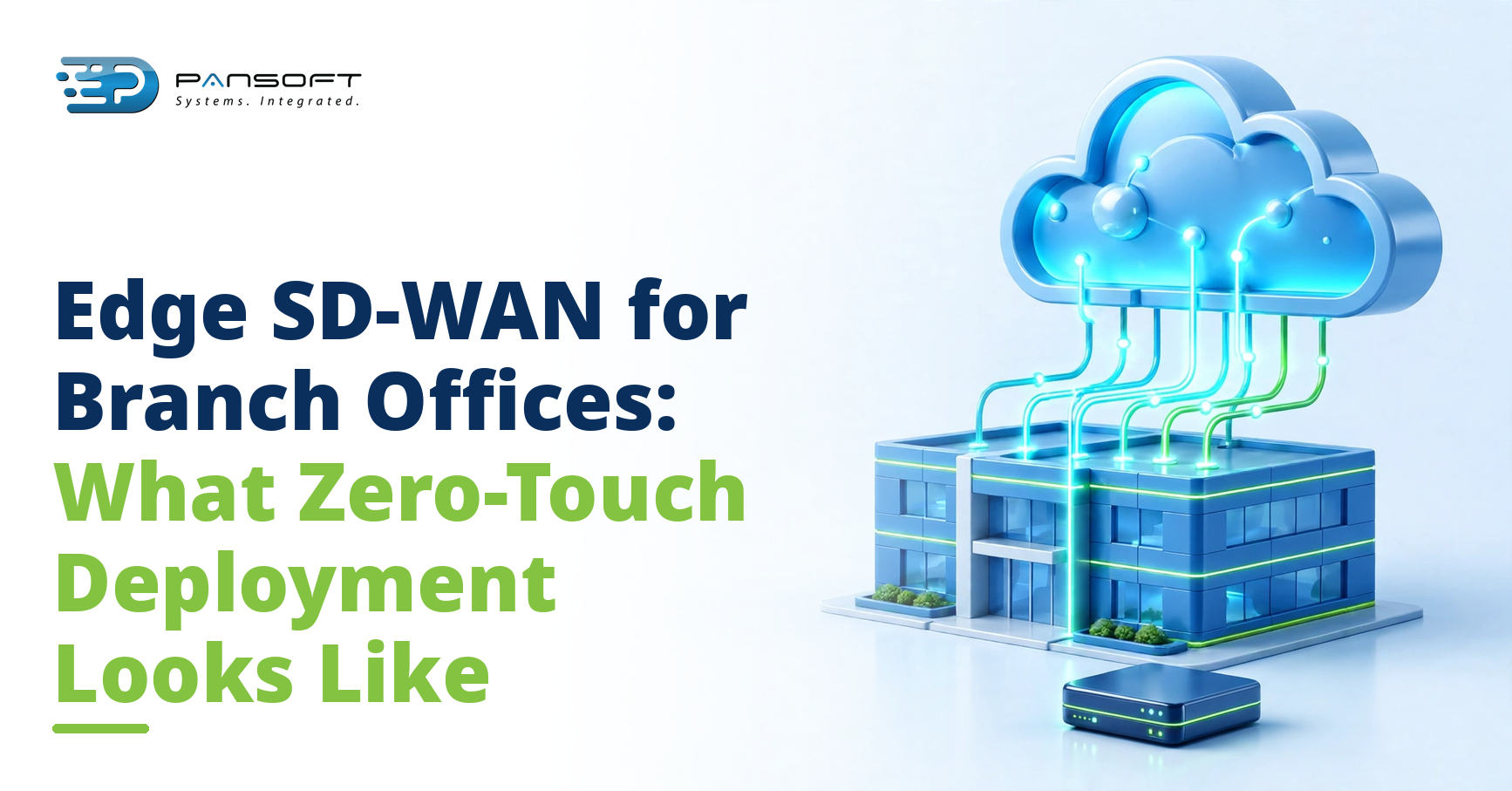
Edge SD-WAN for Branch Offices: What Zero-Touch Deployment Actually Looks Like
By the Pansoft Technologies team | Published 16 November 2026 | Last reviewed: November 2026
Zero-Touch SD-WAN Deployment for Branch Offices means the device configures itself the moment it is plugged in and connected to the internet. Nobody at the branch needs IT skills, and nobody from head office needs to travel. The configuration lives in the cloud, the device downloads it, and the site comes online under central policy.
This is for IT managers and operations leads opening new branches, clinics, stores, or depots, and for anyone who has waited weeks for an engineer visit to connect a new site.
What actually arrives at the branch?
A single box, a power cable, and a short instruction card. That is usually the lot.
The site receives one SD-WAN appliance, already registered to your network and matched to a configuration template built for that type of site. Nothing is configured on the bench at head office and shipped in a fragile state. The device is generic until it calls home, which is the whole point: the intelligence lives centrally, not in the box. If the site needs a second link for resilience, that is part of the same template, not a separate project.
Each device is sourced through IT hardware procurement Australia-wide and staged before it ships, so the serial number, the site name, and the template are already tied together when the box leaves the warehouse.
What does the person on site have to do?
Three things: plug in the power, plug in the internet cable, and wait.
The instruction card says which port takes the internet feed and what the lights mean. There is no laptop, no console cable, and no configuration screen. The person on site does not log in to anything. If the lights settle into the pattern on the card, the site is online. If they do not, the card has a number to call, and the support team can see the device from their side, often before the caller finishes explaining.
That is the entire on-site job. It takes minutes, not a visit, and it works with whoever happens to be at the branch that day: a store manager, a practice manager, or a site supervisor.
Remote verification closes the loop. The central team confirms the tunnels are up, the policies are applied, and the site is passing traffic, then tells the branch contact the job is done. Nobody at the branch has to test anything.
What happens in the background?
Once the device has internet access, it reaches out to the central controller and proves who it is, using a certificate tied to its serial number. No default passwords, no open setup pages. The controller recognises the device, hands over the configuration template for that site, and the device builds its secure tunnels back to head office and to the cloud services the branch needs. The whole exchange usually takes minutes.
Pansoft is ISO 27001:2021 certified, and certificate-based authentication fits that posture: a device proves its identity before it receives a single setting.
Policies arrive with the template: which traffic gets priority, which applications are allowed, and how the site should behave if a link fails. Monitoring starts at the same time, so the central team sees the site appear on the dashboard, with link health, usage, and any errors, without anyone at the branch reporting in.
Behind the scenes, one Edge SD-WAN Platform Australia-wide holds the configuration for every site, so a change made once applies everywhere. P-WAN Express is the service behind this model, and it is designed for sites that need to come online quickly without local IT support.
Software updates follow the same pattern. They are tested centrally, scheduled in a maintenance window, and pushed to sites in groups, so a bad update is caught on a handful of sites before it reaches the rest.
What should be ready before the box ships?
Zero-touch does not mean zero preparation. The site needs a few basics in place, and sorting them early is what keeps the install to minutes.
- Internet service active at the site, with the modem or NTD in place
- A power point near the comms spot, with room for the device to breathe
- A named contact on site, with a mobile number, for install day
- The site address and a label for the device, so the dashboard names match reality
- Mobile coverage checked, if a 4G or 5G backup link is part of the plan
- A change window agreed, if the cutover affects a site that is already trading
If the rollout also needs switches, access points, or a 4G backup unit, they come from the same hardware range and can ship with the device.
What if something goes wrong?
Most failures fall into two buckets: the site has no internet yet, or the cable is in the wrong port. Both are diagnosable from the central dashboard, and both are fixable with a phone call. The support team can see whether the device has checked in at all, which tells them immediately whether the problem is connectivity or configuration.
Take a hypothetical example. A new branch in Brisbane plugs in the box and the lights never settle. The dashboard shows the device has never called home, which points to the internet feed, not the device. A call to the branch confirms the modem is still in its box. Modem installed, cables checked, device online within the hour. No engineer travelled anywhere.
If a device itself fails, the fix is a swap: a replacement ships, the old serial is retired, and the new device picks up the same template when it calls home. The branch repeats the same three steps, and the site is back under the same policies.
How does this differ from the old way?
Branch office networking used to mean an engineer on a plane, a console cable, and a long afternoon typing configuration into a device that nobody else could see. Every site was a snowflake, and every change meant another visit or a remote session spent hoping the connection held.
The new model flips that. Configuration is written once, tested centrally, and pushed to every site that matches the template. A policy change is a change in one place, not a tour of the country. And because every site reports into the same dashboard, faults surface before users start calling.
For head office and larger sites, P-WAN covers the core network behind the branches, with the same central management. P-WAN Express handles the edge, where sites are small and local IT support is thin.
FAQ
Does anyone at the branch need IT training?
No. The job is two cables and a wait. If the lights do not settle, the instruction card has a number to call, and the support team can see the device from their side.
What if the branch has no internet on install day?
Then the device waits. A 4G or 5G backup can get the site online first, and the fixed link takes over when it is ready. Either way, nothing is configured on site, so a delayed install day costs patience, not rework.
Can we add more sites later without touching the old ones?
Yes. A new site gets the same template, or a variant of it, and existing sites are untouched. Growth becomes a matter of shipping boxes, not revisiting every branch.
Want to talk it through?
Pansoft has supported Australian businesses since 2011, from its Gold Coast base, with clients in Brisbane and across Australia. If a branch rollout is on your horizon, get in touch for a conversation about how the edge sites would actually work. You can also email [email protected]. No obligation, and no pressure.

Related Posts
Multi-WAN Failover Explained: What Happens When One Link Goes Down
When one internet link goes down, traffic moves to the surviving link automatically, usually within seconds. Most staff notice nothing at all. A voice call in progress might clip for a moment, but nobody needs to unplug anything, restart anything, or call IT.
Read More
WAN Optimisation Explained: What It Fixes That SD-WAN Alone Doesn’t
SD-WAN chooses the best available path for your traffic. It does not fix traffic that is chatty, repetitive, or badly behaved, and it cannot create bandwidth that is not there. That gap is what optimisation at the WAN layer addresses: it trims, shapes, and prioritises traffic so the links you already pay for carry more useful work.
Read More