
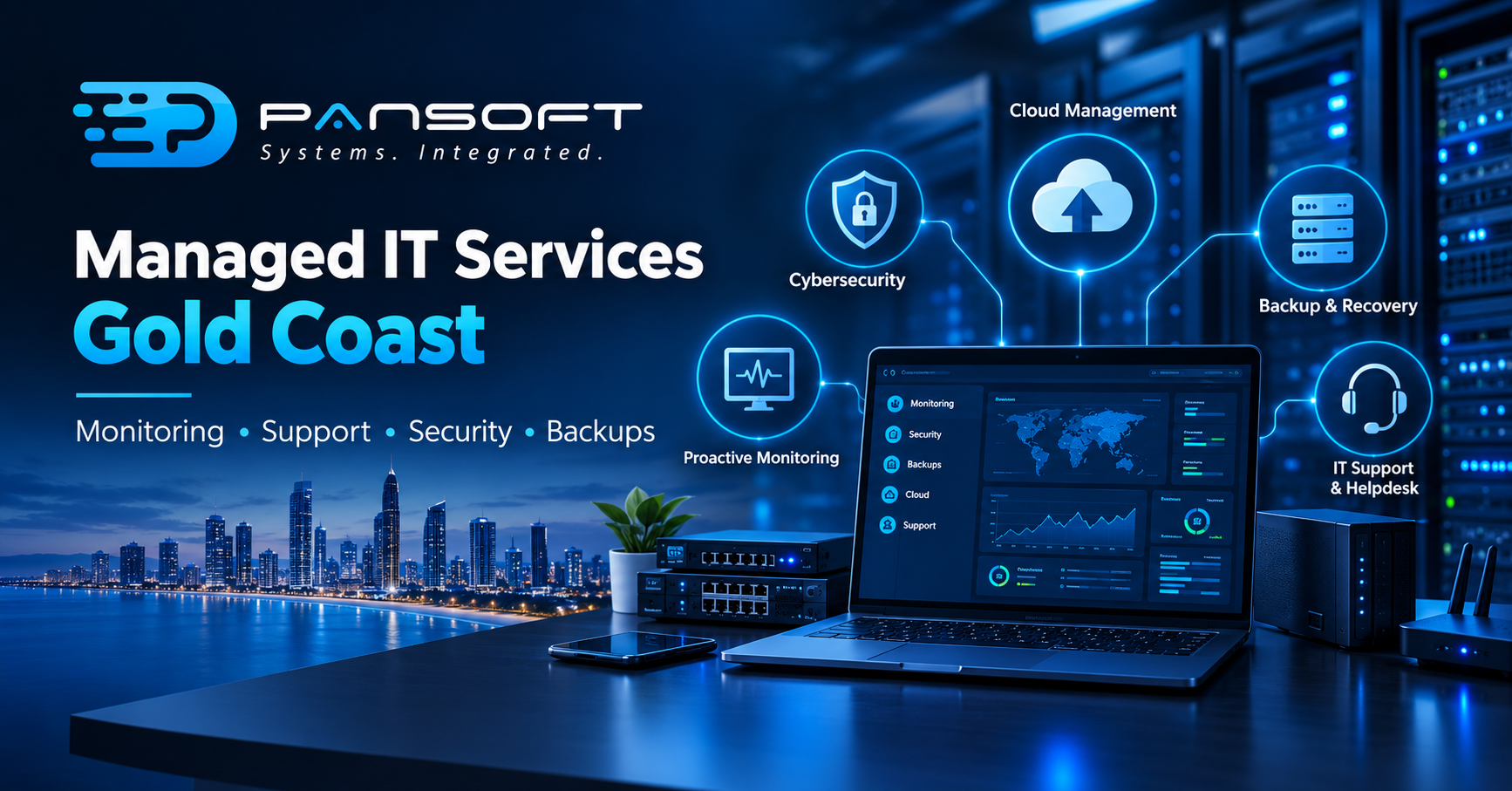
Managed IT Services Gold Coast: What Does a Managed IT Services Provider Actually Do?
Short version: a managed IT services provider watches, patches, backs up and fixes your technology so your own team isn’t the one doing it. Monitoring, support, security, backups, vendor calls usually bundled into one monthly fee instead of a stack of separate invoices.
That’s the answer in a sentence. Where it stops, and what it actually looks like week to week, is the part worth reading before you sign anything.
What actually happens behind the scenes
Most of the work, you’ll never notice. That’s kind of the point. Proactive IT monitoring means something is watching your servers, network and devices around the clock a disk starting to fail, an error log spiking and catching it before it becomes downtime instead of after. Patches go on according to a schedule rather than whenever someone remembers to do it. Backups run, and get tested, so a restore actually works on the day you need one, not just on paper.
Helpdesk is the bit people notice. Someone’s laptop won’t connect. An app stopped syncing overnight. A new starter needs a login by Monday morning and nobody’s set it up yet. A decent provider logs it, chases it through to done, and tracks how long that actually took not just how many tickets got closed that week.
Then there’s the work nobody enjoys: sitting on the phone with a software vendor, explaining the same problem three times, pushing until it’s actually fixed. Most internal teams hate this. It’s exactly the kind of thing a provider is built to absorb.
Where this fits around your business
It usually starts with an audit what you’ve already got, what’s broken, what’s about to be. From there the provider becomes your first call for more or less anything technology-related: a new hire, a switch that’s died, a phishing email someone clicked without thinking, or just “is this tool safe to use?”
24/7 IT support Australia wide sounds like a bullet point, but it matters more than people assume. Problems don’t check the time before they happen, and a server going down at 2am costs real money if nobody notices until nine. Round-the-clock monitoring means somebody, or something, is watching even when the office is dark.
There’s also a planning side to it, not just firefighting. A good provider tells you what’s ageing out or turning into a security risk before it’s urgent, not after. Cloud migration and management is a good example of this moving the right systems to the cloud at the right time takes a fair chunk of infrastructure work off a smaller team’s plate.
What it usually doesn’t cover
Worth knowing the edges here. Custom software builds, big infrastructure projects, and deeply specialised platform work tend to get quoted separately even inside a managed agreement. Same with after-hours emergency callouts that fall outside what’s written into the contract and hardware itself, which you’re usually still buying and owning.
None of that’s a flaw in the model. It’s just scope. The value sits in the stuff that has to happen continuously monitoring, patching, helpdesk, backup, security bundled so you’re not paying for each piece separately and crossing your fingers they all get done.
How to pick a provider worth trusting
Response time is only half the story. What happens after they answer matters more. Ask how they escalate an incident, who’s actually responsible for it until it’s closed, and how they report that back to you. A provider that can hand you a dashboard, or even just a plain monthly summary, is a lot easier to hold to account than one who just tells you “it’s sorted.”
Security shouldn’t be an afterthought. Ask about patching cadence, endpoint protection, and how they respond to an incident and whether any of that sits behind an extra fee. If you work with government or enterprise clients, ask outright whether they’ve handled that kind of engagement before. The paperwork and compliance bar sits higher there than most people expect.
A provider’s own history is worth a glance too. Pansoft, for one, sets out its background and the sectors it has worked in on its about page a decent place to start if you want a sense of how a provider talks about its own experience before you press them with the harder questions.
At the end of the day, managed IT services Gold Coast businesses pick usually comes down to three things once the shortlist’s done: how well they communicate, how fast they actually turn up when something breaks, and whether the fee lines up with what’s actually included. Pansoft’s managed IT services page lays out that scope if you want the fuller picture. Get those three right and most of the rest sorts itself out.
Questions people actually ask
Isn’t this basically an outsourced IT department?
Close, but not quite. Most providers focus on infrastructure, security and day-to-day support rather than long-term technology strategy. Some businesses keep a part-time internal contact alongside their provider for exactly that gap.
How fast should they respond when something’s urgent?
Depends entirely on the contract, so ask for response times against severity not one blanket number for everything. A full outage should get a much faster reply than a routine request.
Do I even need my own IT person if I’ve got a provider?
Not necessarily, but bigger or more specialised businesses often keep one internal person who knows the systems and can talk to the provider directly. It’s not essential more a question of size.

Related Posts

Cyber Security for Small Business in Queensland: Where to Start First
Cyber Security for Small Business in Queensland: Where to Start First Start with an assessment, not a shopping list. Before you commit to any cyber…
Read More
What Is a Managed Cyber Security Service, and What Should Be Included?
What Is a Managed Cyber Security Service, and What Should Be Included? Picture a login alert going off at 2am on a Saturday. The only…
Read More