
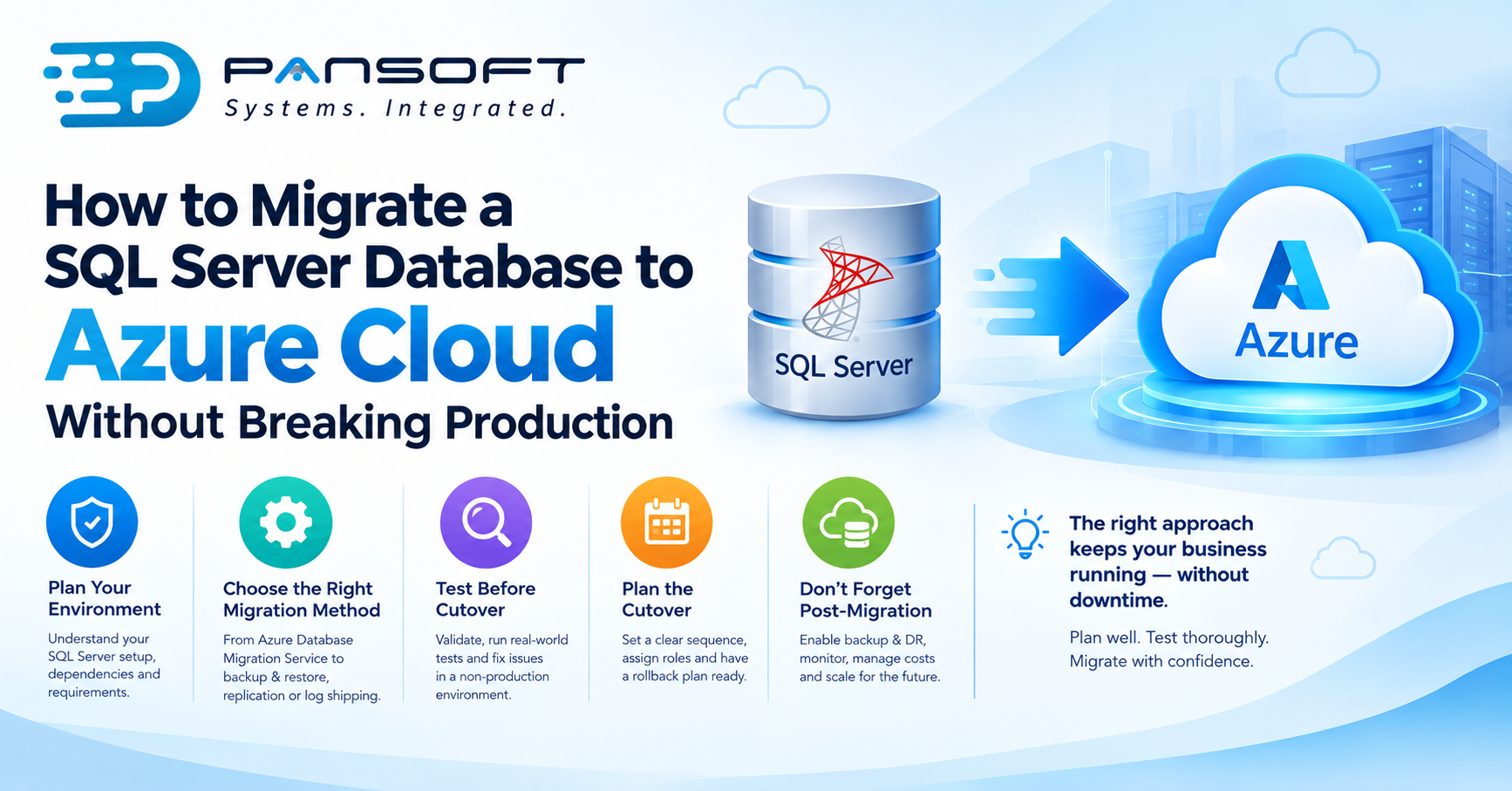
How to Migrate a SQL Server Database to Azure Cloud Without Breaking Production
The short answer to how to migrate a SQL Server database to Azure cloud without taking production down is this: never migrate live, always test the cutover before it’s real, and pick a migration method that actually matches how much downtime your business can stomach. Nail those three things and everything else is mostly execution. Miss one, and you’ll find out during business hours, with users watching.
Most SQL Server migrations that go wrong don’t fail because of Azure itself. They fail because of planning gaps that were entirely avoidable if someone had just looked closer beforehand.
Work Out What You’re Actually Moving First
Before touching Azure at all, get a proper picture of the current database environment. What version of SQL Server is running. Which applications depend on it, and how tightly. Whether there are scheduled jobs, linked servers, or custom stored procedures that assume a specific network path or server name. Skip this step and you’ll likely end up with a migration that sails through testing, then breaks something nobody thought to check the moment it goes live.
It’s also worth being honest about database size and how much it changes day to day. A small, mostly static database behaves very differently during migration than a large transactional one taking constant writes, and that difference is what actually drives which migration method makes sense.
Select the Approach That Best Suits Your Downtime Tolerance
Azure gives you a few genuinely different paths here, not just one “correct” way, and the right pick comes down to how much downtime the business can absorb.
If you’re migrating anything currently in production, Azure Database Migration Service is usually the preferred route. It handles both one-off and continuous migrations, and supports online migration with minimal downtime for compatible source databases, since the source stays live and syncing while the target gets built out in parallel.
For databases that can tolerate a proper maintenance window, backup and restore is the simpler option. Take a full backup, restore it into Azure SQL Database or Azure SQL Managed Instance, verify it, then cut over. Slower to plan around, since you need a defined window, but the process itself is well understood and doesn’t throw many surprises.
Larger, more active databases wanting something close to zero downtime tend to suit log shipping or transactional replication instead. Data keeps flowing to the Azure target right up until the switch happens, so while the setup takes more effort upfront, the actual cutover window can end up being minutes rather than hours.
There isn’t a universally “best” option among these. A retail business with a database only lightly used overnight can often get away with a scheduled window. A business running transactions around the clock usually can’t, and ends up needing that near-zero downtime approach even though it costs more time to set up properly.
Test the Cutover Before It’s Real
This is the step most businesses under-invest in, and it’s genuinely the one that keeps production from breaking. Spin up a test migration into a non-production Azure environment first. Use it to validate connection strings, check how the application actually behaves against the new database, and confirm scheduled jobs are still firing correctly, all with zero risk to the live system while you’re at it.
Run the application against that test environment properly, not just a quick connectivity check. Test the reports that pull from the database. Test the integrations that write to it. Test what happens under a realistic load, not a handful of manual clicks from someone’s desk. Problems that surface here are inconvenient. The exact same problems surfacing during a live cutover are a production incident.
Plan the Cutover Itself Like an Event, Not an Afterthought
Once testing comes back clean, the actual cutover deserves its own plan. “We’ll do it Friday nite and see how it goes” is a hope rather than a strategy. What you actually need covers the exact sequence of steps, who’s doing what, how you’ll confirm the migration succeeded, and, just as importantly, what rollback looks like if something doesn’t go to plan.
A rollback plan sitting only in someone’s head doesn’t count. Write it down properly. Have it open and ready during the migration itself, not buried three folders deep in an inbox, so if you need to point applications back at the original SQL Server partway through, nobody’s scrambling to remember the steps.
Don’t Treat Migration as the Finish Line
Getting the database running in Azure isn’t the end of the job, even though it can feel that way after a stressful cutover weekend. Set up Azure backup and disaster recovery in the new environment from the start, rather than circling back to it later once someone remembers it’s missing. Azure SQL Database and Managed Instance both come with automated backups and point-in-time restore built in, but the retention settings and recovery objectives still need to match what your business actually requires, not just whatever ships as the default.
There’s a broader piece here too, around Azure infrastructure solutions covering monitoring, cost management, and scaling. A database that’s been migrated but never tuned for its new home tends to drift one of two ways, either burning money on capacity nobody’s using, or quietly running up against performance limits nobody thought to plan for.
Where Specialist Help Actually Pays Off
Plenty of SQL Server migrations are genuinely doable in-house, particularly smaller, simpler databases where there’s a clear maintenance window to work with. Bringing in Microsoft Azure consulting services tends to pay for itself once the database is large, business-critical, tightly woven into other systems, or when the tolerance for downtime is basically zero. That’s exactly the territory where a small planning gap turns into an expensive problem, and where experienced hands are worth what they cost.
This work also shouldn’t happen off on its own, separate from the rest of your cloud implementation strategy. A database migration decided in isolation from where your applications and infrastructure are actually heading tends to create integration headaches down the track that a properly coordinated plan would have caught early.
What If You’re Weighing Up AWS Instead?
Fair question, and worth asking before committing either way. Azure tends to have the edge for SQL Server specifically, given Microsoft built both, and the tooling reflects that closeness. If your infrastructure leans more mixed, or you’re already running other services elsewhere, it’s worth comparing against what AWS offers for database migration before locking in a direction.
A Few Questions Worth Asking
How long does a typical SQL Server to Azure migration take?
Depends heavily on database size, complexity, and how many dependent systems are tangled up in it. A straightforward, smaller database on backup and restore might take a day or two of actual hands-on work, while a large, tightly integrated production database with near-zero downtime requirements needs considerably more time to plan and execute properly.
Can we migrate without any downtime at all?
Genuinely zero downtime is possible in some scenarios using continuous replication, but it depends heavily on the specific database and how it’s used. Most businesses end up landing somewhere between a short, well-planned maintenance window and a near-zero downtime cutover, depending on what the workload can actually tolerate.
What’s the biggest mistake businesses make during this kind of migration?
Skipping proper testing before the real cutover happens. Under time pressure it’s tempting to jump straight from planning to execution, but that’s almost always where the unexpected breakage comes from.
Where to Go From Here
Planning a SQL Server migration and want a second opinion before locking in a cutover date? That’s worth sorting out early rather than after the fact. Get in touch with the Pansoft team for a straightforward chat about what would actually work for your environment.

Related Posts

Cyber Security for Small Business in Queensland: Where to Start First
Cyber Security for Small Business in Queensland: Where to Start First Start with an assessment, not a shopping list. Before you commit to any cyber…
Read More
What Is a Managed Cyber Security Service, and What Should Be Included?
What Is a Managed Cyber Security Service, and What Should Be Included? Picture a login alert going off at 2am on a Saturday. The only…
Read More