

What Is a Common Azure Customer Cloud Migration Strategy?
Most Azure customers end up following some version of Microsoft’s own Cloud Adoption Framework, even if nobody calls it that internally: settle on a strategy first, take stock of what you’ve actually got, prep the environment, then shift workloads across using whatever fits each one best, rehost, refactor, or rebuild, before governance and ongoing management take over. That’s the honest answer to what is a common Azure customer cloud migration strategy. It’s less a single method and more a sequence most businesses end up following whether they planned to or not.
Knowing the sequence matters less than knowing where businesses usually get stuck inside it, which tends to be the same handful of spots regardless of industry.
Strategy Comes Before Anything Technical
A lot of businesses skip straight to “we’re moving to Azure” without answering the question underneath it: why, specifically, and what does success look like once you’re there? Cost reduction, better scalability, ending a data centre lease, meeting a compliance requirement, these are genuinely different motivations, and they point toward different technical decisions.
Skipping this step doesn’t usually cause a failed migration outright. It causes a slow, expensive one, because nobody agreed on what “done” actually meant, so every workload gets debated individually instead of following an agreed direction.
Plan Means Knowing What You’ve Actually Got
Once the motivation is clear, the next stage is an honest inventory. What applications exist, what depends on what, and which ones are genuinely business-critical versus which ones just quietly exist because nobody’s turned them off. Most businesses underestimate how tangled this gets. A relatively simple-looking application often turns out to have three other systems feeding into it that nobody documented properly.
This is also where the migration approach for each workload gets decided, and Azure customers typically land on one of a few well-worn paths:
- Rehost: move the application as-is onto Azure infrastructure, sometimes called “lift and shift.” Fast, low-risk, but doesn’t take advantage of what cloud-native environments can actually offer.
- Refactor: make targeted changes so the application runs better in Azure without a full rebuild. A reasonable middle ground for applications worth keeping but not worth reinventing.
- Rearchitect or rebuild: redesign the application to use cloud-native services properly. More effort upfront, but this is genuinely where Azure application modernisation earns its name, turning something that merely survives in the cloud into something built to take advantage of it.
Different applications in the same business often end up on different paths, and that’s completely normal. Forcing every workload through the same approach is usually a sign the planning stage got rushed.
Getting the Environment Ready Before Moving Anything
Before workloads actually move, the target environment needs to exist properly, not just be spun up in a hurry the week before cutover. Identity and access management, networking, security baselines, and cost governance all need setting up in advance, because retrofitting them onto a live environment is considerably harder than building them in from the start.
Businesses that skip ahead to migrating workloads before this groundwork is done tend to pay for it later, usually in the form of a security gap or a cost blowout that traces back to something nobody configured properly at the outset.
Adopt: The Part Everyone Pictures When They Hear “Migration”
This is where workloads actually move, and it’s usually done in waves rather than all at once. A common pattern is to start with lower-risk, lower-complexity applications first, prove the process works, then move on to the systems that genuinely matter to daily operations. Getting the sequencing wrong, tackling the hardest, most business-critical system first purely because it’s the most urgent, tends to create the most stressful migrations businesses go through.
This is where proper Azure cloud migration services genuinely earn their keep. Sequencing workloads with some sense, checking each move actually worked before starting the next, and always having a rollback path ready, that’s the difference between a migration that goes smoothly and one that turns into a flood of support tickets.
Govern and Manage Aren’t Optional Extras
A surprising number of businesses treat the migration as finished the moment the last workload is running in Azure. In practice, governance and management are ongoing, not a box ticked once. Cost controls, access reviews, and monitoring all need to keep running well after the migration project itself has wrapped up.
This is also where Hybrid cloud Azure solutions come into play for a lot of businesses. Not everything moves to the cloud, and that’s often the right call rather than an unfinished migration. Some workloads stay on-premise for genuine reasons, latency, specific compliance requirements, or simply because rebuilding them isn’t worth the cost yet, and Azure’s hybrid tooling exists specifically to manage that split sensibly.
Where This Connects to the Bigger Picture
None of this should happen in isolation from your broader technology plans. A migration strategy decided purely as an IT exercise, disconnected from where the business is actually heading, tends to solve today’s problem while creating tomorrow’s. This is really a piece of your overall cloud implementation strategy, not a standalone project that gets closed off once it’s done.
What About AWS?
Worth a mention, since the two often get compared directly. Much of this migration logic applies whichever platform you choose, though AWS structures its own migration guidance somewhat differently. For businesses already running heavily on Microsoft software, Azure tends to have a shorter runway simply because licensing and existing tooling line up more naturally.
A Few Questions Worth Asking
How long does a typical Azure migration take?
Comes down to how many workloads are involved and how tangled each one is. A single application you understand well might be done in weeks. A full enterprise environment with dozens of systems talking to each other takes a lot longer, and trying to rush that is usually where things start going sideways.
Do we need to move everything to Azure at once?
No, and most businesses don’t try to. Starting with lower-risk workloads first, then building confidence before touching anything critical, tends to throw up far fewer surprises than moving everything in one go.
Is rehosting a real long-term strategy, or just a shortcut?
It can be either. Rehosting gets workloads into Azure quickly, but plenty of businesses treat it as a stepping stone, migrate first, modernise later, rather than an end state. Both approaches are legitimate, depending on how urgent the initial move is.
Where to Go From Here
If you’re working out which migration approach actually fits your business, that’s a conversation worth having before committing to a plan. Get in touch with the Pansoft team for a straightforward chat about where your workloads sit today and what a sensible path to Azure looks like.

Related Posts
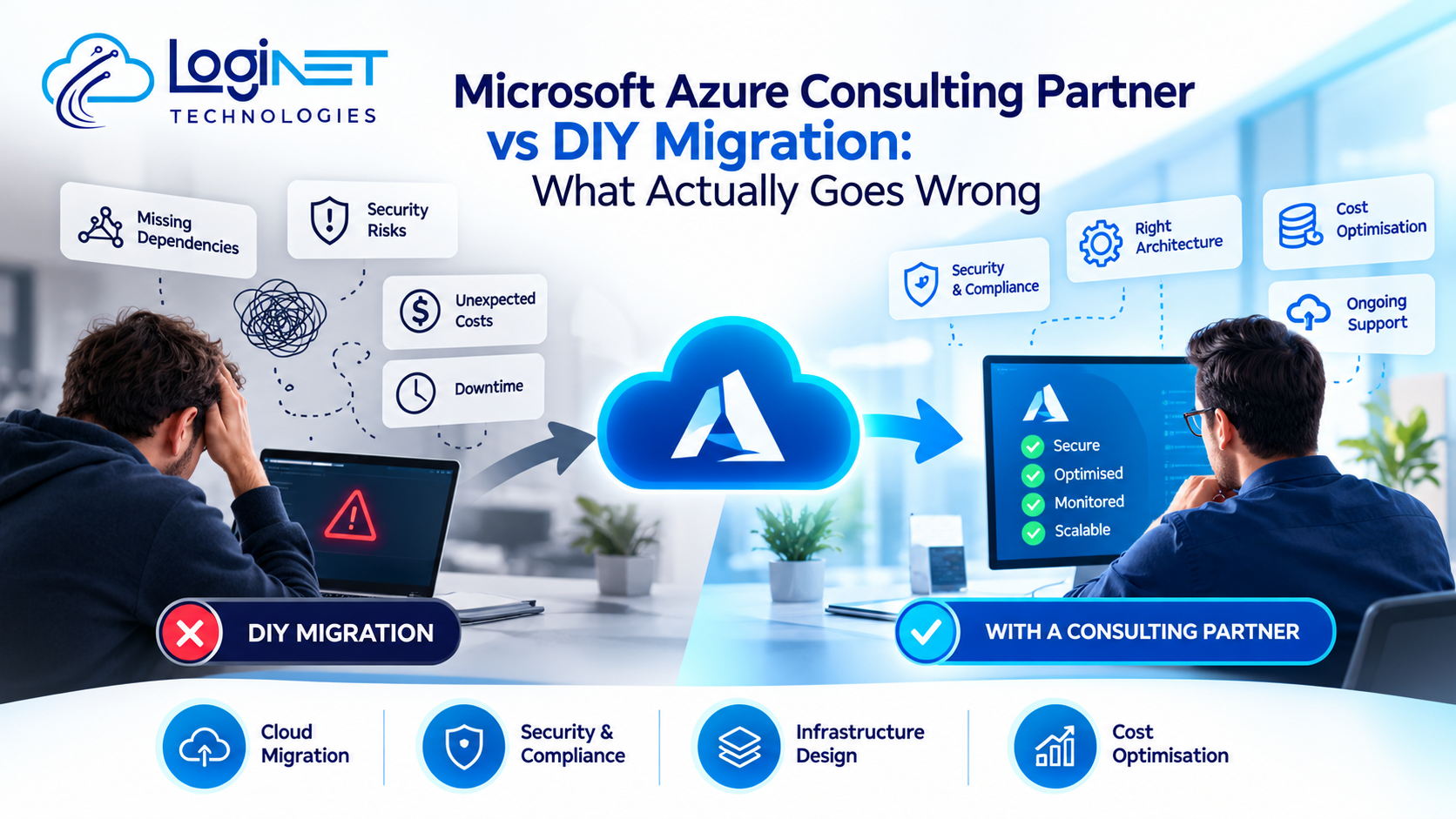
Microsoft Azure Consulting Partner vs DIY Migration: What Actually Goes Wrong
Microsoft Azure Consulting Partner vs DIY Migration: What Actually Goes Wrong Here’s the plain version: a DIY migration tends to run fine right up until…
Read More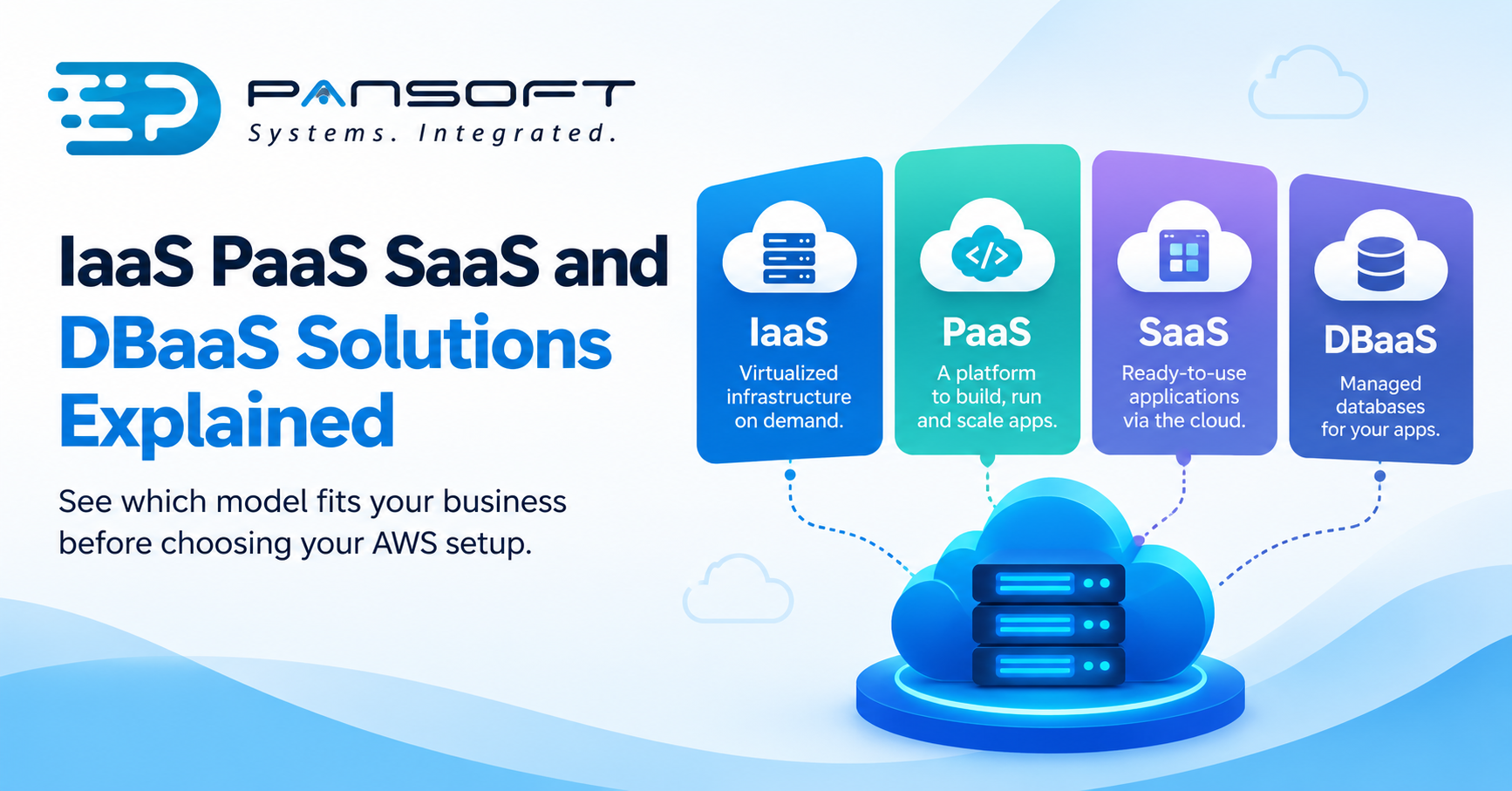
IaaS, PaaS, SaaS and DBaaS Explained for Business Owners Choosing AWS
IaaS, PaaS, SaaS and DBaaS Explained for Business Owners Choosing AWS Here’s the short version: these four labels describe how much of the technical grunt…
Read More