
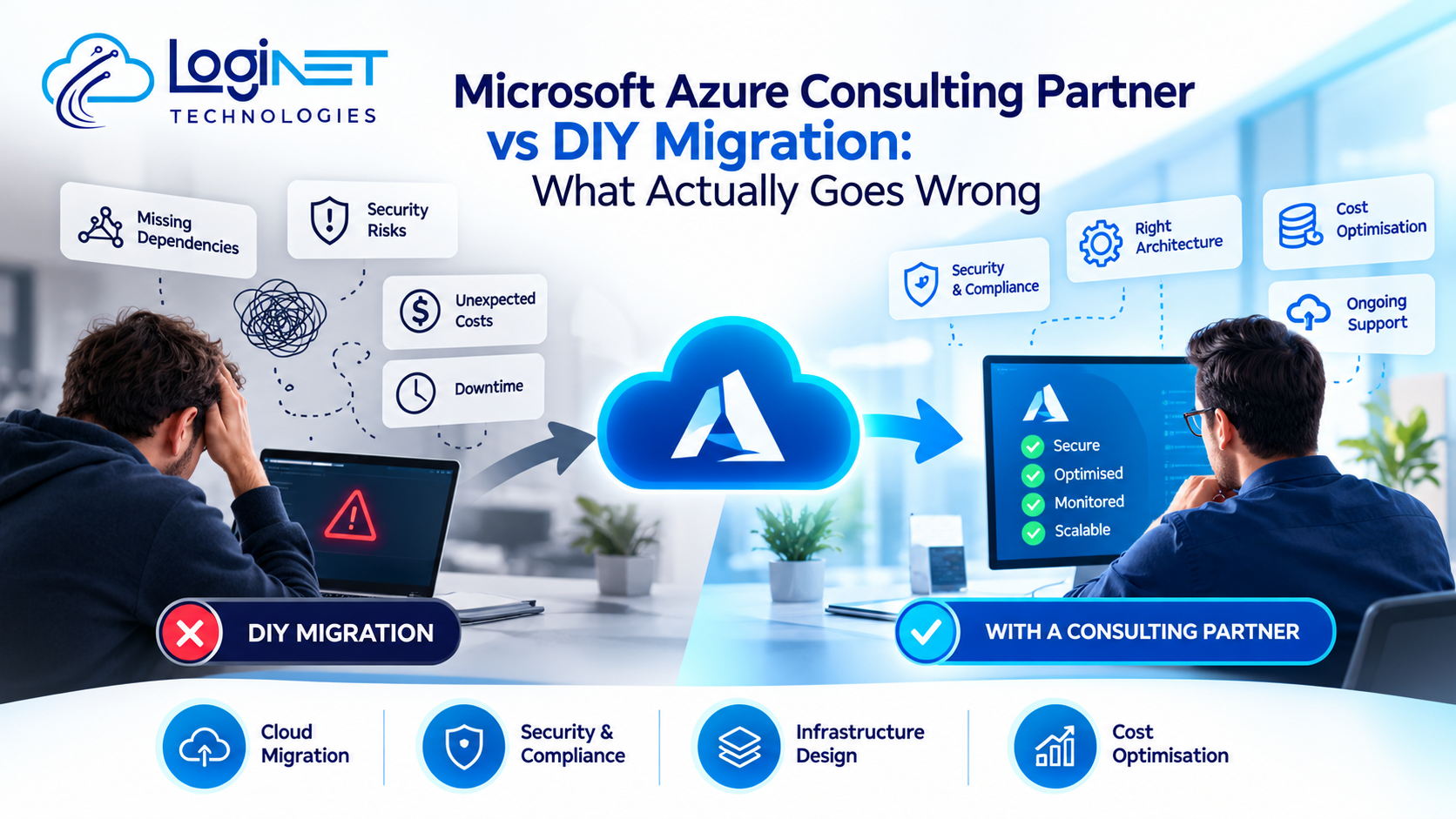
Microsoft Azure Consulting Partner vs DIY Migration: What Actually Goes Wrong
Here’s the plain version: a DIY migration tends to run fine right up until the moment it doesn’t, and that moment usually lands mid-cutover, with the business already committed and no fallback sitting ready. A Microsoft Azure Consulting Partner Australia businesses actually trust isn’t bringing some secret technical skill you lack. They’ve just already burned through the mistakes that would otherwise cost you a ruined weekend, a blown budget, or something worse.
That’s not a sales pitch, it’s just what tends to separate a smooth migration from a painful one. Worth looking at exactly where DIY attempts go wrong, because the failure points are remarkably consistent.
Underestimating What’s Actually Connected
DIY migrations tend to start the same way everywhere. Someone maps the obvious applications, books a cutover window, and treats that as the hard part finished. Then halfway through, a scheduled job quietly dies because it was pointing at a server name that stopped existing weeks ago. Or a reporting tool breaks because it was pulling data through a connection nobody documented.
This isn’t a rare edge case, it’s close to the default outcome for businesses doing their first migration without outside help. Internal teams know their applications well, but they rarely have full visibility into every dependency, linked server, and legacy integration sitting quietly in the background. External partners run into this pattern constantly, which is exactly why they build dependency mapping into the process rather than skipping straight to the move.
Treating Security as a Step Instead of a Layer
A DIY approach tends to treat security as something you configure once the migration is done, almost an afterthought bolted on at the end. That ordering is backwards, and it’s one of the more expensive mistakes to fix after the fact.
Azure security and compliance solutions need to be designed into the migration from the start, not retrofitted onto a live environment. Identity and access management, network segmentation, encryption settings, these decisions get harder and riskier to change once applications are already running in production. A business migrating without that upfront security design often ends up with a working environment that’s quietly more exposed than the one it replaced.
Burning the Budget on the Wrong Things
Cost is where DIY migrations go sideways in a slower, less dramatic way. Nobody notices immediately. Then three months in, someone finally looks at the Azure bill and can’t explain half of what’s on it.
Most of this traces back to decisions made under deadline pressure during the migration window itself: compute sized bigger than necessary because nobody had time to actually calculate requirements, storage left sitting on default tiers, reserved capacity that never got purchased because it fell off the list. Azure cost optimisation isn’t something to bolt on after the fact, whatever most DIY teams end up doing with it. It belongs in the planning conversation, before a single workload moves.
Underestimating the Operational Tail
The migration is really just the part people see. What comes after, patching, monitoring, scaling calls, incident response, carries most of the actual long-term work, and it’s exactly where DIY efforts tend to fizzle out quietly rather than fail loudly.
Azure DevOps support and ongoing management don’t work as a set-and-forget task. Without someone clearly owning the environment week to week, things start drifting on their own: configurations shift without a record of why, spend creeps upward unnoticed, and security settings slowly go stale because nobody’s job is to keep them current.
Where an External Partner Changes the Equation
None of this says internal teams can’t manage it. Smaller, simpler environments with a genuinely cloud-experienced team succeed without outside help all the time. What tends to shift the calculation is complexity and consequence: how many systems are tangled together, how much the business actually depends on them, and how bad it gets if something’s missed.
Proper Azure cloud migration services bring pattern recognition that’s genuinely hard to replicate internally on a first attempt. A partner who’s run dozens of migrations has already seen the dependency nobody documented, already knows which cost settings get missed under deadline pressure, already has a tested rollback process rather than one improvised at 2am during a live incident.
This isn’t about outsourcing responsibility. It’s about not learning expensive lessons on your own production environment when someone else has already learned them elsewhere.
The Things to Consider Before Selecting Either Course
Before deciding whether to run a migration internally or bring in outside help, a few honest questions tend to clarify things fast. Has the team actually run a migration of this scale before, or would this be a first attempt learning on live systems? Is there a tested rollback plan, or just an assumption that things will probably be fine?
Worth asking too whether anyone’s actually traced the real dependencies, beyond the obvious applications, down to the scheduled jobs, integrations, and old connections still quietly running underneath them.
Shaky answers to any of that are usually the clearest sign it’s worth paying someone who’s already made these mistakes on somebody else’s environment.
How This Fits the Bigger Picture
A migration decision shouldn’t happen in isolation from where the business is actually heading. This should sit inside a properly considered cloud implementation strategy, not get treated as a standalone technical project disconnected from everything else the business is planning.
What If AWS Is Also on the Table?
Worth raising honestly: the same DIY-versus-partner logic applies regardless of platform. Businesses weighing up AWS against Azure run into the same dependency, security, and cost risks either way. The platform choice matters less here than whether the migration itself is properly planned, and that’s true whichever direction you end up going.
A Few Questions Worth Asking
Is DIY migration ever the right call?
Sometimes, yes, particularly for smaller environments a team genuinely understands and has handled before. Complexity is the real variable here. The more business-critical the systems, the faster that risk climbs, regardless of how technically difficult the migration looks on paper.
How much does hiring a consulting partner typically add to the cost?
That depends on project scope and complexity more than anything fixed, so it’s best confirmed directly with the team rather than guessed at here. Often what offsets it is simply avoiding the rework, downtime, and security gaps DIY attempts tend to run into anyway.
What’s the single biggest mistake businesses make going it alone?
Underestimating dependencies. Almost every DIY migration that runs into trouble traces back to a connection, job, or integration that nobody mapped properly before the cutover began.
Where to Go From Here
If you’re weighing up whether to handle an Azure migration internally or bring in outside expertise, that’s a conversation worth having before committing either way. Get in touch with the Pansoft team for a straightforward chat about what would actually suit your environment.

Related Posts
What Is a Common Azure Customer Cloud Migration Strategy?
What Is a Common Azure Customer Cloud Migration Strategy? Most Azure customers end up following some version of Microsoft’s own Cloud Adoption Framework, even if…
Read More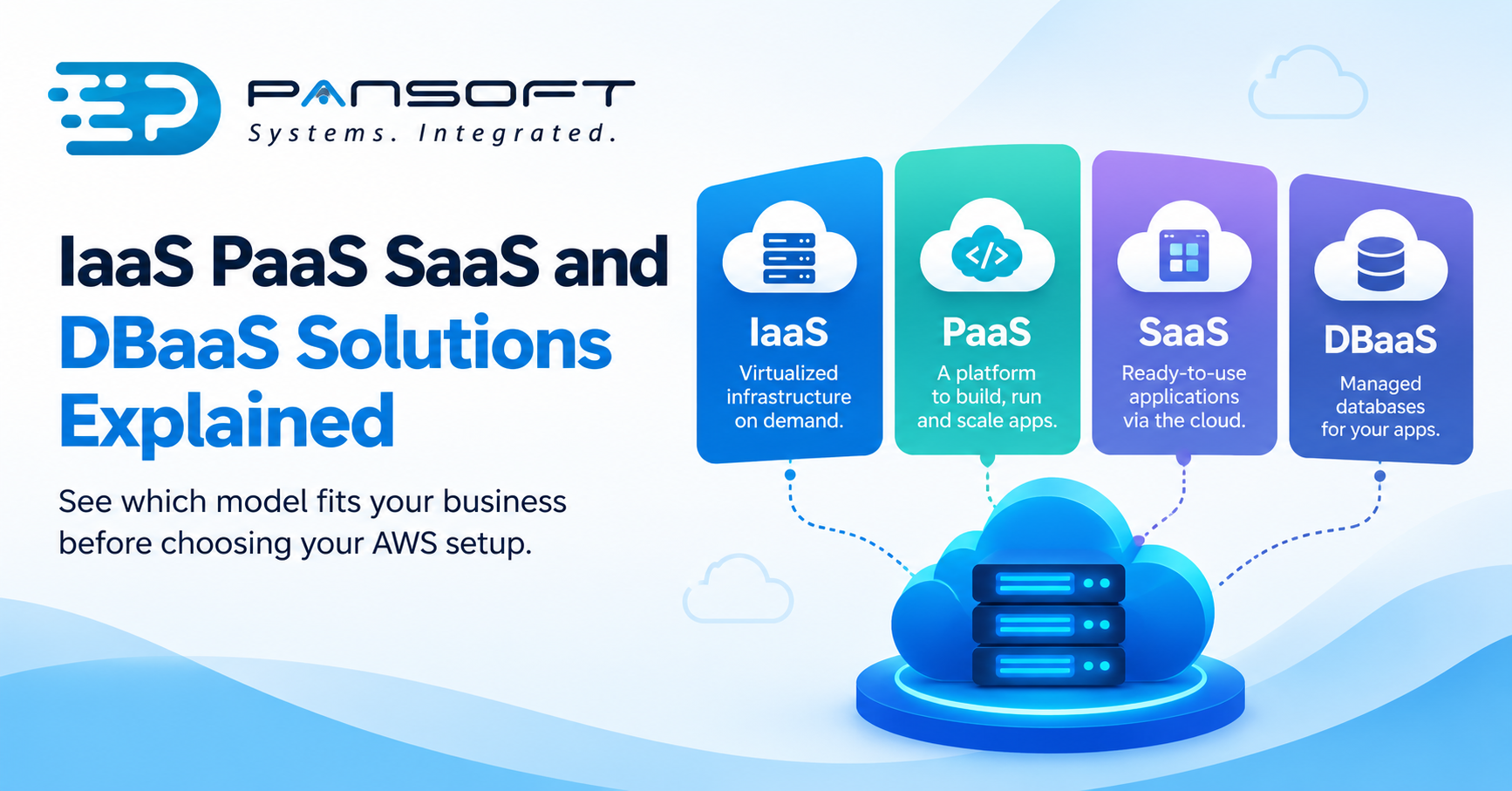
IaaS, PaaS, SaaS and DBaaS Explained for Business Owners Choosing AWS
IaaS, PaaS, SaaS and DBaaS Explained for Business Owners Choosing AWS Here’s the short version: these four labels describe how much of the technical grunt…
Read More