
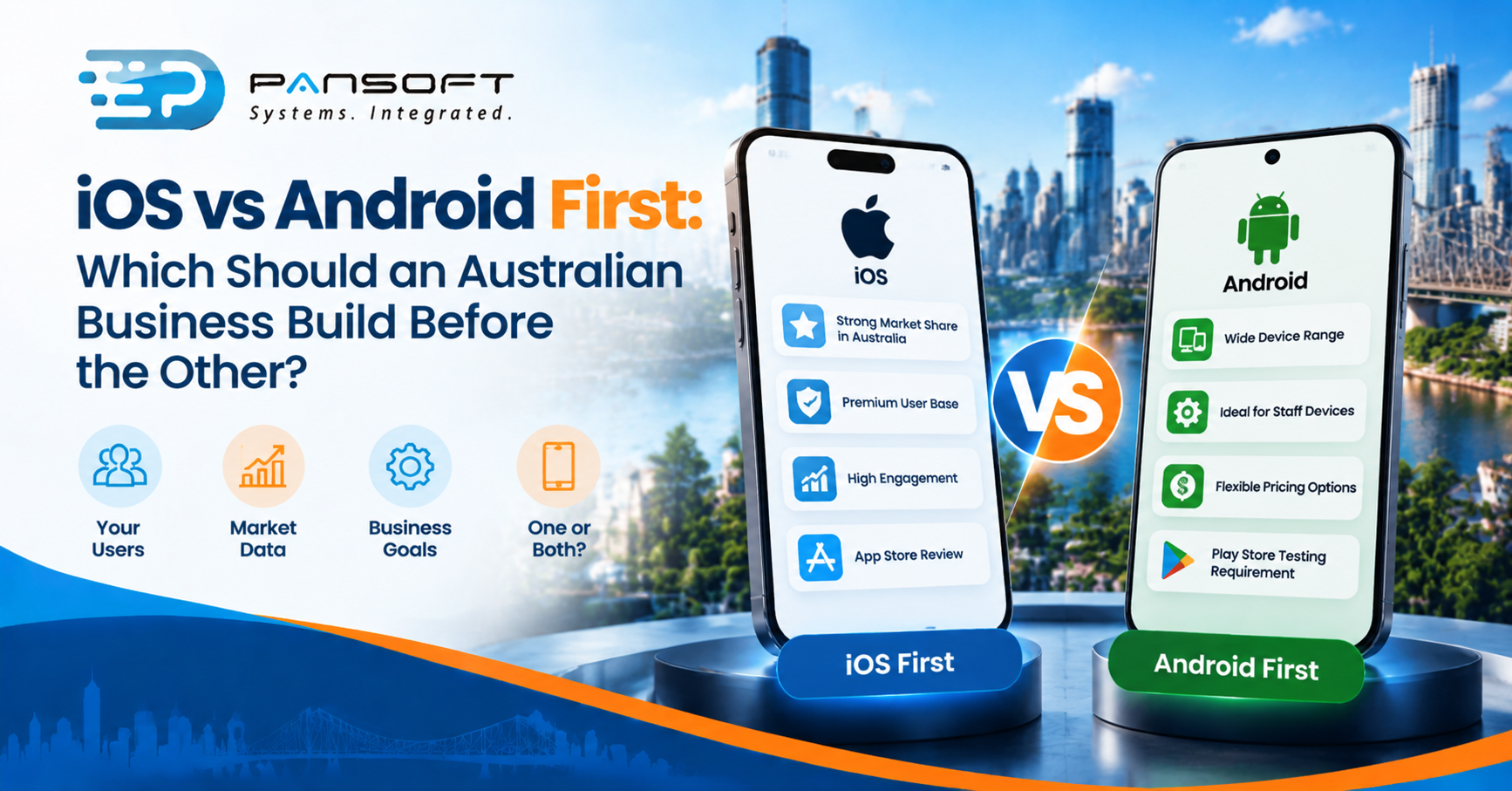
iOS vs Android First: Which Should an Australian Business Build Before the Other?
By the Pansoft Technologies team | Published 21 October 2026 | Last reviewed: October 2026
For customer-facing apps, iOS app development usually comes first in Australia, because iPhones account for most mobile web use here. For staff apps, build for the devices you issue. If you can’t pick, look hard at one codebase for both.
This is for owners and IT managers planning a first mobile app, who want a way to decide the order without guessing.
So which platform should you build first?
Whichever one your actual users hold. Customers tend to point towards iOS in Australia, staff point towards whatever you hand them, and a mixed audience may point towards building both together.
Your decision comes down to three questions. Who’s the app for? Who controls their devices? And what happens if half your audience can’t get it for a few months?
If the answer to the last one is “we’d lose the launch”, don’t stage the rollout. Plan for both from the start, and let a provider show you how to share the work.
What does the Australian usage data actually say?
StatCounter’s figures for September 2026 put iOS at about 63 per cent of mobile use in Australia and Android at about 37 per cent. That’s a strong lean towards iPhones, with a caveat attached.
StatCounter counts page views from mobile devices. It’s not a count of phones sold, apps installed or dollars spent, so it describes how people browse, not who’ll pay or download. Treat it as a hint.
A better source is your own. Open your website analytics and look at the device split for your customers. A business selling to tradies and a business selling to professionals in the CBD may see very different numbers, and yours are the ones that matter.
When does Android come first?
When you control the devices, or your own data says so. Android app development moves to the front for staff apps on issued phones and tablets, for specialist hardware, and for audiences whose analytics lean that way.
Here’s a hidden cost worth knowing before you build. Google Play requires new personal developer accounts, created after 13 November 2023, to run a closed test with at least 12 testers for 14 days before applying for production access. That’s a timing item in the plan, not a surprise on launch week. The rule applies to personal accounts, so check which account type your business needs.
Apple has its own gate. Its App Review process sits between your finished build and the App Store, so leave time in case something needs fixing and resubmitting.
How do the options compare?
Three realistic routes: iOS first, Android first, or both together. None wins every time, and the right pick depends on risk.
| iOS first | Android first | Both together | |
|---|---|---|---|
| Best when | Public customers, likely iPhone-heavy | Staff on Android devices you control | Mixed audience, launch can’t be staged |
| Main risk | Android users wait, or complain | iPhone users wait, or complain | More to design and test at once |
| Store gate to plan for | App Review | Play testing, if a new personal account | Both |
| Check before choosing | Your own device analytics | Which devices you’ll issue | Whether one codebase suits your features |
Choose a staged launch when the audience clearly leans one way and a delay won’t hurt. Choose both together when it doesn’t, or when the second platform would only be a rewrite of the first.
Is cross-platform the answer?
Often, but not always. Cross-platform app development builds one codebase that runs on both phones, which saves duplicated effort and keeps the two versions in step.
Flutter describes itself as an open-source framework that targets multiple platforms from a single codebase. React Native says it builds native apps for Android and iOS using React, and that its components render to the platform’s own native interface elements.
Be honest about the limits. Some device features may still need platform-specific work, and you still have to test on real iPhones and Android phones. Ask any provider which of your features would need native code before you assume one build covers everything.
Pansoft’s app development page lists iOS, Android and cross-platform work, so the question is a normal one to put to us as well.
What else decides the order?
What the app connects to. Most business apps are a new front door to systems you already run, and if those systems have no decent interface, the app is blocked whichever phone it’s on.
Picture a four-venue hospitality group launching a loyalty app. This is a hypothetical, not a client story. The app is the easy part. The loyalty data sits in an older point-of-sale system. Legacy system integration gets that data to the app safely, and enterprise application modernisation can then update the old system in stages, without a risky switch-over day.
If customers might also use a browser, or the data needs a back end, that’s web development territory. For the larger picture of how apps, back ends and older systems fit together, see Pansoft’s software development page.
What should you ask a provider?
Ask for specifics about the process, not slogans. Searching for mobile app development Australia wide returns plenty of names, and a local studio doing custom software development Gold Coast businesses can meet in person is one option among them.
- Which platform do you recommend first, and why? Make them use your analytics, not a stock answer.
- Which features would need native code?
- What do we see after a few weeks? Agile delivery Australia wide should mean something running on a real phone early.
- Who owns the store accounts? Yours, not the developer’s.
- What happens after launch? Updates, fixes and who answers the phone.
Quick questions
Can we launch on one platform and add the other later?
Yes. Many businesses do, especially when the audience clearly leans one way. The key is designing the back end and interfaces so the second app reuses them. Otherwise you pay twice for the same logic. Ask how the provider would share work between the two.
Will a cross-platform app feel as good as a native one?
Often it will, because frameworks like React Native render to the platform’s own interface elements. Some features may still need native work, and quality depends on the team, so insist on testing with real devices from both platforms before you commit to the approach.
How long does Google Play testing take?
For new personal accounts created after 13 November 2023, Google requires a closed test with at least 12 testers opted in for 14 days before you can apply for production access. That’s a minimum, so allow extra time, and check which account type applies to your business.
Want to talk it through?
If you’re deciding where to start, there’s no pressure. Pansoft can look at who your users are, what your app needs to connect to and which platform order makes sense. You can get in touch whenever suits you.

Related Posts

ERP Workflow Automation Explained: What Gets Automated First
Start with approvals, invoice matching, and the repetitive data entry your team repeats every day. Those workflows carry the most delay and the most errors, and automating them changes nothing about how the business thinks. ERP Workflow Automation pays off fastest when you automate one proven process at a time, measure the result, and only then move to the next.
Read More
Custom ERP Development vs Standard ERP Software: When Custom Actually Wins
Custom ERP wins when the way you run the business is the reason customers choose you, and a standard package would force you to reshape proven processes to fit the software. For most organisations, a standard ERP with careful configuration is faster to launch, simpler to maintain, and the right call. Custom ERP Development Australia is worth the investment only when your processes are genuinely different, not just familiar.
Read More