
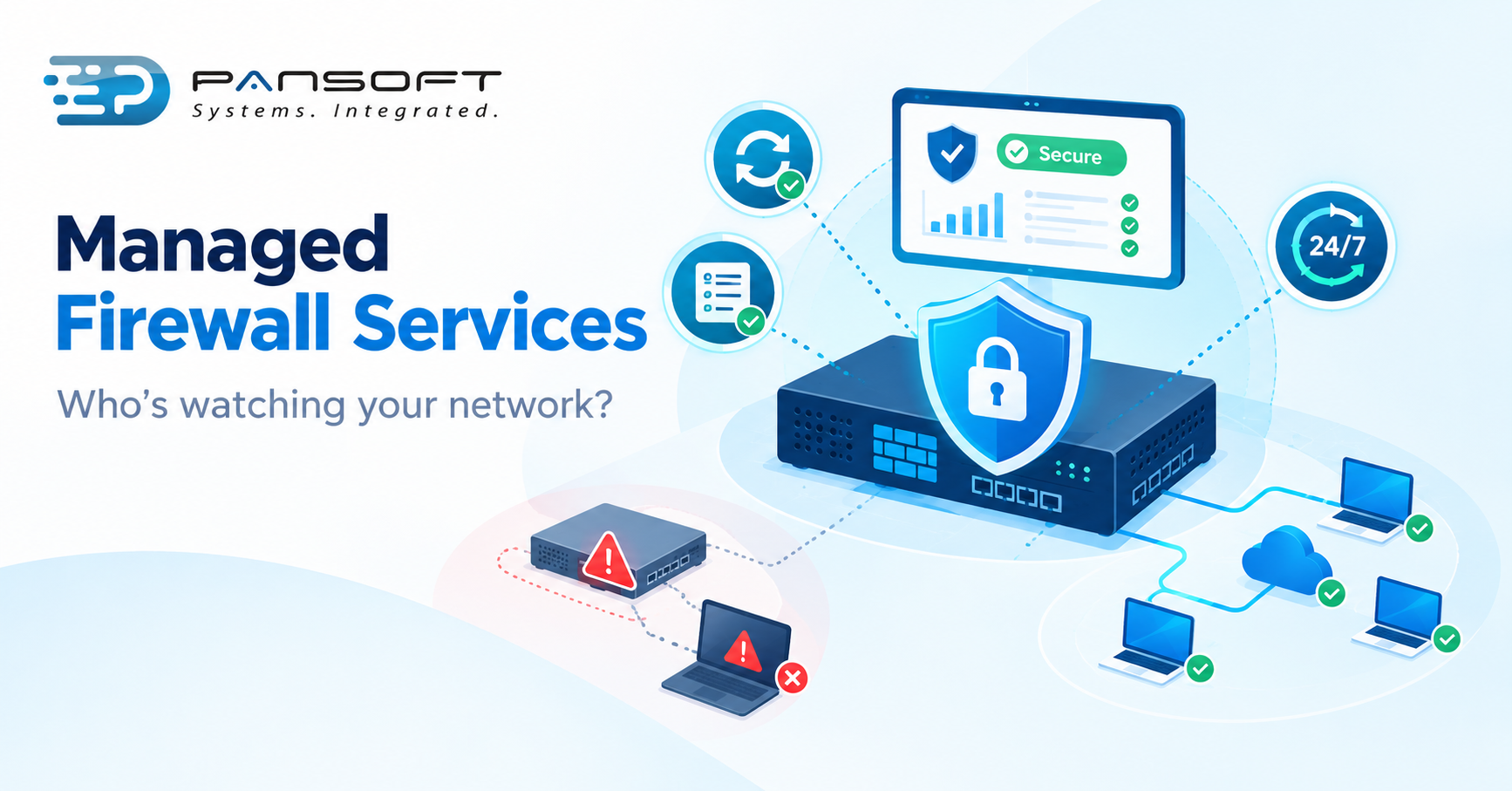
Managed Firewall Services vs Managing Your Own: What Breaks When Nobody’s Watching
By Pansoft Technologies team | Published 19 October 2026 | Last reviewed: October 2026
For most businesses without a dedicated security team, Managed Firewall Services Australia providers are the safer choice. Running your own firewall works only if someone owns patching, rule reviews and log checks every week, and that ownership is where in-house setups usually fail.
This is for business owners and IT managers deciding whether to hand firewall upkeep to a provider or keep it in-house. You’ll get a plain comparison, the failure points worth checking first, and questions to put to any supplier.
What actually goes wrong when nobody’s watching a firewall?
Usually nothing dramatic at first. The firewall keeps passing traffic while patches slip, old rules pile up and alerts go unread. The trouble shows up later, when an attacker uses a known flaw or a forgotten rule and nobody notices in time.
The Australian Signals Directorate (ASD) spells out the basics for edge devices like firewalls in its practitioner guidance. Patch promptly. Scan internet-facing network devices for missing patches at least daily. Send logs to a central system as events happen, and don’t let the device itself alter or delete them. Don’t run end-of-life devices. Keep management interfaces off the internet.
None of that is clever. It’s just relentless, and relentless is hard when the firewall is one of forty things on one person’s list.
Picture a 40-person firm with one IT generalist. The firewall was set up well three years ago. Since then there’s been a new office, a cloud migration and two staff changes. Here’s what tends to drift:
- Patching. Firmware updates wait for a quiet weekend that never comes.
- Rules. A port opened for a trial or a contractor stays open long after the job ends, and nobody remembers why it’s there.
- Logs. They’re collected, but nobody reads them, or they sit only on the device an attacker would tamper with first.
- Support dates. The hardware quietly passes the date its vendor stops releasing fixes, and ASD says organisations should not be running end-of-life edge devices.
- Admin access. A management page stays reachable from places it shouldn’t be, because it was convenient once.
How do managed and self-managed firewalls compare?
Managed firewall services shift the weekly upkeep to a team whose job it is. Self-managing keeps control in-house but depends on one or two people having the time and cover. This table compares the tasks that usually decide it.
| Task | Managing your own | Managed service | What to ask |
|---|---|---|---|
| Patching and firmware | Done when someone finds time | Scheduled and tracked by the provider | How fast do you act on critical fixes? |
| Rule changes | Handled in-house, often with thin records | Handled through a change process | Who approves a change, and is it logged? |
| Log review and alerts | Depends on who’s looking | Monitoring against agreed alerts | Do you act on alerts or only forward them? |
| After hours | Usually whoever’s on their phone | Cover depends on the service you buy | Is 24/7 monitoring included in my quote? |
| Config backups | Ad hoc | Part of the service | Where are backups stored, and how are they tested? |
| Health checks and reporting | Rare | Regular | Can I see a sample report? |
If nobody in your business owns weekly firewall upkeep, the managed column wins. If someone does, and there’s cover for holidays and sick days, in-house can work fine.
When is managing your own firewall perfectly reasonable?
When the environment is simple and the person looking after it has the time. One site, a short rule list, a current supported device and someone who keeps change records is a workable setup.
It stops working when the person leaves, when a second office or a cloud connection arrives, or when the rule list outgrows anyone’s memory. At that point, a firewall health check is cheaper than finding the gap the hard way.
Does a managed firewall fix everything?
No. A managed service looks after the firewall. It can’t know about a new app, a new office or someone leaving unless you tell it, so your side still needs a named contact who passes those changes on.
Scope also varies a lot between providers. One may monitor and alert, another may monitor and act, and a third may only apply updates. Before signing, get in writing what’s covered, who responds out of hours and what the provider is allowed to change without asking you.
A good design matters as much as good upkeep. Managed services can’t fully rescue a flat network where everything talks to everything. Segmentation and sensible access rules are set at design time, and a managed team will tell you the same.
Where do intrusion prevention and zero trust access fit in?
Intrusion Detection and Prevention (IDS/IPS) watches traffic for known attack patterns and can block them. It only earns its keep if someone tunes it and reads what it flags, which is another reason unwatched firewalls fall short. Zero Trust Network Access (ZTNA) is different: it gives people access to specific applications after checking who they are and the health of their device, instead of dropping them onto the whole network through a broad VPN. It suits businesses with remote staff and cloud apps.
What should a managed firewall service include?
Look for firmware updates, rule management, configuration backups, health checks and round the clock monitoring, plus a clear route for incident response. Pansoft lists all of these under managed firewall services on its firewall and network security page, alongside design, migration and policy review. If you’re comparing Firewall Services Australia providers, use the same checklist on each.
The firewall also shouldn’t sit alone. Its logs feed threat detection and response, and the same team should help you build incident response planning so there’s a plan before the bad day. It’s one piece of wider cyber security services, and it supports Essential Eight alignment and cyber security compliance Australia obligations such as insurer and customer questionnaires.
What should you do next?
- List every firewall you run, its model, its firmware version and the date its vendor stops supporting it.
- Check when it was last patched and when the rules were last reviewed.
- Confirm logs go to a separate system and that a named person reads the alerts.
- Decide who covers nights, weekends and leave.
- If any answer is “not sure”, book a security assessment to find the gaps before someone else does.
Frequently asked questions
How much do managed firewall services cost?
It depends on the number of firewalls, sites and users, and how much monitoring you want, so any figure without a scope would be a guess. Ask each provider for a written quote that lists exactly what’s covered, including after-hours response and rule changes.
Can we keep our existing firewall hardware?
Usually, as long as the device is still supported by its vendor and runs a current release. ASD advises against using end-of-life edge devices, so check support dates first. A provider can review the model and firmware before it quotes you.
Do we still need an internal IT person?
Yes. Someone on your side needs to tell the provider about business changes such as new offices, applications or staff leaving. The provider handles the firewall itself, but it can’t know what changed in your business unless you say so.
Want a second opinion on your firewall?
If you’d like a second pair of eyes on your current setup, get in touch with Pansoft on (07) 5646 4560 or through the contact page. There’s no pressure to switch to a managed service. A short conversation or a firewall health check can tell you where you stand.
Sources
- Mitigation strategies for edge devices: practitioner guidance, Australian Signals Directorate (cyber.gov.au)
- Firewall and network security services, Pansoft Technologies
Learn more about cyber security services in Australia.

Related Posts
What Is SOC as a Service in Australia?
What Is SOC as a Service in Australia? SOC as a Service (SOCaaS) means a specialist provider runs your Security Operations Centre for you. They…
Read More
Top 10 Cyber Security Services in Australia: 2026 Guide
Top 10 Cyber Security Services in Australia: 2026 Guide Australians reported a cybercrime to the government once every six minutes in 2024-25, and the average…
Read More