
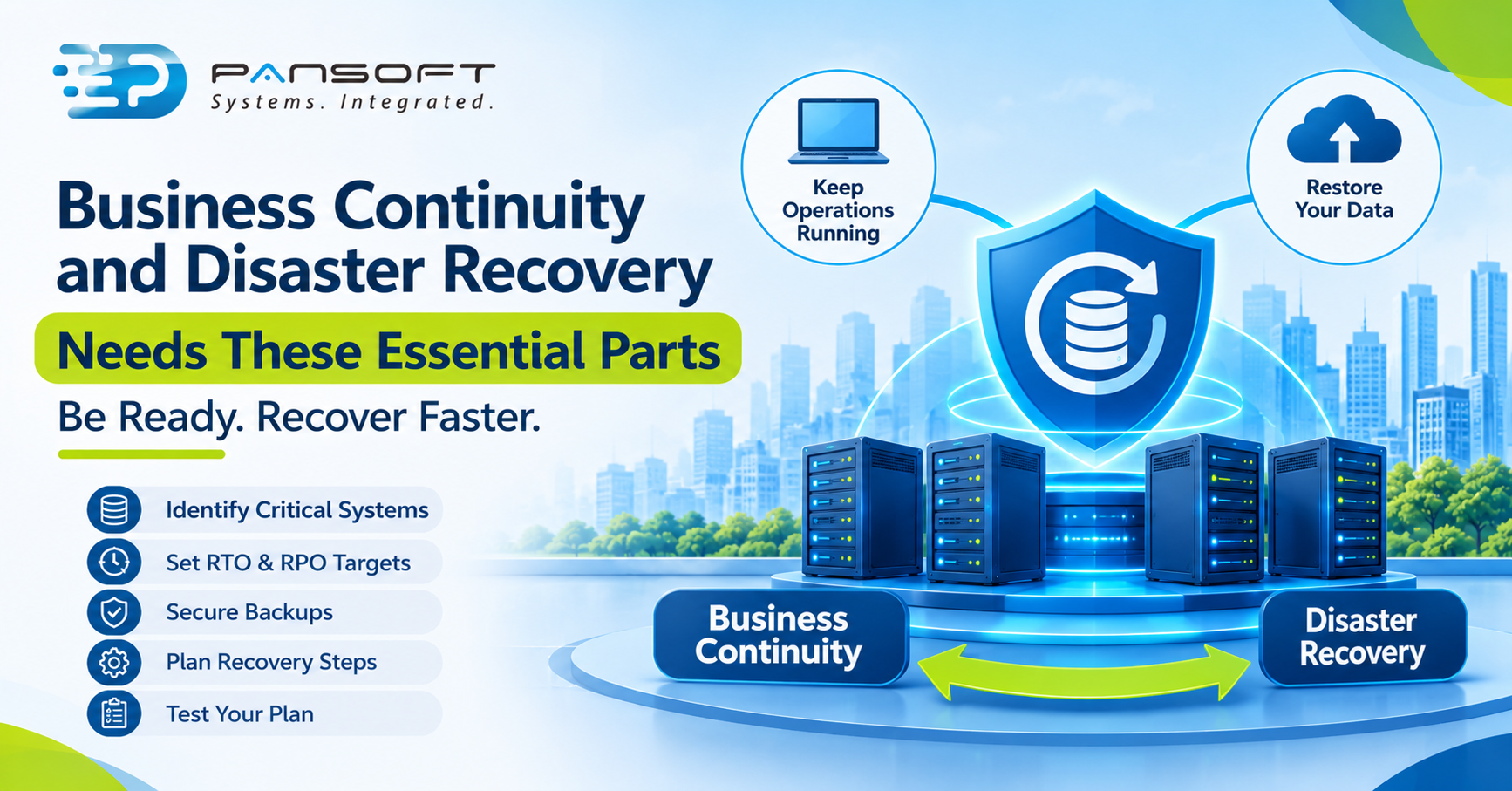
Business Continuity and Disaster Recovery Needs These Essential Parts
A real business continuity and disaster recovery plan covers more than backups. It names what must keep running, sets recovery time and data-loss targets, defines how systems come back, assigns people, and is tested. Without the testing, it’s a document, not a plan.
This is for business and IT decision-makers who suspect their plan is a folder nobody has opened in a year. It sits alongside our Data Centre Infrastructure Solutions Australia work, and it won’t need you to buy anything to be useful.
What does business continuity and disaster recovery actually cover?
Two jobs that get blurred. SmartCompany’s explainer puts it plainly: business continuity keeps essential operations running during a disruption, while disaster recovery fixes the underlying problem and restores data, hardware and software. Disaster recovery is usually treated as one part of the wider continuity effort. (The author’s company sells business management software, so treat its pitch for an all-in-one system with that in mind.)
Why does the split matter? Because an IT team can restore a server perfectly and the business can still stall. Nobody knows who approves the spend, which customers to call, or how staff work in the meantime. A real plan answers both halves.
Part 1: Which systems actually matter most?
Start with a business impact analysis, which is a fancy name for ranking what hurts most when it’s down. SmartCompany notes that continuity planning starts with a risk assessment and a business impact analysis, and that assets are classified by how essential they are.
Do this with finance, operations and sales in the room, not just IT. IT will tell you the domain controller matters. Sales will tell you the quoting tool matters more. Both can be true, and the order you restore things in comes from that conversation.
Part 2: How long, and how much data, can you lose?
Two targets drive everything. Recovery time objective (RTO) is how quickly a system must be back. Recovery point objective (RPO) is how much data loss you can accept, measured as how far back in time you can recover to. AWS’s disaster recovery guidance uses the terms this way: backup frequency determines your achievable recovery point.
Be honest here. Everything feels like it needs to be back instantly, until someone sees what instant costs. Two or three tiers of system, each with its own targets, is easier to fund and to test than one blanket promise.
Part 3: How do systems actually come back?
AWS describes four strategies, in a cloud context, that work as a useful ladder for any environment:
| Strategy | Recovery time | Cost | What to watch |
|---|---|---|---|
| Backup and restore | Highest | Lowest | Suits data loss or corruption, but you rebuild infrastructure first |
| Pilot light | Lower | Low | Core pieces already exist, the rest is switched on in a disaster |
| Warm standby | Lower still | Medium | A scaled-down copy is always running |
| Multi-site active/active | Near zero for most disasters | Highest | Most complex, and corruption still gives a non-zero recovery point |
Most mid-sized organisations land on a mix. Backup and restore for the low-priority tier, warm standby for the two or three systems that really can’t stop. A single approach rarely fits every system.
How you’ve built the environment shapes all of this. With server virtualisation in place, the recovery steps differ from physical hardware, so write down exactly how a virtual machine is rebuilt and where it lands. If you run a hybrid cloud integration, the plan needs to say which side takes over when the other fails, and who tells staff.
One more thing from AWS worth knowing: it warns that continuous replication may not protect against data corruption or malicious deletion. A copy that mirrors the problem isn’t a recovery point.
Part 4: Are your backups safe from your own people?
ASD’s Essential Eight guidance says backups of data, applications and settings should be performed and retained in line with business criticality and business continuity requirements, and synchronised so you can restore to a common point in time. It also sets limits on who can modify or delete backups, with stricter controls at higher maturity levels.
Think of it as protecting backups from a bad day, whether that’s ransomware, a careless admin or a compromised account. If one login can delete both your live data and your backups, you have one copy, not two.
Part 5: Can people reach what you restored?
A recovered server nobody can connect to isn’t recovered. How your network is designed decides whether staff, branches and customers can get to the restored systems, so plan the connectivity alongside the servers: links, firewall rules, DNS, and remote access.
This is also where plans quietly fail. The data centre comes back, but the branch offices were relying on a link that dies in the same event. If you’re reviewing the wider design, our enterprise networking page covers it. And the security controls that guarded the old environment need to guard the recovery one too.
Part 6: When did you last test it?
AWS puts it bluntly: it’s critical to regularly assess and test your strategy so you have confidence in invoking it. ASD expects disaster recovery exercises that include testing restoration of data, applications and settings from backups.
A tabletop walk-through finds the people gaps. A real restore finds the technical ones, like the backup that completes every night and can’t actually be opened. Test, write down what broke, fix it, and retest after any major change.
A hypothetical: the 50-person firm
This is a hypothetical, not a client story. Picture a 50-person firm with virtualised servers on site, email in the cloud, and one backup job that nobody has restored from. A failed storage array takes the file server down on a Monday morning.
IT restores the data by lunchtime. But the finance system needs a specific order of services, the only person who knew the order is on leave, and the branch can’t reach anything until the link is re-routed. Nothing was wrong with the backups. The plan was missing the order, the second person, and the connectivity step.
What should you ask a provider?
- Which of our systems did you rank first, and why? If they didn’t ask the business, that’s a flag.
- What RTO and RPO will each tier get?
- How are backups protected from deletion?
- Show me a restore test report. Not a promise, a record.
- Who is on call, and what’s the first call we make?
What are the next steps?
- Rank your systems with the business, not just IT.
- Set RTO and RPO per tier.
- Check one backup by actually restoring it.
- Map the network path to the restored systems.
- Book a short review with a provider if you want a second opinion.
FAQ
Is disaster recovery the same as business continuity?
No. Disaster recovery restores systems and data after a failure. Business continuity keeps the essential parts of the business running while that happens. Disaster recovery is usually treated as one component of continuity, so you plan for both together rather than choosing one.
Does cloud replication protect me from ransomware or accidental deletion?
Not on its own. AWS notes that continuous replication may not protect against data corruption or malicious deletion, because the bad change can be copied across. You also need separate, protected backups and a way to restore to a point before the damage.
How often should we test the plan?
None of the sources we checked set one fixed schedule. AWS says to test regularly, and ASD expects exercises that include restoring data, applications and settings from backups. Pick a rhythm you’ll actually keep, and retest after any major system or network change.
Want to talk it through?
If you’d like a second pair of eyes on your plan, you’re welcome to get in touch. There’s no pressure to buy anything, we’re happy to talk it through.
Sources

Related Posts

Enterprise SD-WAN Platform Australia Buyers, Essential Multi-WAN Checks
Enterprise SD-WAN Platform Australia Buyers, Essential Multi-WAN Checks By the Pansoft Technologies team | Published 6 November 2026 | Last reviewed: November 2026 An enterprise…
Read More
What Is Zero-Touch Deployment? Essential Facts for Multi-Site Rollouts
What Is Zero-Touch Deployment? Essential Facts for Multi-Site Rollouts By the Pansoft Technologies team | Published 6 November 2026 | Last reviewed: November 2026 Zero-touch…
Read More