
Campus Network Design and the Costly Gaps in a First Draft
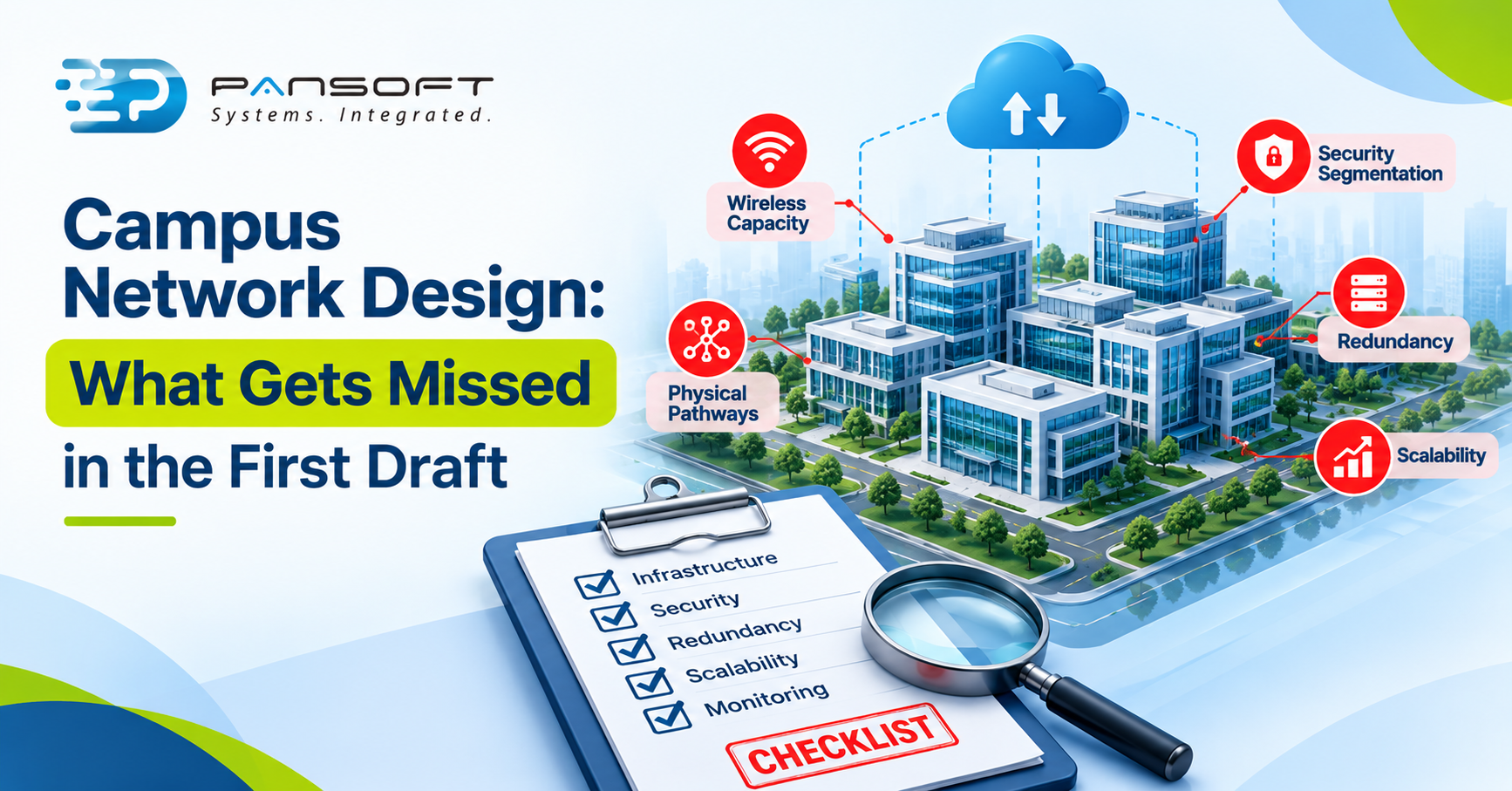
Campus network design most often misses the unglamorous things: physical pathways, wireless capacity, segmentation, genuinely independent failure paths, growth, how the campus meets the WAN and cloud, and who monitors it afterwards. A first draft usually shows the logical diagram. The trouble sits underneath it.
This is for IT managers and decision-makers reviewing a design before they sign off. It supports our enterprise networking services page.
Why the First Campus Network Design Is Often Incomplete
Because a first draft answers “what connects to what” and stops there. It rarely answers where the cable runs, what happens in a fault, or who looks after it in year three.
The layered model is the usual starting point. A Cisco Press excerpt describes access switches connecting devices, distribution switches aggregating them and applying policy, and a core providing the backbone. It suggests adding a core once a campus links three or more buildings, and merging core and distribution for small campuses under 200 devices. That’s from 2010, so treat the numbers as a rule of thumb, not a standard. The real network architecture and design question is whether the layers suit your buildings.
Physical Infrastructure Gets Overlooked
Logical diagrams hide the physical network, and the physical network is where plans go wrong. Fibre pathways between buildings, cable capacity, rack space, power and cooling all need answers before the hardware order goes in.
On fibre, the TIA-569-E recommendation, quoted in a British Columbia government bulletin dated May 2026, is that diverse fibre routes sit in separate physical pathways to minimise common points of failure. The same bulletin prohibits shared manholes and vaults for its own backup routes. Your campus may not need that standard, but the principle applies. Ask for a physical route map, and for the power and cooling check on every network room. Our enterprise network infrastructure page covers the planning side.
Wireless Coverage Is Assumed, Not Properly Planned
Signal on a floor plan isn’t the same as a network that works under load. Coverage is how far an access point reaches. Capacity is how many devices it can serve at once. One 2010 article on site surveys calls that trade-off the most overlooked part of a wireless survey, and says planning isn’t as simple as drawing circles on a floor plan.
The Wi-Fi Alliance says Wi-Fi 6 improves performance in dense environments, and that’s useful for lecture theatres or open-plan floors. But better standards don’t replace a survey. Building materials, interference and roaming between access points still need testing in the real space.
Network Segmentation Is Left Until Later
Retrofitting segmentation is painful, so decide it up front. CISA’s guidance for network infrastructure is to segment and segregate networks and functions, so an intruder can’t spread far.
For a campus, that means separate zones for staff, guests, IoT devices and building systems, with rules between them. VLANs and access control are the tools, but the zone plan comes first. The Australian Cyber Security Centre’s Information Security Manual includes guidelines for networking, which are worth reading alongside your designer.
Redundancy Exists on Paper, Not in Practice
Two links aren’t redundant if they share a failure. A Data Centre Review article from March 2026 makes the point: two carriers can enter a site through different meet-me points yet share the same external duct, and providers that look diverse can converge at one point of presence. Its summary is that diversity must be designed, verified and exercised, not assumed.
This is a hypothetical, not a client story. Picture two internet links, each from a different provider, both entering the building through one cable pit. A single dig-up takes both out. The diagram showed redundancy. The ground didn’t.
Check power too. If both paths end at equipment on one circuit, the failure path is still single. And test the backup link regularly, because the article warns that secondary paths are often under-tested and quietly degrade.
Future Growth Is Underestimated
Designs sized for today’s headcount age fast. More users, more devices per person and heavier applications all add load, and IoT adds devices nobody counted.
We haven’t quoted a growth figure because it varies by organisation and needs your own data. Ask the designer to show assumptions for devices, applications and bandwidth, plus spare ports, spare fibre and an address plan with room. Capacity you can’t add without a rebuild is a design flaw, not a budget saving.
LAN, WAN and Cloud Connectivity Are Planned Separately
A campus rarely stands alone. It connects to branches, cloud services and sometimes a data centre, and those links decide how the campus performs in practice. LAN & WAN solutions designed by different teams often meet in awkward places.
Plan the edge together. Decide which applications go to the cloud, which sites need guaranteed quality, and where traffic is inspected. For several sites on varied links, SD-WAN connectivity may be relevant, and it’s worth designing into the campus from the start.
Monitoring and Documentation Are Forgotten
A network nobody watches fails quietly. CISA’s advice is to monitor the network, review logs and check device configurations on a regular schedule. That needs a monitoring plan, a named owner and current documentation, none of which appear on a logical diagram.
Ask who updates the diagrams when something changes. If the answer is “nobody”, the documents will be wrong within months, and the next fault will be harder to fix. Put operations into the first design, not the handover meeting.
A Practical Campus Network Design Review Checklist
Use these questions on any draft, ours included:
- Physical route: Is there a map of every fibre and cable path?
- Rooms: Is there rack space, power and cooling for today and growth?
- Wireless: Has a survey tested capacity as well as coverage?
- Zones: Are staff, guest, IoT and building systems separated, with written rules?
- Failure paths: Which links share a duct, a pit, a circuit or an upstream provider?
- Headroom: What are the device, application and bandwidth assumptions, and where’s the spare capacity?
- Edge: How does the campus meet the WAN and cloud?
- After go-live: Who monitors it, and who keeps the documents current?
Frequently Asked Questions
What is campus network design?
It’s the planning of wired and wireless connectivity across one or several buildings. A complete design covers architecture, physical pathways, security zones, capacity and resilience, and says who runs it afterwards. It’s more than a diagram of switches: it’s what the network needs to survive real use.
What should be checked before implementing a campus network?
Check the physical routes, power and cooling, wireless capacity, security zones and failure paths against the checklist above. Then confirm there’s a phased rollout, a way to roll back and a named owner for monitoring and documents. A design that can’t answer those isn’t ready.
When should a business consider SD-WAN?
Usually when several sites run on separate fixed links and cloud applications matter. A single-site campus may not need it. That’s our reasoning, not a rule. Look at how many sites you have, how critical each is and how you want traffic steered before deciding.
Plan Your Enterprise Network With Pansoft Technologies
If you have a campus design in draft and want a second pair of eyes, get in touch and tell us what you’re planning. We’ll give you an honest view on what the draft may be missing, and no pressure either way.
Learn more about Cisco network solutions.

Related Posts

Enterprise SD-WAN Platform Australia Buyers, Essential Multi-WAN Checks
Enterprise SD-WAN Platform Australia Buyers, Essential Multi-WAN Checks By the Pansoft Technologies team | Published 6 November 2026 | Last reviewed: November 2026 An enterprise…
Read More
What Is Zero-Touch Deployment? Essential Facts for Multi-Site Rollouts
What Is Zero-Touch Deployment? Essential Facts for Multi-Site Rollouts By the Pansoft Technologies team | Published 6 November 2026 | Last reviewed: November 2026 Zero-touch…
Read More