
Containerise Legacy Applications: 5 Hidden Docker Risks
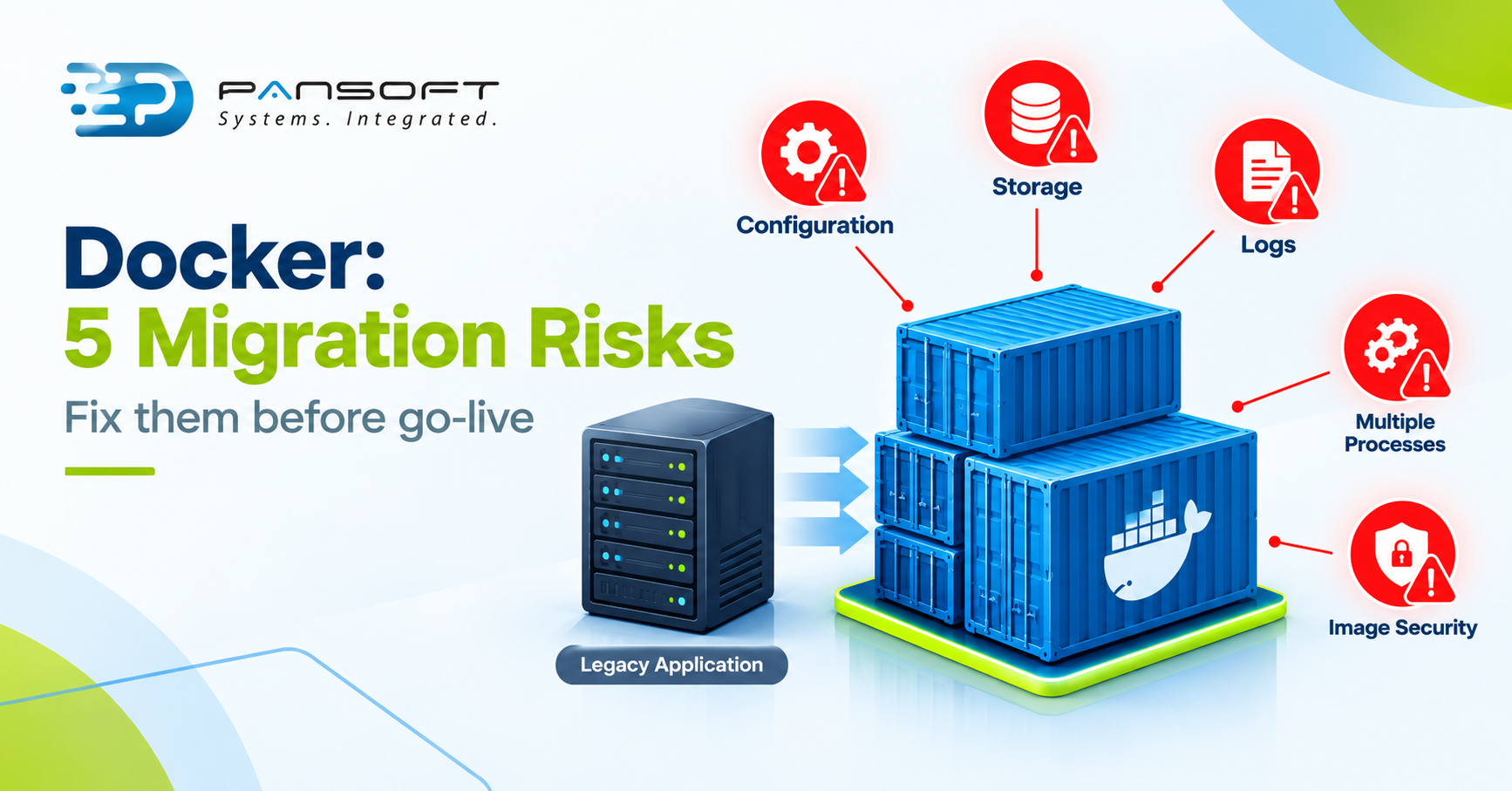
To containerise legacy applications with Docker, you package the app and its dependencies into an image, then fix what the container model won’t tolerate: hard-coded settings, local data, file-based logs, bundled processes and secrets baked into images. Check those five first.
This is for IT managers and technical leads weighing a move of an older server application into containers. If you want the service view, see Pansoft’s Docker consulting page.
What breaks when you containerise legacy applications with Docker?
Anything that assumes it owns the server. Docker’s own guidance says containers should be stopped, destroyed and replaced with a minimum of setup, so settings in files, data on local disk and logs written to files tend to break first.
| Risk | Why it breaks | What usually fixes it |
|---|---|---|
| 1. Hard-coded settings | Server names, paths and credentials sit in files beside the code | Move config into environment variables set at deploy time |
| 2. Data on local disk | Files written inside a container vanish when it is destroyed | Mount volumes for every directory the app writes to |
| 3. Logs in files | docker logs only shows what reaches STDOUT and STDERR |
Point log output at those streams |
| 4. Many processes in one box | A container’s main process has to manage everything it starts | One service per container, or an init process as a stopgap |
| 5. Images that carry too much | Secrets and build tools stay in image layers | Multi-stage builds, minimal base images, secrets kept out |
Risks one to three tend to show up on the first run. Four and five are quieter and turn up later as maintenance and security headaches.
Picture an inventory application that saves uploads to /var/www/uploads and logs to /var/log/app.log. In a container, the uploads disappear on the next redeploy and docker logs shows nothing. Both are fixable, but only if someone looks for them before go-live.
1. Hard-coded settings and paths
Older applications often keep server names, file paths and credentials in config files beside the code. That works on one long-lived server. It fails when the same image has to run in test and production.
The Twelve-Factor App methodology defines config as everything likely to vary between deploys, and recommends environment variables, partly because there’s little chance of them being checked into the code repository by accident. Pull those values out before you build the image.
2. Data that lives on the server
By default, files written inside a container sit in a writable layer, and Docker’s storage documentation is clear that this data doesn’t persist when the container is destroyed. Uploads, temp files and session data all count.
Find every directory the app writes to, then mount a volume there or move the data to a database or object store. A sound Docker Migration plan has that list before anything is built.
3. Logs written to files
The docker logs command shows what a container sends to STDOUT and STDERR, as Docker’s logging documentation explains. An application that writes only to log files leaves you an empty view and a growing file inside the container.
The official nginx image shows the usual fix: it links its log files to /dev/stdout and /dev/stderr. Most applications can be pointed the same way.
4. Everything running together
Legacy servers often host a web process, a scheduler and background workers side by side. Docker’s guidance is one service per container, though it calls that a rule of thumb and not a hard rule.
If you can’t split the app yet, a wrapper script or supervisord will do, and the --init flag copes with child processes that don’t shut down cleanly. Docker describes those options for multi-process containers. Treat them as stopgaps and split the services when you can.
5. Images that carry too much
Two problems travel together here. Docker’s build best practices show that an ENV value persists in its image layer even if a later step unsets it, so a password set that way can be dumped from the image. And a large base image full of build tools adds vulnerabilities nobody asked for.
Sound Docker Security starts with keeping secrets out of the image. Docker Image Optimisation follows from a minimal base image and a multi-stage build, which Docker says shrinks the final image and lowers the attack surface.
What should you do first?
- List every file path the application reads and writes.
- Move settings to environment variables and keep secrets out of the image.
- Send logs to STDOUT and STDERR, and mount volumes for the writable paths.
- Build on a minimal base image with a multi-stage Dockerfile, and have a CI/CD pipeline build and test the image on every change.
- Run the container beside the old server and compare behaviour before any cutover.
Common questions
Can any legacy application run in a Docker container?
Not every one. A container is a sandboxed process using the host’s kernel features, so apps that need their own kernel, special kernel modules or a desktop session are poor fits. Most server applications that run unattended are candidates once their settings, data and logs are sorted.
Do we need Kubernetes to run containerised legacy apps?
No. Docker alone, or with Compose, can run a single legacy application. Container orchestration with Kubernetes earns its place when you need scaling, rolling updates or many services, and it’s easier to add once the app already runs cleanly in a container.
Should we rewrite the app before containerising it?
Often, no. Docker’s guidance asks for containers that can be stopped, destroyed and rebuilt with minimal setup, which can mean configuration and storage changes rather than a rewrite. Rewrite only the parts that can’t meet that standard, and only after you’ve seen what actually breaks.
Where to go from here
Containerising an older application rarely fails because Docker can’t run it. It stumbles on the habits the old server allowed. If you’d like a second opinion on a specific application, get in touch with the Pansoft team. Our DevOps consulting and wider DevOps teams are happy to talk it through, with no obligation.

Related Posts

Enterprise SD-WAN Platform Australia Buyers, Essential Multi-WAN Checks
Enterprise SD-WAN Platform Australia Buyers, Essential Multi-WAN Checks By the Pansoft Technologies team | Published 6 November 2026 | Last reviewed: November 2026 An enterprise…
Read More
What Is Zero-Touch Deployment? Essential Facts for Multi-Site Rollouts
What Is Zero-Touch Deployment? Essential Facts for Multi-Site Rollouts By the Pansoft Technologies team | Published 6 November 2026 | Last reviewed: November 2026 Zero-touch…
Read More