
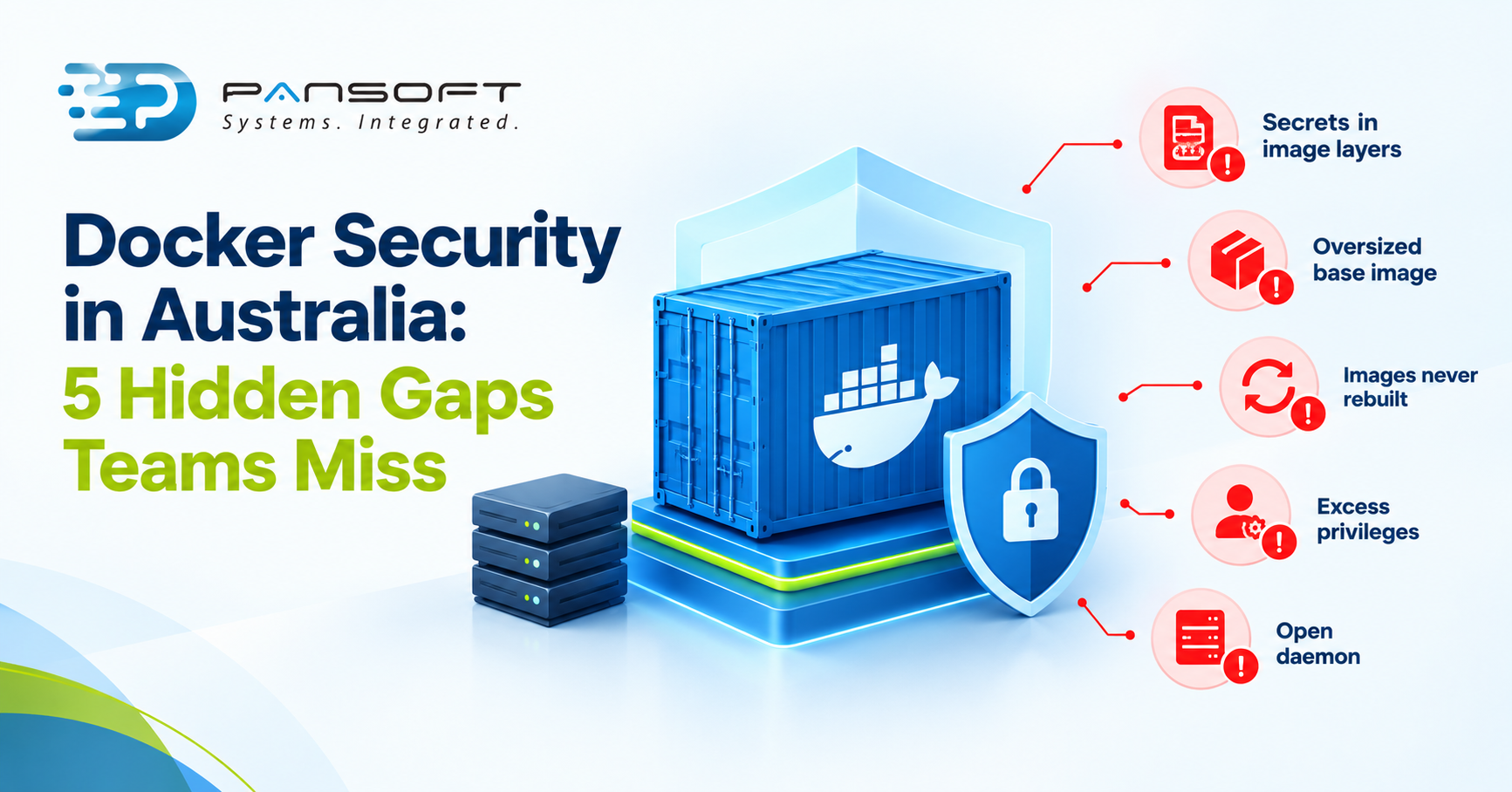
Docker Security in Australia: 5 Hidden Gaps Teams Miss
Docker security in Australia, as anywhere, comes down to five habits built in from the start: keep secrets out of images, shrink the base image, pin and rebuild regularly, run with least privilege and lock down the daemon. Smaller images help with several of them.
This is for IT managers and technical leads who already run containers, or are about to, and want to know where the gaps usually sit. Pansoft’s Docker Consulting Services page covers how we help.
What does Docker security involve for Australian teams?
Docker’s own documentation names four areas to review: the kernel’s isolation features, the Docker daemon’s attack surface, the container configuration, and the kernel’s hardening features. In practice that means securing what goes into an image and what the container and host are allowed to do.
| Gap | What it exposes | What closes it |
|---|---|---|
| 1. Secrets in image layers | Credentials readable by anyone who can pull the image | Secret mounts at build time |
| 2. An oversized base image | Extra packages, extra vulnerabilities | Minimal base image, multi-stage build |
| 3. Images never rebuilt | Patches released after the build are missing | Regular rebuilds and scanning |
| 4. Excess privileges | A compromised container can reach more of the host | Fewer capabilities, narrow mounts |
| 5. An open daemon | Control of every container on the host | Trusted users only, TLS, private network |
NIST’s Application Container Security Guide is the long-form reference if you want the full risk model. The five gaps above are the ones you can start closing this week.
Picture a service image built once during a launch and deployed unchanged ever since. The application code is fine. The base image underneath is a snapshot from the day it was built, and every patch released since is missing.
1. Secrets that travel with the image
Putting a token in an ENV or ARG line feels harmless. Docker’s own build check warns that secrets set this way persist in the final image.
Secret mounts are the alternative. They expose a secret to a single build step and, according to Docker, don’t persist in the final image or its metadata.
2. A base image bigger than the job
Docker’s build guidance is to choose a minimal base image, because a smaller one shrinks the vulnerabilities introduced through dependencies. It also suggests two base images: one for building and testing, and a slimmer one for production.
That’s why Docker Image Optimisation is mostly security work in disguise. A multi-stage build leaves compilers and debugging tools behind, and a .dockerignore file keeps files that aren’t needed out of the build context.
3. Images nobody rebuilds
Docker images are immutable, so an image keeps whatever its base and libraries looked like on build day. Docker advises rebuilding regularly, and using --pull to fetch a fresh base.
Pinning a base image by digest guarantees you get the same image every time, but Docker points out it also opts you out of automated security fixes. Pair pinning with a tool such as Dependabot, which raises pull requests when a pinned base image has an update.
For Australian teams, the Essential Eight lists patching applications and patching operating systems among its eight baseline strategies. An image bundles both, so a rebuild schedule is how that discipline reaches containers.
4. Containers with more power than they need
By default, Docker drops all capabilities except those it needs. Its security documentation still warns that the default capabilities and mounts can provide incomplete isolation, on their own or combined with kernel vulnerabilities.
The recommended practice is to remove every capability the process doesn’t explicitly need. Be equally careful with bind mounts, because Docker notes it can share a host directory with a container without limiting the container’s access rights.
5. A daemon left exposed
Running containers means running the Docker daemon, which requires root privileges unless you opt in to Rootless mode. Docker says only trusted users should control the daemon.
Docker doesn’t permit exposing the daemon’s API over HTTP without TLS, and it recommends keeping the API reachable only from a trusted network or VPN. The details are in Docker’s Engine security documentation.
What should you do first?
- Search your Dockerfiles for ENV and ARG lines that hold credentials, and move them to secret mounts.
- Swap each base image for a minimal one, and split build and runtime stages.
- Pin versions, then schedule rebuilds so patches reach production.
- Drop capabilities you don’t need, and mount only the host paths a container requires.
- Build and test images in a CI/CD pipeline so these checks run on every change, which is where DevSecOps practices start paying off.
Common questions
Is a smaller Docker image always more secure?
Usually safer, not automatically safe. Docker says a smaller base image shrinks the vulnerabilities introduced through dependencies and can lower the attack surface. It does nothing about secrets baked into layers or excess privileges, so image size is one control among several.
How often should we rebuild images?
Docker’s guidance is to rebuild regularly, because an image is a snapshot of its base and libraries on the day it was built. Choose a schedule you can test and deploy reliably, and rebuild sooner when a serious base-image issue is announced.
Do we need Kubernetes to do any of this?
No. Every step above applies to plain Docker. Container orchestration with Kubernetes adds its own hardening work on top, such as access control and network rules, so get the image and host basics right first, because a cluster only multiplies whatever your images contain.
Where to go from here
Most of these gaps cost little to close once someone looks for them. If you’d like a second opinion on your images, or help with Docker Containerisation Services more broadly, get in touch with the Pansoft team. Our DevOps consulting and wider DevOps teams are happy to talk it through, with no obligation.
Learn more about cyber security services in Australia.

Related Posts

Enterprise SD-WAN Platform Australia Buyers, Essential Multi-WAN Checks
Enterprise SD-WAN Platform Australia Buyers, Essential Multi-WAN Checks By the Pansoft Technologies team | Published 6 November 2026 | Last reviewed: November 2026 An enterprise…
Read More
What Is Zero-Touch Deployment? Essential Facts for Multi-Site Rollouts
What Is Zero-Touch Deployment? Essential Facts for Multi-Site Rollouts By the Pansoft Technologies team | Published 6 November 2026 | Last reviewed: November 2026 Zero-touch…
Read More