
Next-Generation Antivirus and Endpoint Protection: What Changed From Traditional AV
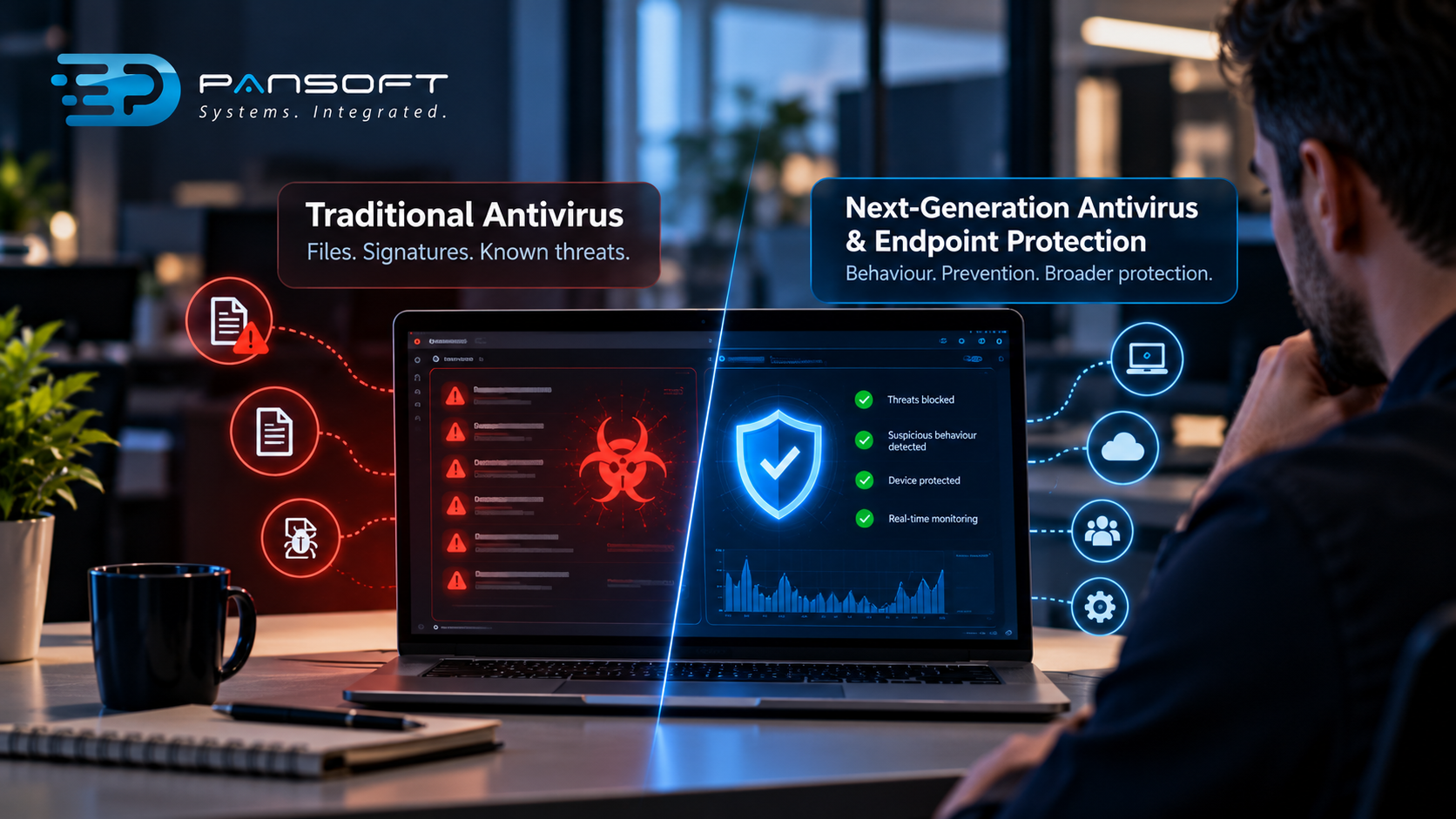
Traditional antivirus checks files against a list of known threats. Next-generation tools also watch what software does, so they can catch threats nobody has catalogued yet. The shift is from recognising bad files to spotting bad behaviour, which matters because many attacks now borrow normal admin tools.
How did traditional antivirus actually work?
It kept a database of known malware fingerprints, called signatures, and scanned files against that list. If a file matched, it was blocked. If it didn’t, it was let through.
That model worked well when malware was mostly copied around unchanged. Update the list, run a scan, job done.
Then attackers got lazy in the cleverest way. Change one small thing in a file and the fingerprint no longer matches. Hide the attack inside a legitimate program, or skip files altogether and run commands in memory. The list never catches up fast enough.
There was a practical annoyance too. Full scans could crawl across older laptops, and plenty of staff learned to cancel them mid-way. Fair enough, really, but not great for security.
What does that mean for your business? If your protection is purely signature-based, it’s a good net for yesterday’s threats and a thin one for new ones.
What does next-generation antivirus do differently?
It judges activity, not just identity. Instead of asking “have we seen this file before?”, it asks “is this program behaving like something harmful?”
That changes a lot. A document that suddenly launches a script, a program trying to disable security settings, a process encrypting hundreds of files in a minute. None of those need a known signature to look wrong.
Many products also use trained models to score whether a file or action looks malicious, and they push updates from the cloud rather than waiting on a daily download. Some block common exploit techniques directly, which helps against attacks that abuse unpatched software.
Put plainly, next-generation antivirus and endpoint protection tools aim to stop more of what’s new, while using less of the laptop’s patience. The exact features vary a fair bit between products, and vendors use the label loosely. Ask what a product actually does, not what it’s called.
How do the two approaches compare?
Traditional AV recognises known threats and relies on updates. Next-gen tools add behaviour monitoring and wider telemetry. The table shows the general split, but individual products differ.
| Traditional antivirus | Next-generation tools | |
|---|---|---|
| Main method | Signature matching | Behaviour analysis plus signatures |
| New or unknown threats | Weak | Better, not perfect |
| Updates | Regular definition downloads | Often continuous, cloud-assisted |
| Visibility after an incident | Limited | Usually a device activity record |
| Response options | Quarantine a file | Often isolate or roll back |
| Impact on devices | Can be heavy during scans | Generally lighter, varies by product |
Neither column means the problem is solved. It means the odds are better.
Where do EPP, EDR and XDR fit in?
An Endpoint Protection Platform (EPP) is the category name for the prevention layer, and next-gen antivirus normally sits inside it. EDR adds detailed recording and investigation. XDR stretches that view beyond devices.
Extended Detection and Response (XDR) pulls signals from more places, such as email, user identities, cloud apps and the network, then connects them. If a stolen password leads to a strange login and then a strange file, XDR tries to show that as one story rather than three unrelated alerts.
Whether you need XDR depends on how much of your risk lives outside the laptop. A business running mostly cloud apps, with staff signing in from everywhere, gets more from the wider view. A business with a handful of desktops in one office may not.
Don’t be talked into the biggest acronym by default. Start with what you need to see.
Does next-gen mean you can stop worrying?
No. Better detection still produces alerts, and alerts need someone to read them. A clever tool nobody watches is a very quiet failure.
Think of a Friday night. Something odd happens on a finance laptop at 11pm. The software flags it, perhaps even isolates the device. Then what? Who sees the alert, who decides, who rings you?
That’s the gap managed endpoint security is meant to fill. Instead of your IT person adding another dashboard to a full workload, a team watches the alerts, separates real problems from noise and tells you what to do. It’s the human side of threat detection and response, and software alone doesn’t provide it. You can see how Pansoft approaches this on the endpoint protection page.
It also pays to keep expectations honest about compliance. Cyber security compliance Australia depends on your industry and your contracts, and details change, so check what applies to you rather than assuming a product covers it. Essential Eight alignment works the same way. The Essential Eight is a set of mitigation strategies from the Australian Cyber Security Centre, not something you buy. Patching, multi-factor authentication and backups sit on that list, and no antivirus replaces them. Good endpoint tooling supports the work and helps show it’s holding up.
What should you check before switching?
Check compatibility, coverage and who’s responsible for alerts. Most failed rollouts come from skipping one of those three, not from the technology itself.
- Old machines. Test a few before committing the whole fleet.
- Overlap. Running two protection products at once can cause conflicts and slow devices down, so plan the cutover properly instead of installing the new one on top.
- Forgotten devices. Contractor laptops, a spare server, a director’s personal tablet. Attackers love the machine nobody remembered.
- Who gets the alert, and when? Get a name, not a team alias.
- Can the provider isolate a device themselves, or do they phone you first? Both can work. Know which one you’ve signed up for, because midnight is a poor time to find out.
- Exit terms. What happens to your data if you leave?
Then there’s the plan for after detection. Incident response planning, meaning who gets called, who can take a device offline and when customers are told, should exist before anything happens. Products don’t write it for you.
If you’re not sure where your gaps are, a security assessment is a sensible first step, and it’s usually cheaper than guessing wrong. Endpoint protection is also one piece of a bigger picture, and the rest of that picture sits under cyber security.
Quick questions
Is traditional antivirus still worth having?
On its own, it’s not enough for most businesses. Signature matching still catches known threats, and many modern products include it, but it misses behaviour-based attacks. Treat it as one layer, not the whole defence.
Is next-gen antivirus the same as EDR or XDR?
No. Next-gen antivirus focuses on blocking threats on the device. EDR adds detailed recording and investigation, and XDR widens that view across email, identity and cloud. Some products bundle several of these together.
Do small businesses need next-generation protection?
Usually, yes, at least at the prevention level. Attackers don’t check company size first. What changes for smaller teams is whether to add monitoring on top, and that depends on the data you hold and who’s available to respond.
Want to talk it through?
If you’re comparing options, no pressure at all. Pansoft can look at what you’re running now, where it falls short and whether a simple upgrade or a managed service makes sense. You can get in touch whenever suits you.

Related Posts

Enterprise SD-WAN Platform Australia Buyers, Essential Multi-WAN Checks
Enterprise SD-WAN Platform Australia Buyers, Essential Multi-WAN Checks By the Pansoft Technologies team | Published 6 November 2026 | Last reviewed: November 2026 An enterprise…
Read More
What Is Zero-Touch Deployment? Essential Facts for Multi-Site Rollouts
What Is Zero-Touch Deployment? Essential Facts for Multi-Site Rollouts By the Pansoft Technologies team | Published 6 November 2026 | Last reviewed: November 2026 Zero-touch…
Read More