
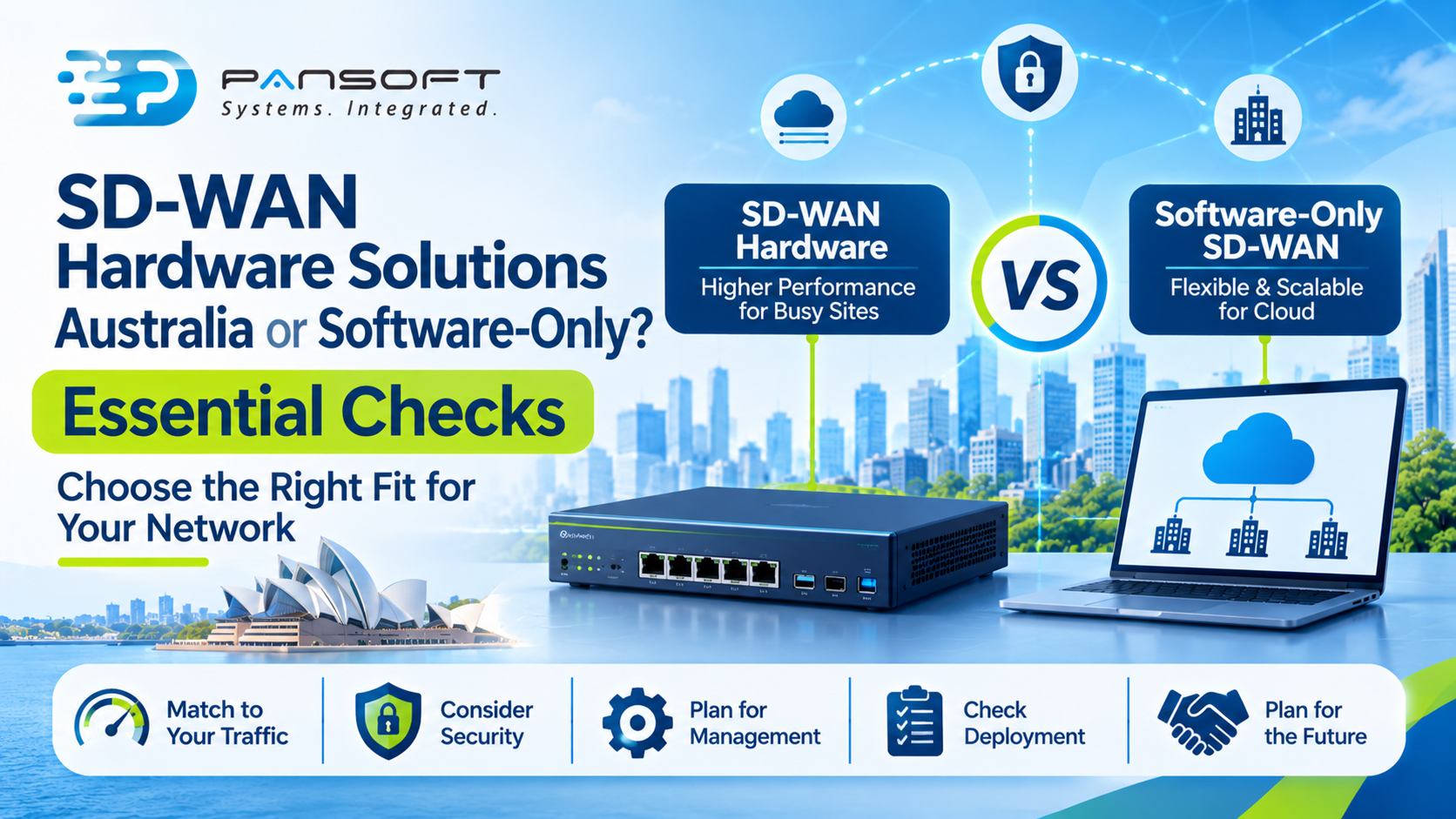
SD-WAN Hardware Solutions Australia or Software-Only? Essential Checks
By the Pansoft Technologies team | Published 6 November 2026 | Last reviewed: November 2026
Most sites still need a physical device at the edge, so the choice is hardware at busy sites and software-only in the cloud or small ones. SD-WAN hardware solutions Australia buyers choose should match each site’s traffic, security needs and who runs it.
This is for IT managers and finance leads comparing appliances with virtual options for a multi-site network. Our hardware products page covers the equipment side, and our C-WAN and C-WAN Express pages show the service options.
What is the difference between SD-WAN hardware and software-only?
An SD-WAN appliance is, in Palo Alto Networks’ words, a hardware or virtual device that enables the deployment and management of SD-WAN networks. Hardware means a dedicated box at a branch, data centre or head office. Software-only means the same job running as a virtual machine in a data centre or cloud platform.
That page comes from a vendor, so read it as one side’s view. Still, the split it describes is common. Physical units offer more throughput and processing power. Virtual ones are flexible and scale more easily.
When do SD-WAN hardware solutions in Australia make sense?
They make sense where traffic is heavy, the site is permanent and you want predictable performance. Palo Alto Networks says organisations with large, high-traffic environments often prefer physical appliances for performance and reliability.
A hybrid is normal, whichever SD-WAN hardware solutions Australia suppliers you shortlist. High-traffic sites get a physical unit, while smaller or remote sites and cloud workloads use virtual ones. Treat that as a starting point, not a rule, because appliance features, management tools and vendor capabilities all vary.
Where does software-only SD-WAN fit?
Software-only fits cloud and fast-changing environments, and it comes with more homework than people expect. Microsoft’s guidance for Azure Virtual WAN describes four ways to connect SD-WAN, and the indirect option uses a virtual CPE in your own network where the customer is responsible for high availability, scalability and routing.
The same page notes a trade-off for branch devices connecting over IPsec. Some vendor-proprietary traffic optimisation based on real-time traffic characteristics may not be supported. In other words, the way you connect to the cloud can change which features you actually get. An enterprise SD-WAN platform is only as good as the connection model beneath it, so ask which one you’re buying.
How do the two options compare?
| Factor | Hardware appliance | Software-only (virtual) |
|---|---|---|
| Where it runs | Dedicated box at the site | Virtual machine in a data centre or cloud |
| Performance | Higher throughput and processing power, per Palo Alto Networks | Depends on the host it runs on |
| Flexibility | Slower to change, as it’s a physical item | Flexible and scalable |
| Who runs availability | Usually the vendor or your provider’s design | Often you, in the indirect Azure model |
| Security | Basic built-in features, check integrations | Same limit, check integrations |
The verdict: choose hardware for busy, permanent sites and software for cloud edges and fast-moving ones. Neither replaces proper security. Palo Alto Networks says an SD-WAN appliance isn’t designed for comprehensive security, and that not all appliances support security integrations, so check that early.
What does zero-touch deployment really involve?
It’s less magic than the name suggests. Cisco’s documentation for onboarding a vEdge device by ZTP lists prerequisites: the service provider side needs a DHCP server, the device serial number must be added to the Cisco plug-and-play portal, and a predefined configuration must be attached to the device in vManage.
That’s one vendor’s older product, so other platforms differ. The lesson holds across them. The branch gets plug-and-play only because someone prepared the configuration, registered the device and organised the internet service first. Plan that work before the boxes ship.
What does a mixed estate look like?
Here’s a hypothetical, not a client story. Picture a company with a head office, six branches and workloads in a public cloud. The head office and two busy branches get physical units. The four small branches and the cloud use virtual edges. It sounds neat, but the team discovers the cloud edge needs its own high-availability design, and two branches have no DHCP on the service provider side. Neither problem was in the quote.
The fix was a site-by-site checklist before purchase, not a different product. When a provider talks about an edge SD-WAN platform, ask for that checklist.
What should you ask a provider?
- Which sites get hardware, and why? Ask for the reasoning per site, not a blanket answer.
- Who runs high availability for virtual edges? In some cloud models that’s you.
- What preparation does onboarding need? Ask for the full list, including registrations and DHCP.
- How does security integrate? Ask what’s built in and what’s added.
- What happens at refresh? Hardware ages. Ask how and when it’s replaced.
What five checks come before you buy?
- Rank your sites by traffic and importance.
- Decide which sites genuinely need a physical device.
- Confirm the cloud connection model and its feature limits.
- List the preparation each site needs before onboarding.
- Agree who owns security and availability after go-live.
FAQ
Do I need SD-WAN hardware at every site?
Not always. Palo Alto Networks says organisations often use physical appliances at high-traffic sites and virtual ones at smaller or remote locations. Cloud workloads usually suit virtual edges. Decide site by site, based on traffic, availability needs and who will manage the device.
Is software-only SD-WAN cheaper?
We can’t say, and no source we checked gives a reliable comparison. Software-only avoids a physical box, but you may take on high availability, scaling and routing yourself. Compare the full running cost, including support and staff time, before deciding.
Does SD-WAN replace my firewall?
No. Palo Alto Networks describes built-in appliance security as a basic foundation and says an appliance isn’t designed for comprehensive security. Many organisations add separate security tools. Confirm what your chosen platform integrates with, and what it leaves to you, before you remove or change anything.
Want to talk it through?
If you’re unsure which sites need hardware and which don’t, get in touch. We’re happy to talk through your sites, with no pressure to commit.

Related Posts

Enterprise SD-WAN Platform Australia Buyers, Essential Multi-WAN Checks
Enterprise SD-WAN Platform Australia Buyers, Essential Multi-WAN Checks By the Pansoft Technologies team | Published 6 November 2026 | Last reviewed: November 2026 An enterprise…
Read More
What Is Zero-Touch Deployment? Essential Facts for Multi-Site Rollouts
What Is Zero-Touch Deployment? Essential Facts for Multi-Site Rollouts By the Pansoft Technologies team | Published 6 November 2026 | Last reviewed: November 2026 Zero-touch…
Read More