
Zero Trust Network Access Explained for Business Owners
By the Pansoft Technologies team | Published 19 October 2026 | Last reviewed: October 2026
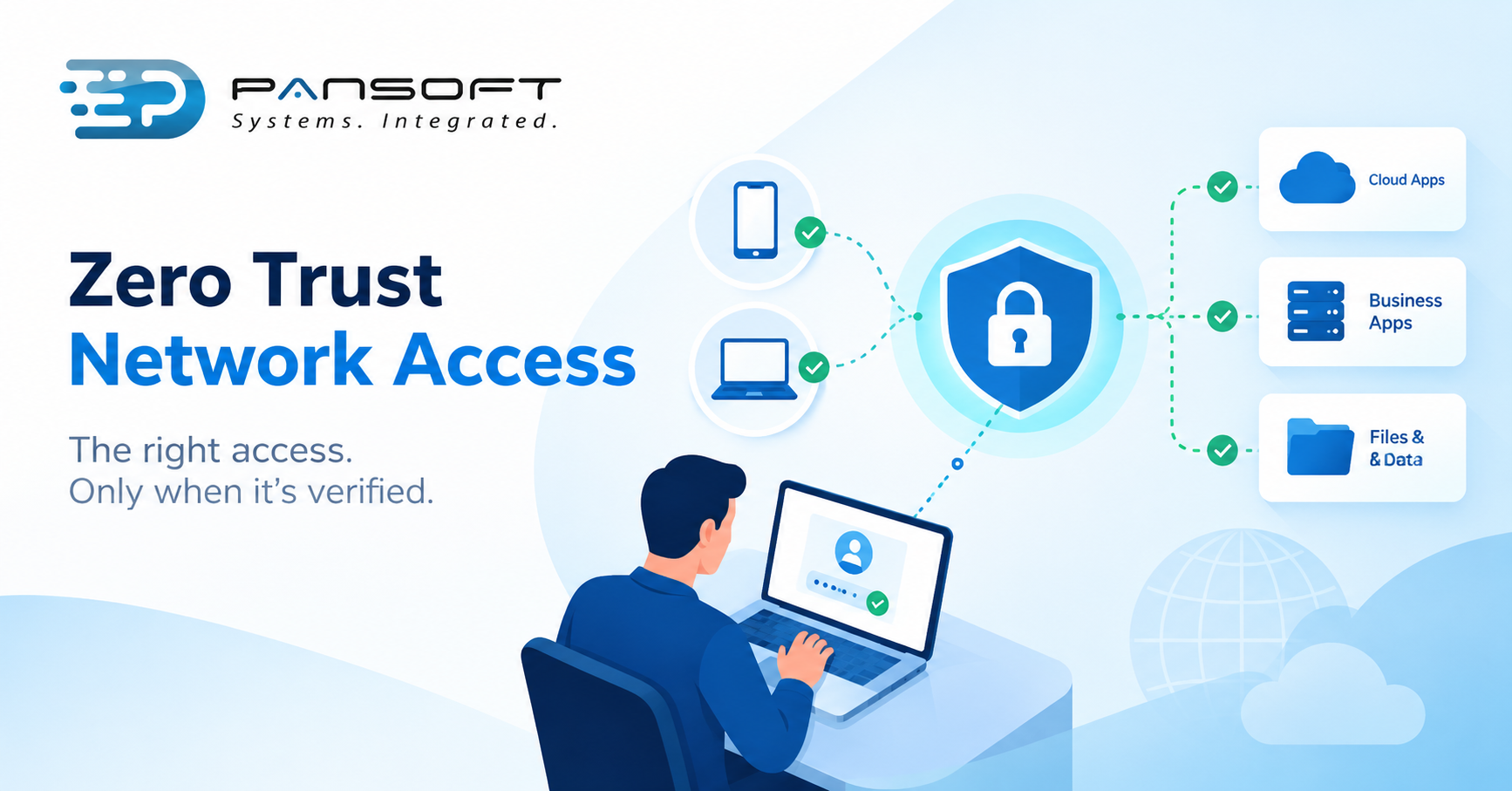
Zero Trust Network Access (ZTNA) lets staff reach specific business apps only after the system checks who they are and whether their device is healthy. It replaces the old habit of trusting anyone who gets inside the network, which suits remote teams.
This is for owners and IT managers weighing up remote access who want to know whether zero trust is something to buy or a way of working.
What does “zero trust” actually mean?
It means being inside the network no longer earns trust. Every request to reach an app gets checked, every time, using who the person is, what device they’re on and what they’re asking for.
The old model was a castle and moat. Get past the gate and you could wander. NIST’s Zero Trust Architecture publication (SP 800-207, August 2020) describes zero trust as a move away from network-based perimeters towards protecting users, assets and resources, with no trust granted just because of where a device sits or who owns it.
Australia’s own guidance lands in the same place. The Australian Signals Directorate’s Australian Cyber Security Centre (ACSC) builds its advice around “never trust, always verify”, assuming breach and verifying explicitly, and starts from the view that the network can’t be taken at face value.
What does that mean for your business? One stolen password stops being a master key.
How is ZTNA different from a VPN?
A VPN typically puts a device onto your network with wide reach. ZTNA connects a verified user to one app at a time and keeps the rest hidden.
| Traditional VPN | ZTNA | |
|---|---|---|
| What a user reaches | The network segment, subject to firewall rules | Only the apps they’re approved for |
| Trust after sign-in | Largely assumed for the session | Re-checked using identity, device and context |
| If credentials are stolen | The attacker may roam the network | The attacker is limited to that user’s apps |
| Best fit | Site-to-site links, some legacy apps | Remote staff, cloud apps, contractors |
| Setup needs | Familiar to most IT teams | Identity provider and device management in place |
SecureW2, a network authentication vendor, draws the same line. It says VPNs still earn a place for site-to-site links and awkward legacy apps, and that plenty of organisations run both side by side.
It also leans on a decent identity provider and device management, so shaky foundations come first.
What does it look like day to day?
Mostly invisible. Staff sign in, the system checks the person and the device, and they land in the apps they use. The difference shows up when something looks wrong.
Picture a hypothetical. A bookkeeper types their password into a convincing fake login page. Under a VPN, the attacker might connect and start poking around file shares, printers and servers the bookkeeper never touches.
Under ZTNA, the attacker hits a wall sooner. The device is unknown, so access is refused or limited. Even if they get further, the bookkeeper’s permissions only cover the accounting system.
It doesn’t make an attack impossible. It makes the damage smaller and the trail easier to follow.
Does ZTNA replace your firewall?
No. ZTNA decides who reaches which app, while a Next-Generation Firewall (NGFW) still inspects traffic and guards the network edge. They do different jobs, so don’t assume one covers the other.
Treat ZTNA as another layer in your firewall network security, not a swap. Check what’s in the licence before buying twice.
You can read how Pansoft approaches network protection on the firewall and network security page.
Do you need it, and where does compliance fit?
Probably, if you’ve got remote staff, cloud apps or contractors who need partial access. Probably not yet if everyone works from one office on a simple setup.
Some gut-checks:
- Remote or travelling staff. Strong case.
- Contractors who need one system, not everything. ZTNA is built for exactly this.
- Mostly one office, a few cloud apps. Solid firewall rules and multi-factor authentication may do the job for now.
- A VPN login nobody has reviewed in years. Start there. ASD’s own definition of an online service lists VPN concentrators, so that login belongs in any Essential Eight conversation.
Cyber security compliance Australia depends on your industry and your contracts, so check what actually applies to you instead of assuming a product ticks the box. ASD describes the Essential Eight as eight baseline mitigation strategies, including multi-factor authentication and restricting administrative privileges, and says Maturity Level One may suit small to medium businesses. ZTNA isn’t one of the eight, and ASD doesn’t publish an approved product list.
For most mid-sized firms, Essential Eight alignment is the sensible first target. ASD’s modern defensible architecture guidance, published in February 2025, positions zero trust as complementary advice on top of it, not a replacement.
Not sure where your remote access stands? A security assessment will show you faster than a sales call.
What goes wrong with zero trust projects?
Mostly planning, not technology. Access rules end up too loose to mean anything, or so tight that staff find workarounds. A smaller first stage than the vendor suggests usually fixes it.
- No app inventory. You can’t give access to apps nobody’s listed.
- Rules that say “everyone, everything”. That’s a VPN with extra paperwork.
- A day-one rollout to the whole company. Start with one group, learn what breaks, then widen.
- Legacy apps. Some rely on protocols a ZTNA proxy can’t handle without changes, so they’re often the ones left on the VPN.
- No owner afterwards. People change roles, contractors leave, and access quietly piles up.
- No plan for the wrong lockout. The managing director shut out before a board meeting is a bad look.
Then there’s what happens after something goes wrong. Good access control produces useful logs, but they only help if somebody reads them. That’s the threat detection and response side, and the tool can’t do it for you. Incident response planning, meaning who gets called, who can cut off an account and when customers are told, should exist before the alert, not during it.
Should you run it yourself or have it managed?
If you have network staff with time to design rules, review access and watch alerts, running it yourself can work. If IT is two people in six hats, managed is the more realistic route.
Managed Firewall Services Australia providers tend to sound alike, so ask practical questions. Who changes the access rules, and how fast? Who reviews alerts after hours? Can you see what the provider sees? What happens to your configuration if you leave?
Access control is one layer among several, and the rest sits under cyber security.
Quick questions
Is ZTNA the same as a VPN?
No. A VPN usually connects a device to your network with broad reach, while ZTNA connects a verified user to specific apps only. Some products blur the two, so ask how each one behaves once someone is connected, and what they can then reach.
Does ZTNA work with older on-premises apps?
Sometimes. ZTNA can broker access to apps in a private data centre, but some legacy apps rely on protocols or port ranges a ZTNA proxy can’t handle without changes. Those often stay on a VPN while other apps move across.
Do we need ZTNA to meet the Essential Eight?
No. The Essential Eight is eight baseline mitigation strategies, including multi-factor authentication, and ZTNA isn’t one of them. ASD doesn’t publish an approved product list either, so choose tools against your own needs, your contracts and the maturity level you’re aiming for.
Want to talk it through?
If you’re weighing this up, there’s no pressure. Pansoft can look at how your people connect today, where the gaps are and what to fix first. You can get in touch whenever suits you.
Sources
- Zero Trust Architecture (NIST SP 800-207), National Institute of Standards and Technology
- Modern defensible architecture, ASD’s Australian Cyber Security Centre
- Essential Eight maturity model FAQ, ASD’s Australian Cyber Security Centre
- ZTNA vs. VPN: Differences and Which Is Better for Secure Remote Access, SecureW2

Related Posts

Enterprise SD-WAN Platform Australia Buyers, Essential Multi-WAN Checks
Enterprise SD-WAN Platform Australia Buyers, Essential Multi-WAN Checks By the Pansoft Technologies team | Published 6 November 2026 | Last reviewed: November 2026 An enterprise…
Read More
What Is Zero-Touch Deployment? Essential Facts for Multi-Site Rollouts
What Is Zero-Touch Deployment? Essential Facts for Multi-Site Rollouts By the Pansoft Technologies team | Published 6 November 2026 | Last reviewed: November 2026 Zero-touch…
Read More